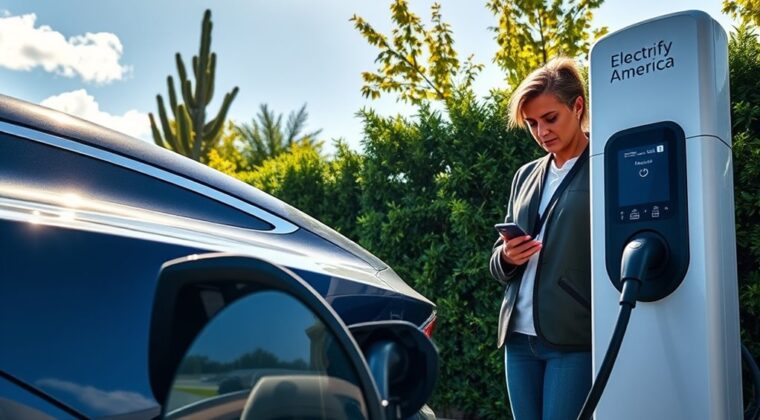
Using an Electrify America charger is simple once you know three things before you park: which connector your EV uses, how you want to pay, and which charger number you are using. The safest approach is to check the station in the Electrify America app first, match the connector to your vehicle, then follow the charger screen and app prompts until the session starts.
Quick Answer
To use an Electrify America charger, find a station in the app or on the Electrify America locator, confirm your connector type, park close enough for the cable to reach, start the session with the app, card reader, Plug&Charge, or supported in-car method, then monitor the screen until charging is complete.
Key Takeaways
- Check connector compatibility before you drive to the station, especially if your EV uses CCS, CHAdeMO, NACS, or an adapter.
- You can usually start a session through the Electrify America app, a credit or debit card reader, Plug&Charge on eligible vehicles, or supported in-car tools.
- Charging speed depends on the charger, your vehicle’s max DC fast-charge rate, battery temperature, and state of charge.
- Pricing, power level, and idle-fee details can vary by location, so check the app or the charger screen before starting.
- Move your EV after the session ends to avoid idle fees and to free the charger for the next driver.
At a Glance
| Time Required | About 5 minutes to start, plus your vehicle’s charging time |
| Difficulty | Easy once your connector and payment method are ready |
| Tools Needed | EV, compatible connector or adapter, Electrify America app or payment card |
| Cost | Varies by station, plan, energy delivered, taxes, and possible idle fees |
Overview of Electrify America’s Charging Network
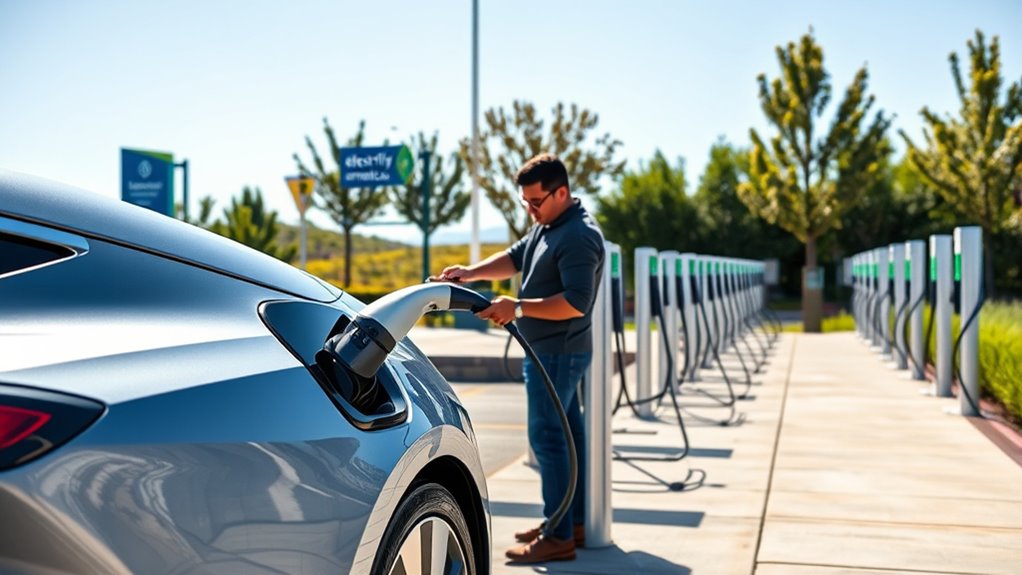
Electrify America is a major U.S. public DC fast-charging network. Its DC fast chargers are meant for road trips, city charging, and quick stops when you need more range away from home.
The network uses charger labels to help you choose the right plug. Electrify America describes green Hyper-Fast CCS connectors as offering up to 350 kW, teal Ultra-Fast CCS connectors as offering up to 150 kW, and blue CHAdeMO connectors as offering up to 50 kW. Your actual speed depends on what your vehicle can accept, not only what the charger can provide.
A 350 kW label does not mean every EV will charge at 350 kW. The charger supplies the highest power your vehicle can safely request under the current battery conditions.
Before You Charge, Check Compatibility
Start with your vehicle owner’s manual or charging screen. Look for your DC fast-charging connector type and your vehicle’s maximum DC fast-charge rate. This helps you avoid pulling up to a charger that cannot work with your EV.
Note: Electrify America station filters may show CCS, CHAdeMO, NACS, and Level 2 options. Availability varies by station, so always check the app or charger screen before you depend on a specific connector.
CCS
Most modern non-Tesla EVs in North America use CCS for DC fast charging. Electrify America CCS connectors may be labeled Ultra-Fast or Hyper-Fast depending on the charger.
CHAdeMO
CHAdeMO is used by some older EVs. Electrify America lists CHAdeMO as a connector type, but it is usually lower power than CCS on this network, with charging up to 50 kW where available.
NACS and Tesla
Some stations and vehicles now involve NACS support, but you should not assume every Electrify America charger has a NACS connector. If you drive a Tesla or another NACS vehicle, check your vehicle support, adapter requirements, and the station listing before you go.
Locating Electrify America Charging Stations Near You
The easiest way to find a station is through the Electrify America mobile app. The app can show nearby stations, real-time charger availability, connector types, charger speeds, and session updates for compatible EVs.
You can also use the Electrify America charger locator or search in Google Maps. Before you drive to a station, check:
- Connector type, such as CCS, CHAdeMO, NACS, or Level 2.
- Charger status and whether stalls are available.
- Power label, such as Ultra-Fast or Hyper-Fast.
- Station access details, including parking lot hours if shown.
- Pricing, idle-fee notes, and any time-of-use pricing shown in the app or on the charger.
Check EV & Connector Compatibility
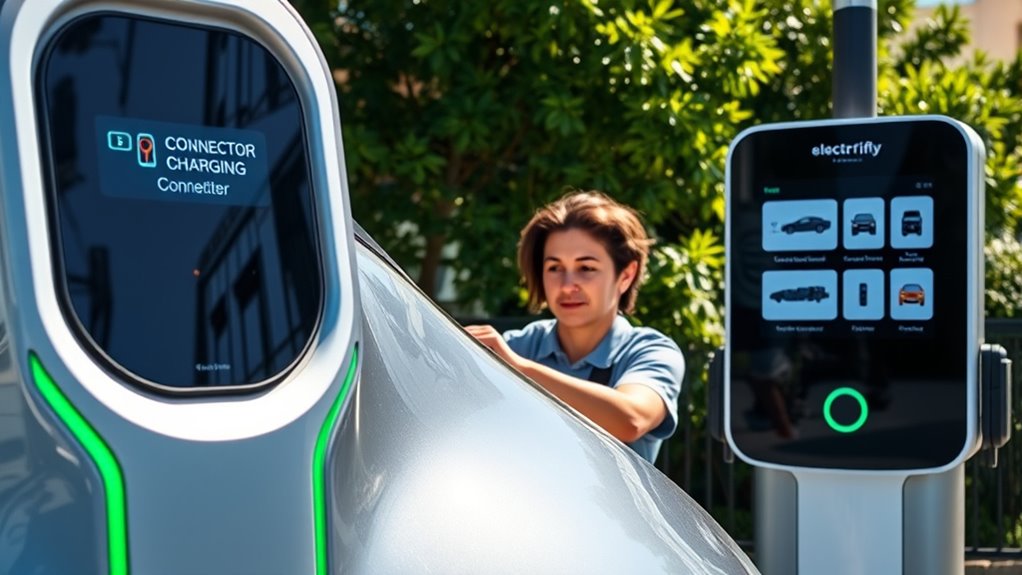
Once you arrive, park so the correct cable can reach your charge port without pulling tight. Some EV charge ports are at the front, rear, or side of the vehicle, so stall position matters.
Look at the label near the connector and compare it with your vehicle’s port. If there are two connectors on a charger, remember that select Electrify America chargers can use only one connector at a time. If another driver is using the paired connector or a balanced charger is sharing power, your speed may be lower than the label’s maximum.
Warning: Do not force a connector into your EV. If it does not fit cleanly, stop and confirm the connector type. Forcing a DC fast-charge connector can damage your vehicle port or the charging cable.
Setting Up the Electrify America Mobile App
You do not always need the app to charge, but it makes the process easier. Download the app from the Apple App Store or Google Play, create an account, and add a valid payment method before your first session.
With the app, you can:
- Find stations and view charger availability.
- Filter by connector type and charger speed.
- Start a charging session from your phone when you are near the charger.
- Track charging progress, energy delivered, and charge history.
- Receive alerts when a charger opens or when your EV reaches a target state of charge, if your vehicle supports that data.
- Join Pass or Pass+ if the plan fits your charging habits.
If your EV and account are eligible, you may also be able to activate Plug&Charge. Plug&Charge can automatically identify your account and start the session after you plug in, but it must be enrolled first and not every vehicle is eligible.
How to Start Your Charging Session
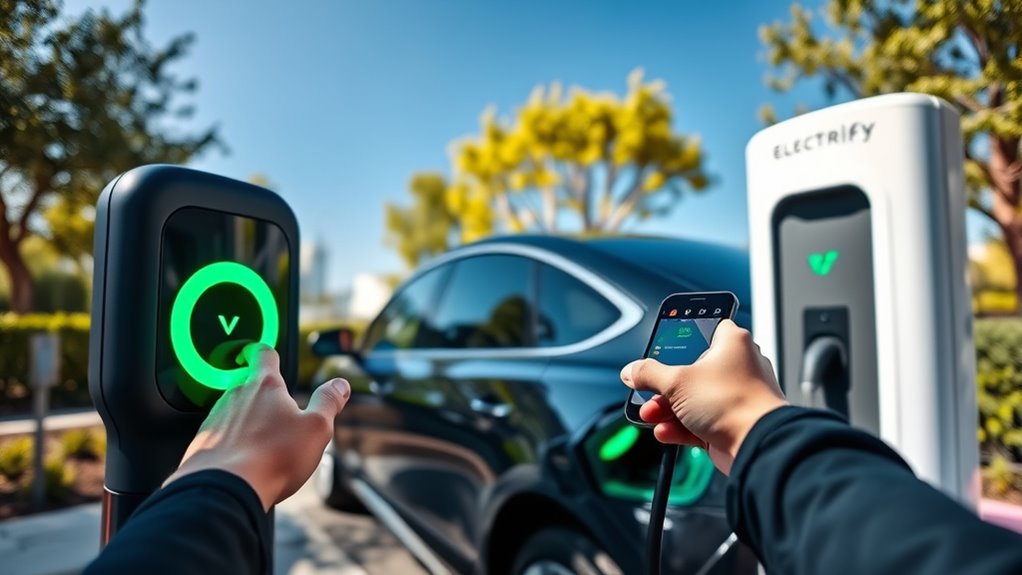
Electrify America supports several ways to start a charge. The exact steps may vary by charger, but this workflow covers the normal process.
Step 1: Park and Confirm the Charger Number
Park close enough for the cable to reach your EV. Open the app, choose the station where you are located, and match the charger number in the app to the number shown above the charger screen.
Step 2: Choose How You Want to Start
You can usually start with one of these methods:
- Electrify America app: Select the correct station and charger, confirm your payment method or plan, then tap the start button.
- Credit or debit card: Use the card reader on the charger if you are charging as a guest.
- Apple Pay or Google Wallet: Use the supported contactless payment option when available at the charger.
- Plug&Charge: If your eligible EV is enrolled, plug in and let the charger identify the account.
- Supported in-car tools: Some vehicles may support starting through Apple CarPlay, Android Auto, or the vehicle’s charging interface.
Step 3: Connect the Cable
Remove the connector with two hands and firmly insert it into your EV’s charging port. Listen or feel for the latch. Electrify America says the click means the connector is securely latched and the vehicle is fully connected.
Step 4: Wait for the Session to Begin
It can take a few minutes for the vehicle and charger to communicate. Watch the charger screen and app. A normal start will show session details such as charging status, power in kW, energy delivered, and sometimes your state of charge.
Pro Tip: If your EV has battery preconditioning, use your vehicle’s navigation or charging-prep feature before arriving. A battery at a better temperature can often accept faster charging.
How to Pay at Electrify America
Pricing for DC fast charging can vary by charger location, your plan, the amount of energy delivered, taxes, and station-specific fees. Electrify America says real-time pricing is available in the app or on the charger screen before you start.
Common payment options include:
- Credit or debit card at the charger.
- Payment through the Electrify America app.
- Select automaker apps.
- Apple Pay or Google Wallet where accepted.
- Pass or Pass+ membership billing through the app.
Pass has no monthly fee. Pass+ has a monthly fee and may reduce charging costs for frequent users. Check the current app price and your expected charging use before joining because pricing can change by location and plan.
Warning: Electrify America says it will never ask you to pay by scanning a QR code. If you see a QR-code sticker on a charger asking for payment, do not use it. Report it through the app or station support.
Keep an Eye on Your Charging Progress
Once charging starts, watch the charger screen or the app. Useful numbers include:
- State of charge (SOC): How full your battery is, if your EV shares that data.
- Power flow (kW): The current charging speed.
- Energy delivered (kWh): How much energy the session has added.
- Estimated time remaining: A rough estimate that can change during the session.
- Total cost: The running or final cost, depending on the display.
Do not worry if the charging speed changes during the session. DC fast charging is usually fastest when the battery is lower and warm enough. Many EVs slow down near about 80% to protect the battery, though the exact point varies by vehicle.
When Should You Stop Charging?
For road trips, the fastest stop is often not a full 100% charge. Many drivers save time by charging enough to reach the next stop with a safe buffer, then leaving once speed drops sharply. If you need the full range, charging closer to 100% is fine, but it may take much longer.
To stop manually, use the app or the charger screen. Wait for the charger to release the connector, then remove it carefully and return the cable to its holder.
Next Steps After Charging Is Complete
When your session ends, unplug the cable, place it back on the charger, and check your final session details. The charger screen or app may show energy delivered, total time, and final cost.
Move your vehicle promptly after charging. Idle fees may apply if you stay parked in a charging stall after the charging session has ended. Moving right away also helps the next EV driver use the station.
Troubleshooting Electrify America Charging Problems
If the charger does not start, try these fixes before leaving the station.
The Connector Will Not Latch
Unplug, check that you are using the correct connector, and push the connector in firmly until it clicks. Do not hold the cable at an awkward angle or force the plug.
The App Cannot Find the Right Charger
Confirm your location services are enabled, make sure you selected the correct station, and match the charger ID in the app with the number above the charger screen.
Payment Is Declined
Update your card in the app or try another accepted payment method at the charger. If your payment method is invalid, charging may not proceed.
Charging Is Slower Than Expected
Slow charging can happen when your battery is cold, hot, nearly full, or limited by the vehicle’s charging curve. A balanced charger may also share power when the adjacent charger is in use.
The Charger Is Unavailable
Try another stall at the same site, check nearby stations in the app, or contact Electrify America support. The support number shown on Electrify America’s site is 1-833-632-2778.
Frequently Asked Questions
How do I use an Electrify America charger?
Find a station, confirm your connector type, park close enough for the cable to reach, choose the correct charger number, start with the app, card reader, Plug&Charge, or a supported in-car method, then connect the cable and wait for the charging screen to show that the session has started.
How do you pay at Electrify America charging stations?
You can pay with a credit or debit card at the charger, through the Electrify America app, through select automaker apps, or with supported contactless options such as Apple Pay and Google Wallet. Pass and Pass+ members pay through the app account payment method.
Can I charge at Electrify America without the app?
Yes. You can often charge as a guest with a credit or debit card at the charger. The app is still useful because it shows real-time availability, connector type, charger speed, pricing, progress, and session history.
How do I start charging remotely with Electrify America?
Open the app while you are near the charger, select the correct station, match the charger ID to the number shown on the charger, confirm your payment method or plan, and tap the start button. You still need to connect the cable securely to the vehicle.
Why is my EV not charging at the full 350 kW?
Your vehicle controls how much power it requests. Battery temperature, battery level, vehicle hardware, charger sharing, and the vehicle’s charging curve can all reduce speed. A 350 kW charger can only deliver that level to an EV designed to accept it under the right conditions.
What happens if I leave my car parked after charging ends?
Idle fees may apply after your charging session ends. Check the charger screen or app for station-specific idle-fee details, then move your EV promptly so another driver can use the charger.
Conclusion
Electrify America chargers are easiest to use when you prepare before you plug in. Check your connector, choose the right station, confirm your payment method, match the charger number, and watch the screen until the session starts. After charging, unplug, return the cable, review your cost, and move your EV to avoid idle fees.
Sources
- Electrify America: Getting Started — DC fast charging basics, connector types, charger speed limits, battery preconditioning, and 80% charge-curve guidance
- Electrify America: How to Charge Your EV — official app-start steps, charger number matching, connector latch guidance, and session monitoring
- Electrify America: Pricing and Plans — pricing factors, payment options, idle fees, Pass+ details, and QR-code payment warning
- Electrify America: Mobile App — real-time availability, connector filters, charging progress, notifications, and charge history
- Electrify America: Plug&Charge — eligibility, setup, and how Plug&Charge starts a charging session
- Electrify America: Locate a Charger — live station locator and connector-type filters