
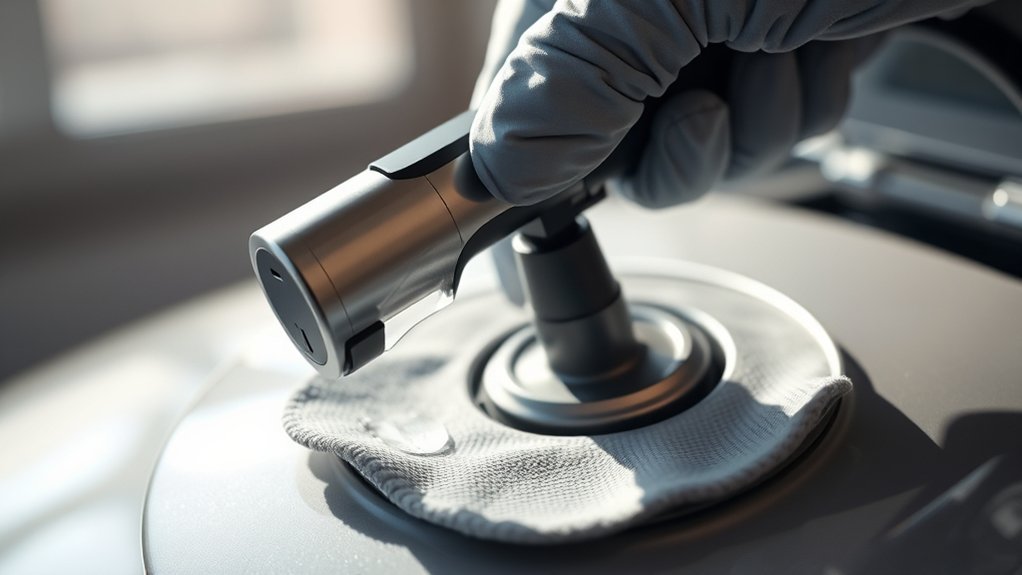
A dirty EV charging connector can slow your charge rate, trigger connection errors, or even cause overheating at the pins. Most EV owners never think about cleaning it until something goes wrong. A few minutes of care every so often keeps your charging system reliable and helps you avoid costly repairs.
Quick Answer
Turn off your vehicle and unplug the charger first. Use a foam swab or Q-tip moistened with 91% isopropyl alcohol to gently clean the charge pins. Blow out loose debris with compressed air, wipe the exterior with a pH-neutral cleaner on a microfiber cloth, and let everything air dry fully before plugging back in.
Key Takeaways
- Always power off your vehicle and unplug the charger before you start cleaning.
- Use 91% isopropyl alcohol on a foam swab for the charge pins; never spray liquid directly into the port, and never use a spray-can contact cleaner inside the port itself.
- Compressed air removes loose debris safely from both the vehicle port and the connector.
- Let the port air dry for at least 15 to 30 minutes before reconnecting to prevent moisture damage.
- There’s no universal cleaning schedule — many owners who charge mainly at home rarely need to clean the port at all, while frequent public-charger users benefit from checking it monthly.
At a Glance
| Time Required | 10–15 minutes, plus 15–30 minutes of air-dry time |
| Difficulty | Easy — no special skills or disassembly required |
| Tools Needed | 91% isopropyl alcohol, foam swabs or Q-tips, compressed air, microfiber cloth, pH-neutral cleaner, gloves, flashlight |
| Cost | Under $20 for supplies — most owners already have several of these items on hand |
What’s in This Article
- Essential Safety Precautions Before Cleaning Your EV Connector
- Understanding Your EV’s Charging Connector Type
- How to Clean Your EV Charging Connector: A Step-by-Step Guide
- Inspecting for Dirt and Corrosion in the Charging Port
- Best Practices for Cleaning Your EV Charging Pins
- How to Keep Your Charging Cable and Connector Clean
- Common Mistakes to Avoid When Cleaning EV Connectors
- Why Regular EV Charging Maintenance Matters
- How to Troubleshoot Charging Issues Caused by Dirt (and Ice)
- Community Tips and Resources for EV Maintenance
- What to Do After Cleaning Your EV Connector
- Frequently Asked Questions
Essential Safety Precautions Before Cleaning Your EV Connector
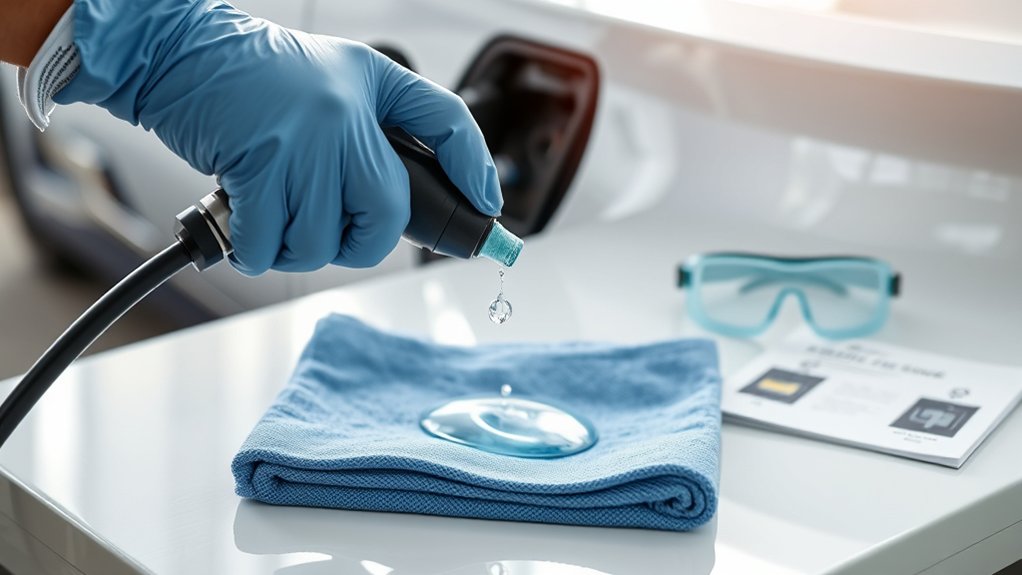
Before you start cleaning your EV charging connector, you need to prioritize safety. Turn the vehicle off and disconnect the charger completely to prevent electrical shock.
Warning: Never clean an energized connector. Touching live electrical contacts poses a serious shock hazard and can cause permanent damage to the charging system.
Keep high-pressure water and aggressive cleaning methods away from the connector. Moisture that gets into the electrical components can cause malfunctions and accelerate corrosion.
Choose a pH-neutral cleaning solution made for automotive use. It protects sensitive surfaces and contacts without leaving harmful residue. Wear protective gloves to protect your hands from chemicals and to stop skin oils from contaminating the connector pins.
Understanding Your EV’s Charging Connector Type
The cleaning process below applies broadly, but the connector in front of you depends on your vehicle and its age. Most Tesla models and a growing number of newer EVs from Ford, GM, Rivian, and others now use the North American Charging Standard (NACS) — a compact plug that carries both AC and DC current through the same pins, formally being standardized by SAE International as SAE J3400. Many EVs on the road today still use the older Combined Charging System (CCS1) inlet, which pairs a J1772-style AC connector with two larger DC pins, or a J1772-only port for AC Level 1/2 charging. A small number of older models, mainly some Nissan Leafs, use a separate CHAdeMO DC fast-charging port.
The differences mostly affect pin count and layout, not the cleaning method itself: whichever standard your vehicle uses, you’re still working with a small number of exposed metal contacts that respond well to the same gentle, alcohol-and-swab approach described below.
How to Clean Your EV Charging Connector: A Step-by-Step Guide
Time required: 10–15 minutes
What You’ll Need
- 91% isopropyl alcohol (or higher concentration)
- Foam swabs or Q-tips
- Can of compressed air
- Microfiber cloth
- pH-neutral all-purpose cleaner
- Protective gloves
- Flashlight
With your supplies ready, follow these steps to clean your EV charging connector safely and effectively.
- Power off and disconnect. Turn off your vehicle and unplug the charger from both the vehicle and the power source. This removes all electrical hazards before you touch anything.
- Blow out loose debris. Hold the compressed air can upright, about four to six inches from the port, and use short bursts to push out dust, grit, and loose particles. Pay close attention to the pin contacts and any crevices where dirt collects. Tilting the can can release cold liquid propellant instead of air, so keep it upright.
- Clean the charge pins. Dip a foam swab or Q-tip into 91% isopropyl alcohol. Gently wipe each charge pin, paying special attention to the top two AC pins and the two large DC pins at the bottom. Use light, controlled strokes. Do not force the swab past the pins.
- Wipe down the exterior. Apply a pH-neutral all-purpose cleaner to a microfiber cloth. Wipe the outer surfaces of both the connector and the port housing. Do not spray cleaner directly into the port.
- Inspect with a flashlight. Look inside the port for any remaining debris, cotton fragments, or signs of corrosion. Remove anything you find before moving on.
- Air dry completely. Let the port and connector air dry for at least 15 to 30 minutes. Do not reconnect until all moisture has evaporated.
Inspecting for Dirt and Corrosion in the Charging Port
Regular inspections of your EV charging port keep it running at peak efficiency. Catching problems early prevents charging slowdowns and connector damage.
A five-minute visual inspection — dirt, seal condition, pin corrosion — can catch a problem long before it turns into a failed charging session.
Each time you inspect, look for these specific warning signs:
- Visible dirt or dust: Even light buildup can impede the electrical connection.
- Rubber seals: Check for cracks or wear that might let contaminants into the port.
- Charge pins: Use a flashlight to check each pin for corrosion or stuck debris.
- Border channel: Keep this area clear of accumulated dirt and grime.
- Corrosion buildup: Oxidation on the pins increases electrical resistance and causes power loss during charging.
Taking five minutes to run through this checklist saves you from bigger problems later. If you see bent pins, melted plastic, or heavy pitting rather than surface dirt, stop — that’s a hardware problem, not a cleaning one, and it’s worth checking your vehicle’s warranty coverage before attempting any DIY fix.
Best Practices for Cleaning Your EV Charging Pins
The charge pins are the most sensitive part of the connector. Handle them with care to avoid bending or scratching the contacts.
Start with a Q-tip lightly moistened with 91% isopropyl alcohol. Clean the top two AC pins and the larger DC pins with gentle strokes. Avoid any aggressive force that could bend or scratch the pins.
Pro tip: After cleaning, check the swab for cotton fragments and remove any that remain in the port with a dry swab. Loose cotton near hot electrical contacts poses a fire risk.
For stubborn debris removal, use a dry Q-tip or foam swab instead of applying more liquid. Keep liquids out of the port itself. Dirty pins cause poor connections and overheating during charging, so check them as part of every cleaning session.
Finish with a final flashlight inspection before you plug the charger back in.
How to Keep Your Charging Cable and Connector Clean
Your charging cable picks up road grime, moisture, and hand oils every time you use it. Keeping it clean protects both the cable and your vehicle’s port.
- Inspect the cable and connector before each use for visible dirt, debris, or corrosion.
- Wipe the exterior with a soft, non-abrasive cloth after each session to stop moisture from reaching the electrical components.
- Clean the metal contacts with a small amount of isopropyl alcohol on a foam swab when you do your regular connector clean.
- Never use harsh chemicals or abrasive pads — they scratch contact surfaces and degrade performance over time.
- Store the cable in a dry, clean spot. Use protective caps on both connector ends to block dust and moisture when not in use.
Common Mistakes to Avoid When Cleaning EV Connectors
A few common errors can turn a simple cleaning job into an expensive repair. Avoid these pitfalls:
Keep water and high-pressure sprays away from the connector. Moisture seeps into electrical components and causes shorts and corrosion.
Warning: Never use WD-40, household cleaning products, or petroleum-based sprays on your connector. These leave residue that attracts dirt, degrades insulation, and can interfere with the electrical connection. Even a dedicated electrical contact cleaner should only ever be applied to a swab, never sprayed directly into the port.
Skip abrasive scrubbing tools. Stiff brushes and rough pads scratch sensitive contact surfaces and create the poor connectivity you’re trying to prevent.
Always unplug and power down before cleaning. Working on a live connector risks electrical shock and can damage the system.
Dry the connector and port completely after cleaning. Skipping this step leads to moisture-driven corrosion that reduces performance over time.
Why Regular EV Charging Maintenance Matters
Regular maintenance of your EV charging equipment prevents charging failures and keeps your system running efficiently. Dirty or corroded connectors reduce charge speed, cause incomplete sessions, and can lead to overheating.
Preventing Charging Issues
A neglected EV charging connector leads to real problems: incomplete charging sessions, reduced battery efficiency, and error messages on your dashboard. Preventive cleaning stops these issues before they start.
Here’s what a regular cleaning routine achieves:
- Reduces resistance: Removing dirt and debris keeps the electrical connection clean and efficient.
- Maintains charge speed: Clean contacts ensure a consistent charge current during every session.
- Catches damage early: Regular inspections reveal bent pins or worn seals before they cause a failure.
- Counters environmental factors: Salt air, dust, and public charger residue accelerate corrosion. Cleaning offsets that wear.
- Builds a routine: A quick check takes under 15 minutes and prevents costly repairs down the line.
How often you actually need to do this varies a lot. Owners who charge mainly at home with a covered Level 2 charger often go a long time between cleanings — some go years without needing to touch the pins at all. If you rely heavily on public chargers, park outside in salty or dusty conditions, or notice slower charging, checking the port monthly is a reasonable habit.
Extending Equipment Lifespan
Dirt on cables and connectors causes electrical resistance to climb, which generates heat and accelerates wear. Regular cleaning prevents that cycle from starting.
Periodic inspections let you spot wear and tear early, so you can fix small problems before they require expensive parts or professional service. Clean connectors reduce the risk of incomplete charging sessions and failure-to-connect errors.
Building connector care into your routine vehicle maintenance extends the life of your charging equipment and keeps your EV charging experience reliable.
How to Troubleshoot Charging Issues Caused by Dirt (and Ice)
Dirt and debris raise electrical resistance inside the connector, which cuts charge current and causes sessions to stall or end early. When you notice slower-than-normal charging or error messages on your dashboard, check the connector and port for buildup first.
Follow these steps to diagnose and fix dirt-related charging problems:
- Inspect the charge port and connector for visible dirt, corrosion, or debris.
- Use compressed air to blow out any loose contaminants from both ends.
- Clean the contacts with a foam swab and isopropyl alcohol.
- Try a charging session and note whether speed or reliability improves.
- If problems persist after cleaning, consult a certified EV technician. Deeper electrical faults, damaged pins, or worn internal components need professional diagnosis.
Note: In freezing weather, a charging flap or connector that won’t budge is often ice, not dirt. Don’t force it — that risks bending the pins. Let the vehicle warm up in a garage, or gently warm the area with a hair dryer on a low setting, before trying again.
Community Tips and Resources for EV Maintenance
EV owners who share maintenance tips in online communities have refined some practical approaches to connector care. Drawing on that collective experience can save you time and help you avoid mistakes.
Community Sharing Best Practices
- Some owners keep a small, dedicated electrical contact cleaner on hand for stubborn oxidation, applied to a swab rather than sprayed — the same rule as isopropyl alcohol.
- Join online EV owner groups for your specific vehicle and connector type; forum threads often surface model-specific quirks that a general guide can’t.
- Precision foam swabs leave fewer fibers behind than standard cotton-tip applicators, which reduces the risk of stray cotton near the contacts.
- Get in the habit of glancing at the connector after every trip to a public charging station, since that’s where most debris and moisture come from.
- A narrow, straw-style cleaning brush from a hardware or electronics store can help reach tight corners inside the connector housing.
A Note on Real-World Experience
It’s worth saying plainly: plenty of long-term EV owners report going years of daily home charging without ever cleaning their port, with no issues to show for it. Regular cleaning is cheap insurance, not a strict requirement for everyone — it matters most if you charge outdoors, near the coast, or frequently at public stations.
What to Do After Cleaning Your EV Connector
After cleaning, let the connector and port sit for at least 15 to 30 minutes so all solvents and moisture evaporate completely. Reconnecting too soon traps moisture inside and accelerates corrosion.
Wait at least 15 to 30 minutes for moisture to evaporate fully before reconnecting for optimal safety and performance.
Inspect the port and connector one more time for debris or cotton fragments that could block the connection. Then follow these final steps:
- In humid climates, apply a small amount of dielectric grease to the rubber seals around the port — not to the metal pins or electrical contacts.
- Check the rubber seals around the charging flap for cracks or wear.
- Confirm the seals are clean and seated correctly to block contaminants from entering the port.
- Store the connector in a clean, dry location when not in use.
- Fit protective caps over both connector ends to block dust and moisture exposure.
Frequently Asked Questions
How do you clean an EV charger connector?
Power off your vehicle and unplug the charger completely before you start. Use a foam swab or Q-tip moistened with 91% isopropyl alcohol to clean each charge pin with gentle strokes. Blow out loose debris with short bursts of compressed air, wipe the exterior housing with a pH-neutral cleaner on a microfiber cloth, and let everything air dry for at least 15 minutes before reconnecting.
Can you use WD-40 to clean a charging port?
No. WD-40 is a petroleum-based product that leaves a sticky residue as it dries. That residue attracts dirt, degrades the connector’s insulating materials, and interferes with the electrical connection. Stick with 91% or higher isopropyl alcohol, which evaporates completely and leaves no residue behind.
How do you safely clean out a charging port?
Start with compressed air to remove loose particles, then use a foam swab with a small amount of 91% isopropyl alcohol to clean the pin contacts. Work gently and avoid forcing the swab past pins. Inspect the rubber seals for wear, and never spray any liquid directly into the port opening. Let the port dry fully before using it.
Can you put rubbing alcohol directly in your charging port?
Never pour or spray rubbing alcohol directly into the charging port. Apply it to a foam swab first, then use the swab to clean each pin individually. Excess liquid inside the port can reach components that shouldn’t get wet and may cause corrosion or electrical damage even after drying.
How often should I clean my EV charging port?
There’s no fixed schedule that applies to every driver. Owners who charge mainly at home often need little to no cleaning for long stretches, while frequent public-charger users or anyone in a dusty, salty, or humid environment benefit from checking the port monthly and cleaning it whenever they notice buildup.
What should I do if my charging port is stuck in cold weather?
A stuck charging flap or connector in freezing weather is usually ice rather than dirt. Don’t force it, since that can bend the pins. Warm the vehicle in a garage or use a hair dryer on a low setting near the port, then try again once the ice has melted.
Your EV’s charging connector handles a lot of plug cycles over its lifetime. A few minutes of care whenever you notice buildup — or on a schedule that fits how and where you charge — keeps every session running at full speed. Check your connector the next time you charge, and set a reminder so the habit sticks.
Sources
- Tesla Service Manual — Connector Cleaning Procedure — official manufacturer guidance on isopropyl alcohol use on the charging connector
- SAE International — Standardizing the NACS Connector — backs the connector-types overview and the shift to SAE J3400
- Detailing Electric Vehicle Charging Port and Surroundings Safely — Killer Brands Detailing, 2025
- Best Way to Clean EV Charging Port and Connector — HiRide, 2026
- How Often Does My EV Charger Need Maintenance? — Qmerit, 2026

