
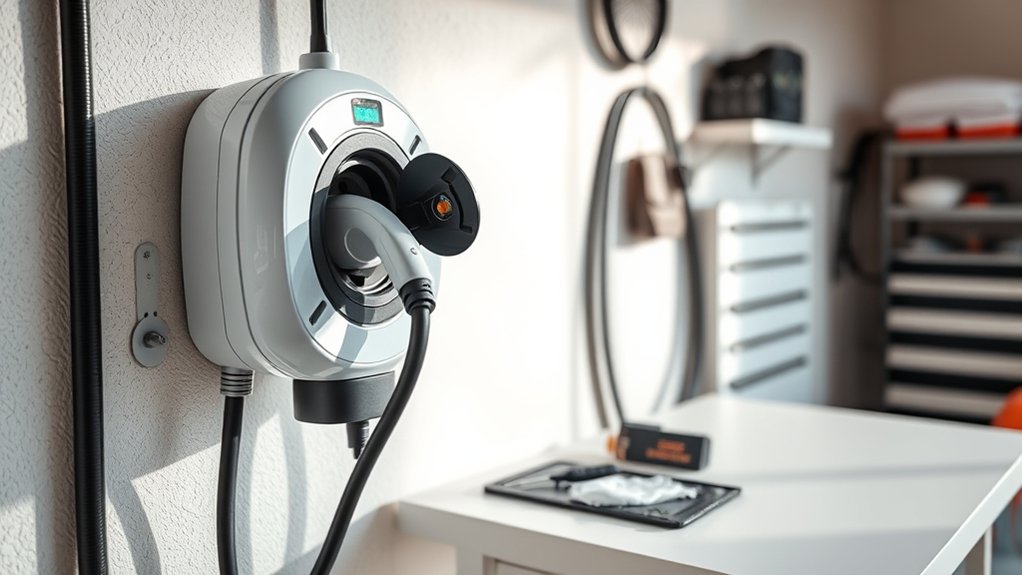
Extending your home EV charger’s lifespan comes down to simple habits: keep the cable protected, clean the exterior and vents, watch for heat or corrosion, update smart-charger software, and use qualified help for electrical work. A home charger is not just another appliance. It is electrical vehicle supply equipment, often on a dedicated 240-volt circuit, so small problems should be handled early and safely.
Quick Answer
To extend a home EV charger’s lifespan, inspect the cable and connector monthly, keep vents clear, store the charging cable off the ground, protect outdoor units from weather, keep smart chargers updated, and have a licensed electrician handle wiring, breaker, receptacle, or internal charger issues.
Key Takeaways
- Check the cable, plug, connector pins, holster, and wall unit for wear, heat marks, cracks, or corrosion.
- Use outdoor-rated equipment for outdoor installations and follow the charger manufacturer’s clearance and weather guidance.
- Keep the charger clean, dry, ventilated, and protected from vehicle impact, standing water, and direct abuse.
- For smart chargers, enable automatic updates or check the app every few months for firmware, security, and compatibility updates.
- Do not repair wiring, bypass protection devices, open the charger housing, or ignore repeated breaker or GFCI trips.
At a Glance
| Time Required | 5–10 minutes monthly; 20–30 minutes every 3–6 months |
| Difficulty | Easy for visual checks and exterior cleaning; professional help for electrical repairs |
| Tools Needed | Dry microfiber cloth, soft brush, cable hook or holster, charger app, owner’s manual |
| Cost | Usually $0–$50 for basic upkeep; electrician costs vary for repairs, surge protection, or circuit issues |
Warning: Stop using the charger if you see melting, scorch marks, exposed wire, a cracked connector, repeated breaker trips, buzzing, burning smells, or a plug/receptacle that feels hot. Do not open the charger housing or repair wiring yourself. Have a licensed electrician or qualified technician inspect it.
Regularly Inspect Cables and Connectors for Wear
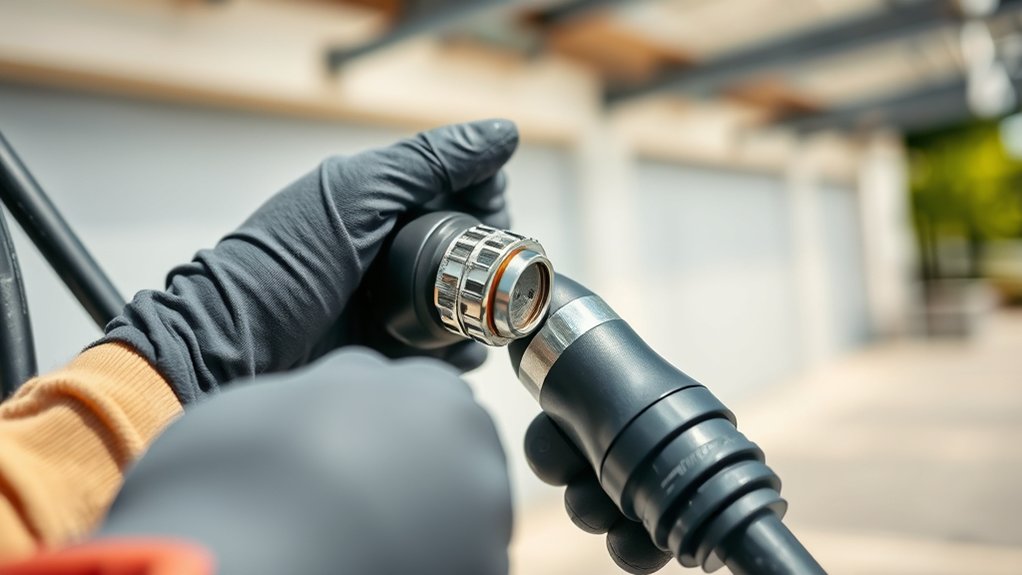
Start with the parts you touch most: the charging cable, handle, connector pins, holster, plug, and wall-mounted charger body. Look for frayed insulation, cracked plastic, bent pins, corrosion, loose mounting screws, heat discoloration, or dirt packed into the connector.
If your charger plugs into a 240-volt receptacle, check the plug and receptacle area for warmth, looseness, or dark marks after charging. A loose or worn receptacle can create heat. Do not keep using it until it is checked by an electrician.
For hardwired chargers, inspect the wall unit and cable strain relief. The cable should not pull tightly against the bottom of the charger, rub on sharp edges, or drag across the floor where tires, tools, or foot traffic can damage it.
Keep the connector in its holster when it is not plugged into the vehicle. This protects the pins from dirt, moisture, and accidental impact.
Keep Vents Clean for Optimal Airflow
Some EV chargers rely on exterior vents, cooling paths, or open space around the enclosure to control heat. Even sealed or fanless units still need the manufacturer’s required clearance so heat can leave the charger body.
Dust, leaves, cobwebs, pollen, and garage debris can trap heat around the unit. Heat stress can shorten the life of electronics, cables, connectors, and internal components.
Regular Cleaning Schedule
Every 3–6 months, wipe the charger exterior with a dry or slightly damp cloth, then dry it completely. Use a soft brush to remove dust from exterior vents or around the holster. Do not spray water into the charger, use solvents, or blow high-pressure air into openings unless the owner’s manual says it is safe.
In dusty garages, coastal areas, workshops, or carports, clean more often. Salt air, metal dust, and moisture can speed up corrosion.
Monitor Airflow Blockages
Keep storage boxes, bicycles, trash bins, and garden tools away from the charger. Do not wrap extra cable around the charger body if it blocks vents or traps heat. If the charger feels unusually hot, reduces power unexpectedly, or reports thermal derating in the app, check for blocked airflow and call for service if the problem returns.
Schedule Firmware Updates to Enhance Performance
If you use a smart EV charger, firmware updates can fix bugs, improve app stability, improve vehicle compatibility, and patch security issues. Many connected chargers update automatically when they have reliable Wi-Fi or cellular service.
Check the charger app or manufacturer account every 3–6 months if automatic updates are not enabled. Also review notification settings, charging schedules, demand-response settings, and any error logs. If your charger is not networked, follow the owner’s manual instead because it may not receive firmware updates.
Note: Do not interrupt power during a firmware update unless the charger manufacturer tells you to. A failed update can leave some smart chargers offline until they are reset or serviced.
Protect Your Charger From Extreme Weather
Outdoor home charging can be safe when the equipment is rated for outdoor use and installed correctly. The U.S. Department of Energy’s Alternative Fuels Data Center notes that outdoor installations require outdoor-rated equipment. Your charger manual should list the enclosure rating, operating temperature range, mounting rules, and weather limits.
Choose Outdoor-Rated Equipment
For outdoor installations, choose a charger with an outdoor enclosure rating such as an appropriate NEMA or IP rating for your location. In the United States, many chargers list NEMA enclosure ratings, while some also list IP ratings. Do not assume “weather-resistant” means the unit can handle every exposure, especially direct sprinkler spray, flooding, salt air, or extreme heat.
If the charger is in a coastal, snowy, or very hot region, check the manufacturer’s temperature and corrosion guidance before buying. A sheltered wall, garage, carport, or canopy can reduce UV exposure, rain, ice, and temperature swings.
Install Protective Covers and Enclosures Carefully
A cover or enclosure can protect an outdoor charger from rain, snow, and sun, but it must not trap heat or block required clearance. Choose a cover designed for EV charging equipment and confirm that the cable can hang naturally without kinks.
Avoid improvised plastic boxes, tarps, or sealed covers that can collect condensation. Moisture trapped inside a cover can be worse than normal rain exposure.
Regular Outdoor Maintenance Checks
Every 3–6 months, inspect outdoor chargers for rust, loose mounting hardware, insect nests, water stains, cracked seals, brittle cable insulation, and connector corrosion. After major storms, check that the unit is still mounted firmly and that the cable was not pinched, stretched, or struck by debris.
How Can Surge Protection Help Your Charger?
Voltage surges from lightning, utility switching, or electrical faults can damage sensitive electronics inside a smart charger. The right protection depends on your home’s electrical system and the charger installation.
For a Level 2 home charger, do not use a household plug-in power strip or ordinary extension-cord surge protector. Instead, ask a licensed electrician whether your panel, subpanel, or EV charger circuit should have a properly rated surge protective device. This is especially useful in areas with frequent lightning, unstable power, or expensive smart-charger hardware.
Surge protection is only one layer. Proper grounding, a code-compliant circuit, a suitable breaker, and a safety-certified charger matter just as much.
Properly Store Your Charging Cables
Cable damage is one of the easiest problems to prevent. Store the cable on a wall hook, reel, or built-in cable holder so it stays off the ground. Keep the connector latched in its holster when not in use.
Do not coil the cable tightly, kink it, shut it in a garage door, run it across sharp concrete edges, or leave it where vehicles can drive over it. Cold weather can make cable insulation stiffer, so handle the cable gently before and after charging.
If the cable jacket becomes cracked, flattened, swollen, or cut, stop using the charger until the cable or charger is inspected. Do not tape over damaged insulation and keep charging.
Regularly Monitor Charger Usage and Performance Metrics
Smart chargers can show charging speed, energy use, session history, error codes, temperature warnings, and connection status. Review these metrics monthly so you know what normal looks like.
- Watch for slower-than-normal charging when the vehicle settings have not changed.
- Review repeated fault codes, failed sessions, or app disconnections.
- Check whether charging stops during hot weather, which may point to blocked airflow or thermal derating.
- Look at energy use to confirm your schedule and utility time-of-use settings still make sense.
- Save screenshots of recurring errors before contacting the manufacturer or electrician.
Usage data also helps you avoid unnecessary strain. If you do not need a full charge by morning, a lower amperage setting may reduce heat in the cable, plug, receptacle, and electrical panel.
Choose the Best Location for Your Charger
The best charger location protects the unit, keeps the cable relaxed, and makes charging easy. Place the charger close enough to the vehicle charge port that the cable reaches without tension. Avoid spots where the cable crosses a walkway or driveway.
Installing the charger near the electrical panel can reduce wiring length and voltage drop, but the location still needs to be practical for daily use. If the charger is smart, confirm that Wi-Fi or cellular signal is reliable at the mounting spot.
Keep the unit away from direct tire impact. In a tight garage, consider a wheel stop, bollard, or protective post if there is a realistic chance the vehicle could hit the charger.
Use Safer Charging Habits to Reduce Wear
Your charging habits can affect heat and wear. Use the amperage setting recommended by your electrician and charger manufacturer. Do not raise the amperage above what the circuit, breaker, wiring, receptacle, and charger are rated to handle.
For plug-in Level 2 chargers, avoid frequent unplugging from the wall receptacle unless the manufacturer designed the unit for portable use. Repeated plug movement can loosen some receptacles over time. If you often need portability, use equipment designed for that purpose and inspect the plug more often.
Pro Tip: After a normal charging session, carefully feel near the plug, cable strain relief, and connector handle. Warm can be normal, but hot, softened, discolored, or burnt-smelling parts are warning signs.
Know When to Stop Using the Charger
Stop charging and get help if you notice any of these signs:
- Repeated breaker, GFCI, or charger fault trips
- Burning smell, buzzing, arcing, or crackling
- Melted plastic, scorch marks, or darkened plug blades
- Loose wall receptacle or plug that wiggles during charging
- Exposed wire, cracked cable jacket, or crushed cable
- Corroded connector pins or moisture inside the connector
- Charger app warnings that return after reset
Do not bypass a safety device to “test” the charger. A recurring trip is a symptom, not a nuisance to defeat.
Why Should You Consider Professional Maintenance?
Homeowners can handle visual checks, exterior cleaning, cable storage, and app updates. Electrical testing, internal diagnostics, breaker replacement, receptacle replacement, load calculations, and wiring repairs should be handled by a licensed electrician or qualified technician.
Expertise in Diagnostics
A professional can test the circuit, check torque on electrical connections where appropriate, verify grounding, inspect the breaker and receptacle, and identify heat or wiring problems that are not visible from the outside. This matters because home EV charging is treated as a continuous electrical load under the National Electrical Code.
Proactive Issue Prevention
Professional service can catch loose connections, overloaded circuits, damaged receptacles, corrosion, moisture entry, or installation mistakes before they damage the charger or create a safety hazard. This is also useful before a warranty expires, after a major electrical event, or when adding a second EV.
The Importance of Quality Installation
A charger’s lifespan starts with its installation. The Alternative Fuels Data Center says charging station installations must comply with local and state codes and be completed by a licensed electrical contractor. The AFDC home charging guidance also notes that permits may be required and that NEC Article 625 contains much of the information that applies to charging equipment.
Choose safety-certified equipment. ENERGY STAR says certified EV chargers are tested for safety by a nationally recognized testing laboratory and use less energy in standby mode than similar non-certified products. The OSHA NRTL program explains that NRTL marks show a product was tested and certified to applicable product safety standards.
Before installation, confirm the charger type, amperage, cable length, connector type, outdoor rating, Wi-Fi needs, and vehicle compatibility. Also ask the electrician whether your electrical panel has enough capacity and whether a load-management device, panel upgrade, or surge protective device is appropriate.
Home EV Charger Maintenance Schedule
| Frequency | What to Check | Who Should Do It |
|---|---|---|
| Every charging session | Seat the connector fully, avoid cable tension, return the connector to the holster. | Owner |
| Monthly | Inspect cable, handle, connector pins, plug, holster, wall mount, and charger app alerts. | Owner |
| Every 3–6 months | Clean exterior, clear vents, check outdoor seals, review firmware, and inspect for corrosion. | Owner, unless the manual requires service |
| Annually | Review warranty, update app settings, verify charging schedule, and consider an electrical inspection for plug-in or outdoor units. | Owner and licensed electrician as needed |
| Immediately | Investigate breaker trips, heat marks, melting, exposed wire, buzzing, burning smells, or repeated fault codes. | Licensed electrician or qualified technician |
Frequently Asked Questions
How long should a home EV charger last?
Many quality home EV chargers can last for years when installed correctly, kept clean, protected from damage, and used within their rated limits. Actual lifespan depends on the model, installation quality, climate, charging frequency, cable care, warranty terms, and whether electrical issues are fixed early.
How can I make my charger last longer?
Keep the cable off the ground, avoid sharp bends, clean the exterior and vents, use the correct amperage setting, keep smart-charger firmware updated, protect outdoor units from weather, and call an electrician when you see heat damage, repeated trips, or loose electrical connections.
Should I unplug my Level 2 charger from the wall when I am not using it?
Usually, no. If your Level 2 charger is designed for a plug-in receptacle, follow the manufacturer’s instructions. Repeated unplugging can wear some receptacles. Hardwired chargers should not be disconnected by the homeowner. If you need to shut the unit down, use the method recommended in the owner’s manual or ask an electrician.
Is it safe to use an outdoor home EV charger in the rain?
Yes, outdoor charging can be safe when the charger is outdoor-rated, installed correctly, and used according to the manufacturer’s instructions. Do not use the charger if the connector, receptacle, or cable is damaged, submerged, corroded, or showing a fault warning.
Why does my home EV charger keep tripping the breaker or GFCI?
Repeated trips can point to moisture, a damaged cable, a failing receptacle, a wiring issue, charger fault, overloaded circuit, or protection-device problem. Do not bypass the breaker or GFCI protection. Stop using the charger and have a licensed electrician inspect the system.
Conclusion
You can extend your home EV charger’s lifespan by treating it like safety-critical electrical equipment, not just a wall gadget. Inspect the cable, keep the connector clean and stored, protect the unit from weather and impact, maintain airflow, update smart-charger software, and respond quickly to heat, corrosion, or fault warnings. The best long-term protection is a quality charger, code-compliant installation, and a clear line between simple owner maintenance and electrical work that belongs to a licensed professional.
Sources
- Alternative Fuels Data Center — Charging Electric Vehicles at Home — home charging, outdoor-rated equipment, Level 2 installation, permits, and NEC Article 625.
- Alternative Fuels Data Center — Operation and Maintenance for EV Charging Infrastructure — cable storage, periodic checks, cleaning, utilization data, and maintenance considerations.
- Alternative Fuels Data Center — Procurement and Installation for EV Charging Infrastructure — licensed contractor, code compliance, permitting, safety, siting, and installation planning.
- ENERGY STAR — Electric Vehicle Chargers — safety-tested certified chargers, standby energy savings, Level 1 and Level 2 charger guidance, and smart-charger features.
- OSHA — Nationally Recognized Testing Laboratory Program — what NRTL certification marks mean for product safety testing.
- NFPA 70, National Electrical Code — electrical code reference for safe electrical installations.

