
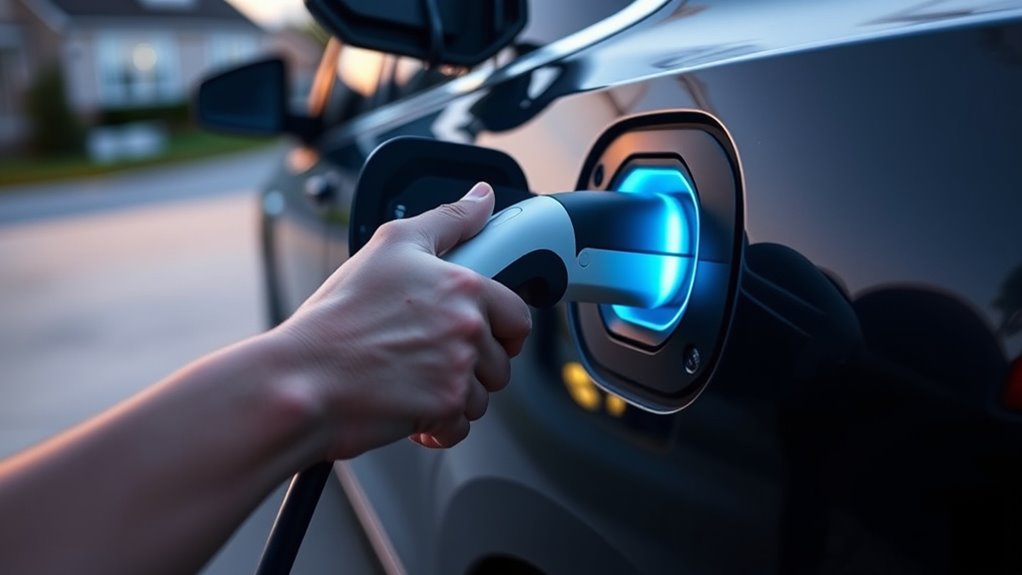
Unplugging an EV charger is simple, but the order matters. Stop the charging session first, confirm the vehicle or station shows that charging has ended, unlock the vehicle or charge-port lock, then remove the connector by the handle. A smooth, straight pull protects the plug, cable, and vehicle inlet from avoidable wear.
Quick Answer
To unplug an EV charger safely, stop the charging session first, confirm the vehicle or charger shows charging has ended, unlock the vehicle if the connector is locked, press the handle release if present, then pull the connector straight out by the handle. Never twist, yank, or force a stuck plug.
Key Takeaways
- Stop charging through the vehicle, charger screen, app, RFID card, or public charging network before touching the connector.
- Unlock the car or charge port before pulling, because many EVs hold the connector with a vehicle-side lock.
- Grip the handle, press the latch or release button if your connector has one, and pull straight out with steady pressure.
- If the cable is stuck, do not force it. Recheck the session, vehicle lock, station prompt, and owner’s manual emergency-release instructions.
At a Glance
| Time Required | 30 seconds to 2 minutes for a normal unplug; longer if a public station or vehicle lock needs troubleshooting |
| Difficulty | Easy |
| Tools Needed | Vehicle key, app or RFID card if used, charger handle release, owner’s manual if the connector is stuck, and a clean dry cloth for storage |
| Cost | $0 for normal unplugging; service cost only if the cable, latch, port, or charger is damaged |
Warning: Never yank, twist, pry, or use tools on a stuck EV charging connector. If the session is still active or the lock has not released, forcing the plug can damage the vehicle inlet, connector pins, latch, cable, or charging equipment.
Stop the Charging Session First
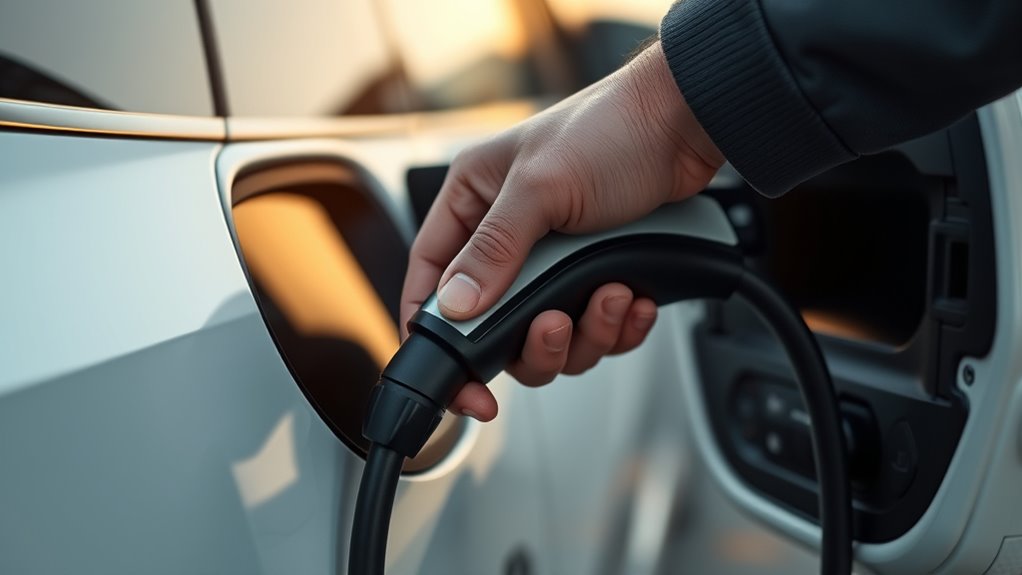
Start by ending the charging session before you touch the connector. Depending on your setup, you may stop charging from the vehicle screen, dashboard control, mobile app, charger display, RFID card, or charging-network app.
At home, many drivers use AC Level 1 or Level 2 charging equipment. Public stations commonly use Level 2 or DC fast charging, and the station may keep the cable locked until the paid or authorized session is ended.
Look for a clear stopped, complete, idle, unlocked, or ready-to-disconnect message. Do not rely on color alone, because indicator lights vary by vehicle and charger. On some systems, green may mean charging is active; on others, it may mean complete.
How to Unplug an EV Charger Safely
Use this order for most home and public charging situations. Your vehicle manual always comes first if your EV gives a different release sequence.
- Stop charging. End the session through the vehicle, charger, app, RFID card, or public network.
- Confirm charging has ended. Check the dashboard, charger display, app, or station screen.
- Unlock the vehicle. Use the key fob, door unlock button, dashboard release, or app so the charge-port lock can disengage.
- Press the connector release if present. Some handles have a latch or button; others release from the vehicle side.
- Pull straight out by the handle. Keep the motion smooth and controlled. Do not pull by the cable.
- Close the charge-port door. Keep water, dust, and debris out of the inlet.
- Store the cable. Coil it loosely on its mount or place it in its storage bag.
Pro Tip: If the plug moves slightly but will not release, push it inward a small amount, press the release again, and then pull straight out. This can relieve tension on the latch without forcing the connector.
Unlock the Car and Charging Plug
Many EVs lock the charging connector while charging or while the vehicle is locked. This prevents accidental removal, helps protect the port, and can stop the car from being driven while connected.
Unlock the vehicle first, then check whether the charge-port light, dashboard, or app shows the connector is released. Some cars unlock the cable as soon as the doors unlock. Others require a separate charge-port release button, app command, or steering-column/dash control.
| Checkpoint | What to Do |
|---|---|
| Charging still active | Stop the session from the vehicle, charger, app, RFID card, or public network. |
| Vehicle locked | Unlock the car and wait for the charge-port lock to release. |
| Connector still held | Press the handle latch if present, then pull straight out by the handle. |
| No release after normal steps | Use the owner’s manual for the emergency release location and procedure. |
Know Your Connector Type
Different charging connectors release in different ways. The safest habit is to stop the session first, unlock the vehicle, and then follow the handle or vehicle release method for your connector.
| Connector Type | Common Use | Release Notes |
|---|---|---|
| SAE J1772 / Type 1 | Common AC charging connector on many non-Tesla EVs in North America | Usually has a handle latch. Many vehicles can also lock or block the latch until the car is unlocked. See the SAE J1772 standard page. |
| CCS Combo | DC fast charging and some AC/DC connector families | The vehicle may lock the connector during fast charging. End the session before release. |
| NACS / SAE J3400 | Tesla-style connector and newer North American EV charging equipment | Release may come from the handle button, vehicle screen, app, or vehicle-side unlock. See the SAE J3400 standard page. |
| Type 2 | Common AC charging connector in many markets outside North America | Often relies on a vehicle-side lock rather than a thumb latch. Unlock the vehicle before pulling. |
Remove the Charging Cable Safely
Once charging is stopped and the lock is released, hold the connector by the handle. Keep the cable aligned with the charge port and pull straight out. A straight pull avoids side loading the pins and reduces wear on the latch.
Do not twist the handle to “break it loose.” Do not pull from the cable jacket. Do not let the connector drop after it clears the port. If you are using an adapter, support the adapter and connector together so the weight does not strain the vehicle inlet.
Why EV Charger Cables Get Stuck
An EV charging cable usually gets stuck because the vehicle or station has not released the lock yet. The plug itself is rarely the problem. Work through the lock and session state before assuming the connector is jammed.
- The session is still active. Public stations may keep the connector locked until the app, RFID card, or screen ends the session.
- The vehicle is locked. Many EVs keep the charge-port lock engaged while the doors are locked.
- The car is asleep. Wake it with the key fob, app, door handle, or start button, then try the release again.
- There is tension on the latch. A slight inward push can free the latch before pulling out.
- Moisture, grit, ice, or debris is present. Do not pry. Warm the area safely if frozen, or call the charging network or roadside support.
- The station has a fault. Follow the on-screen prompt or call the support number on the charger.
Fix a Stuck EV Charger Cable
If the connector will not release, slow down and use a safe sequence. Most stuck-cable problems are caused by a lock state, not by the need for more force.
- Confirm the session is stopped. Check the vehicle screen, charger display, app, or network account.
- Unlock the vehicle again. Lock and unlock the car once if the port lock did not respond.
- Wake the vehicle. Open a door, use the key fob, or open the vehicle app if the car has gone to sleep.
- Press the release button or latch. Hold the connector by the handle, not the cable.
- Push in slightly, then pull straight out. This can relieve latch tension.
- Check for a station prompt. Public chargers may require you to tap “stop,” re-swipe the RFID card, or end the session in the network app.
- Use the manual release only as directed. If normal steps fail, follow your owner’s manual for the emergency release. Do not use an emergency release while charging is still active.
- Call support if it still will not release. Use the charging network support number, roadside assistance, or the vehicle manufacturer’s service line.
Note: Emergency-release locations vary. Some vehicles use a cable, lever, or pull tab inside the trunk or cargo area; others use a button or software command. Your owner’s manual is the safest source for the exact location.
Store Your EV Charging Cable Properly
Proper cable storage protects the connector, cable jacket, and internal conductors. After you unplug your EV charger, inspect the handle and cable for heat marks, cracks, bent pins, dirt, moisture, or damaged insulation.
- Close the vehicle charge-port door after the connector is removed.
- Wipe dirt or moisture from the handle with a clean dry cloth.
- Use loose coils instead of tight bends.
- Hang a tethered cable on its wall mount or holster.
- Store an untethered cable in its case or bag.
- Keep the connector off the ground when possible.
- Never drive over, step on, pinch, or sharply bend the stored cable.
If you charge outdoors, use equipment rated for outdoor use. The U.S. Department of Energy’s Alternative Fuels Data Center notes that outdoor home charging can be safe when outdoor-rated equipment is used.
Avoid EV Charging Problems
The best way to avoid unplugging problems is to keep the charging area clean, use the right equipment, and follow the same disconnect order every time.
- Use safety-certified charging equipment. ENERGY STAR notes that certified EV chargers are tested for safety by nationally recognized testing laboratories.
- Keep the port clean and dry. Dirt, grit, and moisture can interfere with smooth connector movement.
- Do not use damaged adapters or cables. Stop using equipment with cracks, burn marks, loose pins, or exposed wiring.
- Support heavy plugs and adapters. Do not let adapter weight hang from the vehicle inlet.
- Follow public charger prompts. End the session on the charger, app, or RFID system before removing the plug.
- Learn your manual release before you need it. Check the owner’s manual once so you know where the emergency release is located.
Frequently Asked Questions
Can I just unplug an EV charger?
No. Stop the charging session first, confirm charging has ended, unlock the vehicle or charge port, then remove the connector by the handle. Pulling before the session stops can trigger errors or stress the connector.
Can I unplug my EV before it reaches 100%?
Yes. You can stop a charging session before the battery reaches 100%. End the session through the vehicle, charger, or app first, then disconnect normally. Many drivers stop around their daily charge target unless they need maximum range.
What should I do if the charging cable will not release?
Do not force it. Confirm the session has stopped, unlock the vehicle, wake the car if it is asleep, press the handle release if present, and push the connector inward slightly before pulling straight out. If it still will not release, follow the owner’s manual or call the charging network support number.
Can I leave my EV unplugged for a week?
Usually, yes, if the battery has enough charge and your owner’s manual does not say otherwise. For longer storage, follow the manufacturer’s recommended state of charge, parking temperature guidance, and 12-volt battery precautions.
What is the 80/20 rule for EV charging?
The 80/20 rule is a common daily-use habit where drivers keep the battery roughly between 20% and 80% to reduce time spent charging and avoid sitting at very high or very low charge levels. It is not a universal rule for every EV, so follow your vehicle’s battery guidance.
Should I leave my EV charger plugged in all the time?
You can usually leave the vehicle connected if you set an appropriate charge limit and your vehicle manual allows it. Smart charging controls can stop charging at the target level. For long-term storage, use the manufacturer’s storage instructions.
Is it safe to unplug an EV charger in the rain?
Modern EV charging equipment is designed with safety controls, and outdoor charging can be safe when the charger is rated for outdoor use. Still, keep the connector off the ground, avoid standing water, inspect for damage, and stop the session before disconnecting.
Conclusion
To unplug your EV charger safely, stop the charging session, confirm charging has ended, unlock the vehicle or charge port, release the connector latch if present, and pull straight out by the handle. If the cable sticks, do not force it. Recheck the lock, app, station prompt, and owner’s manual release procedure. Careful disconnecting and proper cable storage help protect your EV, charger, and next charging session.
Sources
- Alternative Fuels Data Center: Charging Electric Vehicles at Home — home charging equipment, outdoor-rated charger guidance, and safety-certified equipment context.
- Alternative Fuels Data Center: Charging Electric Vehicles in Public — public Level 2 and DC fast charging context.
- ENERGY STAR: Electric Vehicle Chargers — EV charger safety certification and efficiency guidance.
- SAE J1772 Electric Vehicle Conductive Charge Coupler — North American Type 1/J1772 connector standard reference.
- SAE J3400 NACS Electric Vehicle Coupler — North American Charging System standard reference.

