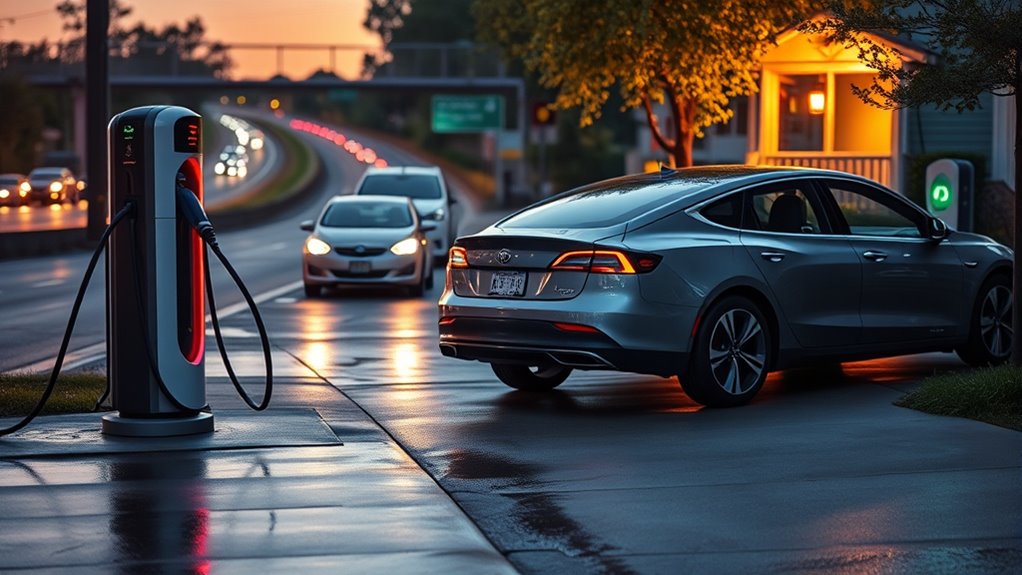
Use DC fast charging when you need a quick charge on a road trip, between appointments, or anywhere slower Level 2 charging would take too long. For daily charging, home or workplace Level 2 is usually easier on your schedule, your budget, and your battery. The best habit is simple: use fast charging when speed matters, then switch back to slower charging when you have time.
Quick Answer
Use DC fast charging when you need rapid range during a trip, your EV supports the station’s connector, and your battery is roughly in the low-to-mid state-of-charge range. Avoid relying on it for every charge, especially above 80%, because charging slows and heat stress can increase.
Key Takeaways
- DC fast charging is best for road trips, urgent top-ups, and routes where Level 2 charging is too slow.
- Charging is usually quickest before the battery gets near full, so stopping around 80% often saves time.
- Connector compatibility matters: check for CCS1, CHAdeMO, or NACS/J3400 support before you arrive.
- Battery temperature, charger output, station sharing, and your vehicle’s limits all affect charging speed.
- For routine daily charging, slower home or workplace charging is usually the better long-term habit.
At a Glance
| Best Use | Road trips, urgent top-ups, highway stops, and travel days with limited dwell time |
| Difficulty | Easy if your connector, app, payment method, and station access are ready |
| Tools Needed | Owner’s manual, charging app, payment method, and any manufacturer-approved adapter your EV requires |
| Cost | Varies by network, site, time of day, membership, and billing method; often higher than home charging |
Can Your EV Use DC Fast Charging?
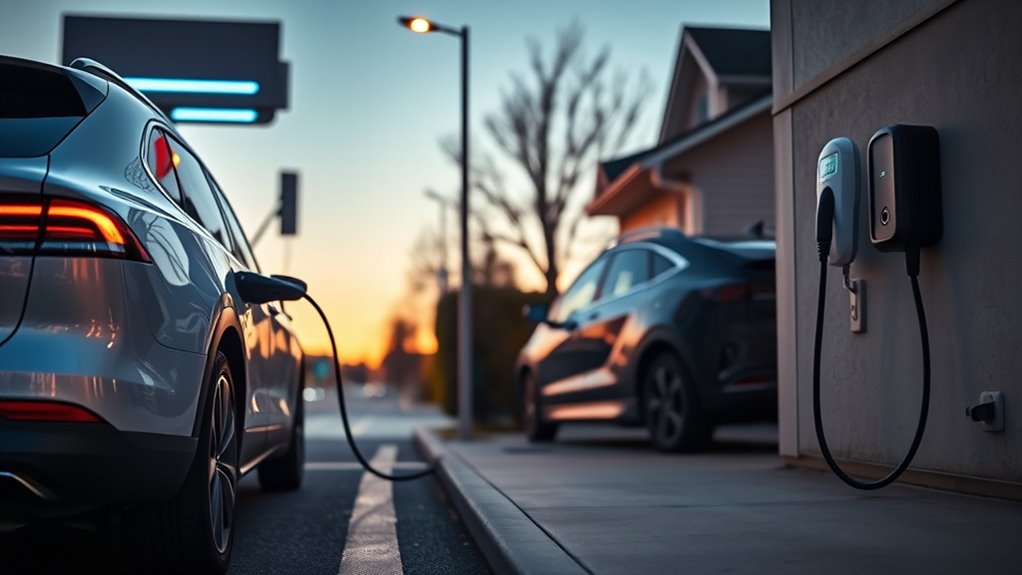
Before you plug into a DC fast charger, confirm that your EV can accept DC power and that the connector matches your vehicle. In North America, the main DC fast-charging connector types are CCS1, CHAdeMO, and NACS/J3400. The U.S. Department of Energy’s Alternative Fuels Data Center lists CCS, CHAdeMO, and J3400 as the main DC fast-charging systems.
Do not assume every plug-in vehicle can use DC fast charging. Many plug-in hybrids are designed mainly for Level 1 or Level 2 AC charging, while some battery-electric vehicles may have a specific DC port, adapter requirement, or charging-speed limit. Your owner’s manual and in-car charging screen are the best places to confirm this.
Warning: Use only adapters approved by your vehicle manufacturer or the charging network. An adapter that fits physically is not automatically safe for high-power DC charging.
Tesla’s Supercharger network now includes several access types. Some sites are Tesla-only, some have Magic Dock support for compatible non-Tesla EVs, and some NACS Superchargers work with NACS-equipped vehicles or approved NACS DC adapters. Tesla explains this access model in its Supercharging Other EVs guidance.
Connector compatibility is the first check. Battery percentage, battery temperature, and station output only matter after you know the plug and vehicle can actually work together.
When Should You Use DC Fast Charging?
Use DC fast charging when speed matters more than cost or gentle daily charging. The strongest use case is long-distance travel, where a 15- to 35-minute stop can add enough range to keep moving. The DOE notes that DC fast charging can add roughly 100 to 200+ miles of range in 30 minutes, depending on the vehicle, battery, charger, and conditions.
You should also use it when you arrive in a city with a low battery, when your hotel or workplace does not offer Level 2 charging, or when an unexpected detour leaves you short on range. In these cases, the higher price and stronger battery load may be worth the time saved.
For the fastest stop, arrive with the battery low enough to accept strong power but not so low that you create range anxiety. Many drivers aim to arrive around 10% to 30% and leave around 70% to 80%, unless the next leg requires more.
Pro Tip: On a road trip, two shorter fast-charging stops can be quicker than one long stop to 95% or 100%, because charging speed often drops sharply as the pack fills.
When Should You Avoid DC Fast Charging?
Avoid DC fast charging when you do not need the speed. If your car will sit overnight, a home Level 2 charger, workplace charger, or hotel Level 2 charger is usually more practical. Slower charging often costs less, creates less heat, and gives your battery management system more time to control the pack comfortably.
You should also avoid fast charging to 100% unless the next part of your trip truly requires it. Tesla notes that charging speeds slow as the battery fills and reaching 100% usually takes much longer than reaching 80%. That same idea applies across many EVs, though the exact taper depends on the vehicle.
Be extra cautious when the battery is very hot, very cold, or already above 80%. In those cases, the car may reduce charging speed to protect itself, and the time saved may be small. Always follow the charge-limit guidance in your owner’s manual, especially if your EV uses a battery chemistry with specific daily-charge recommendations.
When Does DC Fast Charging Affect Battery Health?
DC fast charging can affect battery health when repeated high-power sessions create extra heat or keep the battery near stressful states of charge for long periods. Occasional fast charging on trips is normal for modern EVs, but using it as your only charging method is not the gentlest routine.
Battery aging is not controlled by one simple rule. It depends on battery chemistry, pack design, cooling system, charge rate, state of charge, outside temperature, and the vehicle’s battery management software. Research on lithium-ion batteries consistently points to temperature, charge/discharge current, and state-of-charge range as important stress factors.
- Charging above 80% often slows down and gives less time benefit.
- Repeated fast charging in high heat can add avoidable thermal stress.
- Running the battery very low before every fast charge can make trip planning harder and may increase stress in some conditions.
- Letting the car sit at 100% for long periods is usually not ideal unless your owner’s manual says otherwise.
The practical answer is balance. Use DC fast charging when the trip calls for it, but use Level 2 charging when your car can sit for several hours.
What Happens During a DC Fast Charge?
During a DC fast charge, the charging station sends direct current to the battery system at a much higher power level than a typical home charger. The station and vehicle communicate first, then the car’s battery management system decides how much power the pack can safely accept.
The fastest power usually happens when the battery is warm enough and in a lower-to-middle state of charge. As the battery fills, the car protects the pack by reducing charging power. This is called charging taper. Tesla explains that charging speed varies by state of charge, battery temperature, charger conditions, and vehicle configuration.
This is why the last 20% can feel slow. You may see strong power at the start, then a steady drop as the battery approaches 80%, 90%, or 100%. The charger is not necessarily broken. Your vehicle may simply be protecting the battery and balancing cells.
Note: A 350 kW charger does not force your EV to charge at 350 kW. Your vehicle’s maximum DC rate, battery temperature, current state of charge, and station limits decide the real speed.
Why Does the 20% to 80% Rule Matter?
The 20% to 80% rule matters because many EVs charge quickly through the middle of the battery range and slow down near the top. You do not need to treat 20% and 80% as magic numbers, but they are useful trip-planning targets.
- Below about 20%, you have less buffer if a charger is busy, broken, or slower than expected.
- Between roughly 20% and 80%, many EVs deliver their best balance of speed and useful range gained.
- Above about 80%, charging often tapers, so the wait can grow while added miles arrive more slowly.
There are exceptions. If you are crossing a remote area, towing, driving in extreme cold, or heading to a destination without charging, charging above 80% can make sense. The goal is not to obey a rigid rule. The goal is to avoid wasting time and battery stress when you do not need the extra charge.
How to Prepare for a Fast-Charging Stop
A good fast-charging stop starts before you arrive. Use your vehicle’s navigation or a charging app to choose a station that matches your connector and route. If your EV supports battery preconditioning, route to the charger through the built-in navigation so the car can warm or cool the pack before arrival.
Cold batteries often charge more slowly until they warm up. Hot batteries may also slow down if the cooling system needs to protect the pack. Preconditioning helps the car arrive closer to its preferred charging temperature, which can shorten the session.
- Check the station’s live status before you leave the highway.
- Confirm the plug type, power rating, and payment method.
- Look for backup chargers nearby in case the first site is full or offline.
- Start the session in the network app before troubleshooting the car.
- Watch the charging curve and unplug when speed drops below what is useful for your trip.
Where Can You Find DC Fast Chargers?
You’ll typically find DC fast chargers near highways, travel plazas, shopping centers, hotels, grocery stores, and other high-traffic locations where drivers need quick turnover. The AFDC Alternative Fueling Station Locator can help you search public charging stations in the United States and Canada.
Charging apps and network maps are also useful because they can show plug type, station status, pricing, recent driver check-ins, and whether a charger is available. Always check your route before you are low on charge, especially in rural areas or during busy travel weekends.
Charging Apps and Maps
Use charging apps to filter by connector, network, charging speed, and real-time availability. Your vehicle’s built-in navigation may also estimate arrival percentage, add charging stops, and precondition the battery for a faster session.
- Filter for your plug type before you start driving toward the station.
- Check recent reviews or status reports if the site has a history of outages.
- Compare nearby stations instead of relying on one charger when your battery is low.
Apps can also help you start a session remotely, manage payment, and receive alerts when charging slows or finishes.
Highway and Transit Hubs
Highway corridors are a natural fit for DC fast charging because drivers need a short stop, not an overnight stay. Stations often cluster near restrooms, food, shopping, or fuel stations so you can use the time while the battery charges.
Charging speed may still vary at these sites. Some stations share power between stalls, some limit speed during equipment faults, and some vehicles cannot accept the station’s maximum output. A charger rated at 150 kW, 250 kW, or 350 kW is only one part of the equation.
Connector Types and Access
In North America, most current non-Tesla EVs use CCS1 for DC fast charging, older vehicles such as some Nissan Leaf models use CHAdeMO, and Tesla vehicles use NACS/J3400. Many newer non-Tesla EVs are also moving toward NACS/J3400, but access depends on the vehicle, adapter, software support, and station type.
Before a road trip, add your vehicle to the charging apps you plan to use. That helps the app filter out incompatible sites and reduce wasted stops.
How Much Does DC Fast Charging Cost?
DC fast charging often costs more than charging at home because the station is delivering high power, paying demand charges, maintaining hardware, and operating in a convenient public location. Prices may be based on kilowatt-hours, minutes, time of day, membership status, or local rules.
Tesla notes that Supercharger pricing varies by location and may include on-peak and off-peak rates. Other networks use similar site-based pricing. Before you plug in, check the app screen for the price, idle fees, parking rules, and any congestion fee threshold.
If you are not in a hurry, compare the total value. A more expensive fast charger may still be worth it on a road trip, but it usually does not make sense for routine daily charging when cheaper Level 2 charging is available.
DC Fast Charging Etiquette
Fast chargers work best when drivers keep sessions efficient. Once your charging speed drops sharply or your battery reaches the level you need, unplug and move your vehicle. This is especially important at busy sites, where another driver may need the stall to finish a trip.
- Do not use a DC fast charger as a parking spot.
- Move when charging is complete or when idle fees begin.
- Avoid charging past 80% at a busy site unless you truly need it.
- Park straight and use the correct stall so the cable reaches without blocking another charger.
- Report broken plugs, damaged cables, or payment issues in the charging app.
Why Is My DC Fast Charge Slow?
A slow DC fast-charging session does not always mean the station is bad. The car may be limiting power to protect the battery, or the charger may be sharing power with nearby stalls.
Common causes include:
- High battery percentage: Charging often slows as the battery fills.
- Cold battery: A cold pack may need time to warm before it accepts higher power.
- Hot battery: The vehicle may reduce power to manage heat.
- Station limits: A 50 kW charger will not behave like a 150 kW or 350 kW charger.
- Shared power: Some sites split available power between active stalls.
- Adapter or compatibility limits: Some adapters or vehicles cap charging speed.
- Software or payment issue: The session may start at reduced power or fail if authorization is incomplete.
If the speed is far below expectations, stop the session safely, inspect the connector for damage, try another stall, and check the app for site alerts.
Frequently Asked Questions
What are the disadvantages of DC fast charging?
DC fast charging can cost more than home charging, generate more heat, slow sharply above 80%, and depend on public-station availability. It is excellent for travel, but it is not usually the best choice for every daily charge.
What are the three biggest mistakes when DC fast charging an EV?
The biggest mistakes are arriving without checking connector compatibility, charging far past 80% when you do not need the range, and ignoring battery temperature. A cold or hot battery may charge slowly, even on a powerful station.
What is the 80/20 rule for EV charging?
The 80/20 rule means using the middle of the battery range for normal driving and trip charging when possible. Many drivers try to avoid dropping too low and avoid fast charging above 80% unless the next leg requires it.
Should you avoid fast charging completely?
No. You do not need to avoid DC fast charging completely. Use it when it solves a real problem, such as a road trip or urgent top-up. For routine daily charging, slower Level 2 charging is usually the better default.
Is NACS the same as Tesla Supercharging?
NACS, also called SAE J3400, is the connector standard based on Tesla’s charging connector. Supercharging is Tesla’s fast-charging network. Some Superchargers support non-Tesla EVs, but access depends on the site, vehicle, software, and approved adapter.
Why does charging slow down after 80%?
Charging slows because the vehicle reduces power as the battery fills. This helps manage heat, voltage, and cell balance. That is why stopping around 70% to 80% is often faster on a trip than waiting for a full battery.
Conclusion
DC fast charging is a powerful tool, not a daily requirement. Use it when you need speed on a trip, during a tight schedule, or when Level 2 charging is not available. For normal driving, slower charging at home, work, or a hotel is usually cheaper and more convenient.
The smartest strategy is to match the charger to the job. Confirm your connector, use approved adapters, precondition when your EV supports it, and avoid sitting at a fast charger after charging slows. When you use DC fast charging this way, you save time without turning every charge into unnecessary battery stress.
Sources
- U.S. Department of Energy Alternative Fuels Data Center: Electric Vehicle Charging Stations — charging levels, DC fast-charging range estimates, connector types, and infrastructure basics.
- U.S. Department of Energy Alternative Fueling Station Locator — public charger search and station-location guidance.
- Tesla Supercharging Support — Supercharger use cases, charging speed factors, taper near full, pricing, and congestion information.
- Tesla Supercharging Other EVs — NACS/J3400 access, Magic Dock, approved adapters, and non-Tesla compatibility guidance.
- Scientific Reports: Effect of Temperature on the Aging Rate of Li Ion Battery Operating above Room Temperature — battery-aging context for temperature-related stress.