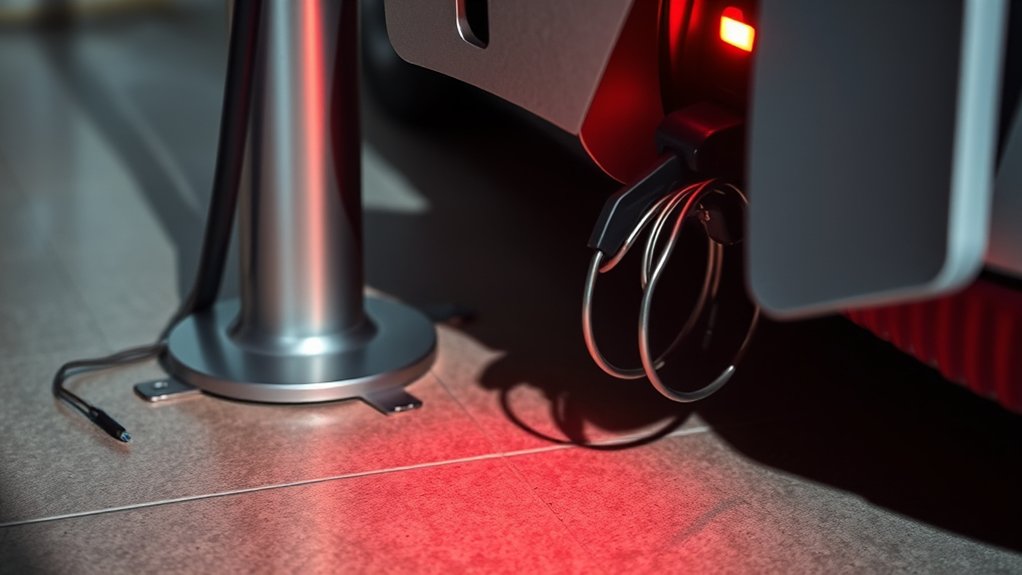
If your EV charger light is red, treat it as a warning and pause before you keep charging. A red light can mean a loose plug, ground-fault protection, overheating, a tripped breaker, a failed charging session, a vehicle-side error, or a charger fault. The exact meaning depends on the charger brand, model, and blink pattern, so check the charger app or manual before assuming the cause.
Quick Answer
A red EV charger light usually means the charger stopped or blocked charging because it detected a fault, unsafe condition, connection problem, or setup issue. Stop charging, check for heat or damage, reseat the plug, read the app or manual code, then reset only if the manufacturer says it is safe.
Key Takeaways
- A red light does not have one universal meaning. Solid red, blinking red, and app error codes can mean different things by brand.
- Stop using the charger right away if you see smoke, melting, scorch marks, moisture inside the plug, repeated breaker trips, or unusual heat.
- Most safe first checks are simple: unplug from the vehicle, inspect the plug and port, let hot parts cool, and check the charger app or manual.
- Do not open a wall charger, outlet, junction box, or electrical panel unless you are qualified to work on EV charging equipment.
At a Glance
| Time Required | 5 to 20 minutes for basic checks; longer if support or an electrician is needed |
| Difficulty | Easy for visual checks; professional for wiring, grounding, breakers, or internal charger faults |
| Tools Needed | Charger app, owner’s manual, flashlight, dry cloth, and access to customer support if the code stays active |
| Cost | Free for simple checks; service costs vary if the charger, outlet, circuit, or installation needs repair |
What Does a Red Light on Your EV Charger Mean?
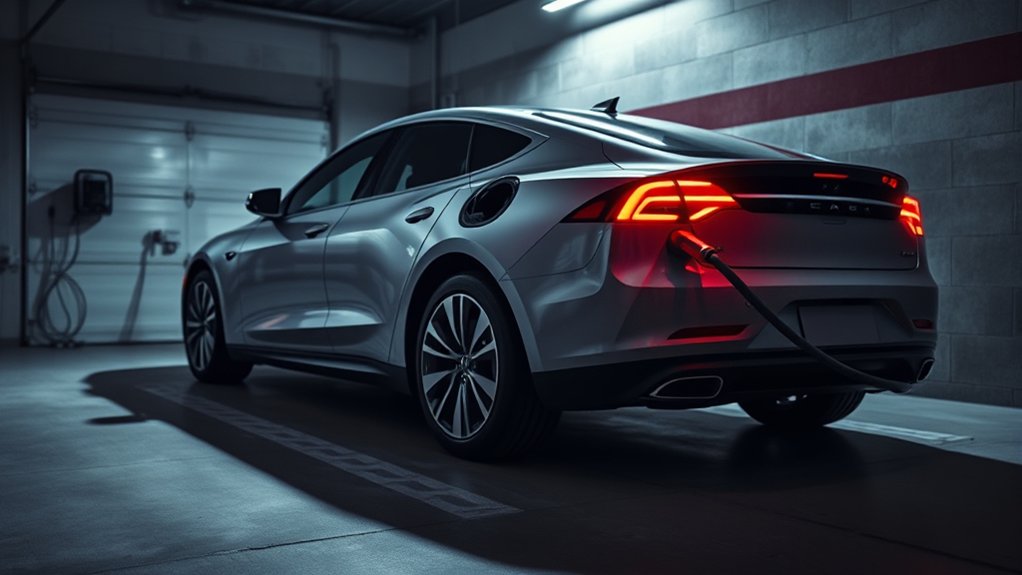
A red light on an EV charger usually means the charger has detected a problem and has stopped, delayed, or blocked the charging session. That problem may be minor, such as a plug that is not fully seated, or serious, such as overheating, moisture, a ground-fault warning, or an electrical supply issue.
The most important rule is this: do not guess based on color alone. A solid red light, blinking red light, red ring, or red error icon can mean different things on different chargers. Tesla, ChargePoint, Grizzl-E, Emporia, Autel, Ford, Hyundai, Kia, Nissan, and other EV charging systems may all use their own status patterns.
A red charger light is a warning, not a diagnosis. Use the light pattern, charger app, vehicle screen, and owner’s manual together before deciding what to do next.
If your charger has an app, open it and look for the exact error message. If it is a public charger, check the station screen or charging-network app. If it is a home charger, check the manufacturer’s troubleshooting guide, such as Tesla’s Wall Connector troubleshooting page, before you reset or reuse the unit.
Warning: Stop charging immediately if the plug, cable, outlet, wall charger, adapter, or vehicle port smells burnt, feels unusually hot, shows melted plastic, has scorch marks, is wet inside, makes crackling sounds, or repeatedly trips a breaker. Do not keep testing it. Call the charger maker, vehicle support, or a licensed electrician.
What to Do First When Your EV Charger Light Turns Red
Start with the safest checks before you assume the charger is broken. These steps apply to most home and portable chargers, but your manual always comes first.
- Stop the session. End charging in the vehicle app, charger app, or station screen if possible.
- Unplug from the vehicle. Hold the connector body, not the cable, and remove it carefully.
- Check for heat. If the connector, adapter, outlet, or charger is too hot to touch comfortably, let it cool and do not restart until you know why it overheated.
- Inspect the plug and port. Look for dirt, bent pins, moisture, snow, corrosion, cracked plastic, or debris in the EV charging connector and vehicle port.
- Reseat the connector. Push it in firmly until it fully latches. A loose connection can stop communication between the vehicle and charger.
- Check the app or screen. Look for the exact fault code, not just the light color.
- Try one safe reset. Use the reset method in the manufacturer’s guide. Do not repeatedly reset a charger that keeps showing the same warning.
- Call for help if the red light returns. Repeated red lights can point to an installation, wiring, overheating, vehicle, or internal charger fault.
Pro Tip: Take a photo of the red light pattern and screenshot the app error before you reset anything. Support teams often need the exact code, blink pattern, charger model, and time of the failed session.
Common Causes of a Red EV Charger Light
A red EV charger light can come from several issues. Some are simple user-side problems, while others need a technician.
Loose or Incomplete Connection
If the charging plug is not fully seated, the charger and vehicle may fail to communicate. The charger may show a red light, refuse to start, or stop after a few seconds. Unplug, inspect the connector, then reconnect it firmly until it clicks or locks.
Dirty, Wet, or Damaged Charging Port
Dirt, sand, ice, road salt, or moisture can interrupt the connection. Use a dry cloth on the outside of the plug and port area. Do not spray water, force tools into the connector, or scrape metal contacts.
Overheating
Overheating can happen at the plug, adapter, cable, outlet, or charger body. Heat may come from high current, poor ventilation, a damaged connector, a weak outlet, a loose receptacle, direct sun, or an underrated adapter. If any part feels unusually hot, stop charging and let it cool.
Ground-Fault or Electrical Safety Trip
Many EV charging systems are designed to stop charging when they detect unsafe current leakage or a possible ground fault. This protects people and equipment, but it also means you should not bypass the warning. If the same fault returns after a basic reset, call a qualified electrician or the charger manufacturer.
Tripped Breaker or Power Supply Problem
A charger may show an error, lose power, or fail to restart if the circuit is overloaded, incorrectly sized, poorly connected, or affected by a tripped breaker. The U.S. Department of Energy’s Alternative Fuels Data Center notes that many residential Level 2 chargers use 240-volt service and that a 30-amp residential unit typically requires a dedicated 40-amp circuit under National Electrical Code Article 625.
Charger Software or Setup Issue
Smart chargers may need proper commissioning, Wi-Fi setup, access-control settings, or firmware updates. Tesla notes that Wall Connectors connected to Wi-Fi can receive firmware updates, and the setup process includes configuring circuit breaker rating and output amperage. If your charger recently lost Wi-Fi, changed networks, or was newly installed, check the app setup before assuming hardware failure.
Vehicle-Side Charging Error
Sometimes the charger is only reporting a problem that started in the vehicle. Scheduled charging, battery temperature limits, charge-port lock problems, adapter issues, or vehicle software faults can stop charging. Check the vehicle display and app as well as the charger.
Internal Charger Fault
If the red light stays on after safe troubleshooting, the charger may have an internal relay, sensor, contactor, thermal, or control-board problem. Do not open the charger housing. Contact the manufacturer or installer.
How to Check Your Charging Connections
A poor connection is one of the easiest problems to check. Before you start, make sure your hands are dry and the area around the plug is safe.
- Check the vehicle port. Look for debris, moisture, broken plastic, or a stuck latch.
- Check the connector. Look for cracked housing, bent pins, burn marks, or a loose handle.
- Check the adapter, if used. Make sure it is rated for your vehicle and charging type. Avoid damaged, loose, or off-brand adapters that get hot.
- Check the outlet, if portable. A portable EV cord should fit snugly. If the outlet feels loose, warm, discolored, or worn, stop using it.
- Check cable routing. Do not pinch the cable under a garage door, tire, furniture, or heavy object.
If the charger starts normally after you clean the area and reseat the plug, monitor the first few minutes. If the red light returns, stop and move to the app code, manual, or support steps.
Solid Red vs Blinking Red Light
A solid red light and a blinking red light may not mean the same thing. Some chargers use blink counts to show specific faults, such as ground fault, relay fault, over-temperature, lost ground, installation error, or failed self-test. Others use a red icon in the app instead of a physical red LED.
| Light Pattern | What It May Mean | Best Next Step |
| Solid red | Fault, failed session, locked-out charger, or brand-specific warning | Check the app/manual code and do one approved reset |
| Blinking red | Often a coded fault, such as over-temperature, ground fault, or installation issue | Count the blinks and compare them with the manufacturer guide |
| Red after a reset | Persistent fault or unsafe condition | Stop using the charger and call support or an electrician |
| No light | No power, tripped breaker, outage, or dead charger | Check safe power status; call an electrician if power issues repeat |
Note: Do not rely on internet color charts alone. The same red light pattern can mean different things across charger brands and model years.
Are Your Charger and Vehicle Compatible?
Compatibility matters because a charger, vehicle, connector, adapter, and charging level all have to match. A mismatch can cause charging to fail, slow down, or stop with an error light.
Compatibility Standards Check
In North America, the most common connector terms you will see are J1772, CCS, and J3400/NACS. The AFDC explains that Level 1 and Level 2 charging have commonly used J1772, while J3400/NACS is being standardized based on Tesla’s connector design and is being adopted by several manufacturers.
| Connector | Common Use | Red-Light Risk If Mismatched |
| SAE J1772 | AC Level 1 and Level 2 charging on many non-Tesla EVs | Adapter not seated, latch not locked, dirt in port, or vehicle not ready |
| CCS Combo 1 | DC fast charging and some combined AC/DC charge ports | Communication error, failed payment/session start, or connector lock issue |
| SAE J3400 / NACS | Tesla-style connector used for AC and DC charging, with broader North American adoption | Wrong adapter, unsupported station, access-control setting, or vehicle-network compatibility issue |
| Adapter | Used when the charger plug and vehicle inlet do not match directly | Overheating, poor fit, unsupported power level, or failed handshake |
Adapter Usage Verification
If you use an adapter, make sure it is approved for your vehicle, charger type, and charging level. A Level 2 adapter is not the same as a DC fast-charging adapter. A loose or underrated adapter can create heat and connection errors.
Before each session, check that the adapter is fully seated on both sides. If the adapter becomes hot, smells burnt, or causes repeated red lights, stop using it and contact the adapter or vehicle manufacturer.
Why Grounding Matters for Your EV Charger
Grounding matters because EV charging equipment moves a large amount of power for long periods. Proper grounding and ground-fault protection help reduce shock and fire risk. If the charger detects a possible ground fault, it may stop charging and show a red light or fault code.
Do not try to fix grounding by opening the outlet, breaker panel, hardwired junction box, or charger. If your charger reports a ground fault, lost ground, wiring fault, or repeated breaker trip, contact a licensed electrician who understands EV supply equipment.
For home Level 2 charging, circuit sizing matters. A charger that is set for more current than the circuit can safely provide may trip breakers, overheat wiring, or fail charging. During installation, the electrician should set the charger output to match the breaker, wiring, and manufacturer requirements.
How to Recognize Overheating Issues in Your Charger
Overheating can trigger a red light because the charger, plug, outlet, adapter, or vehicle port may be outside a safe temperature range. Heat can also cause the charger to reduce power, pause, or shut down.
Watch for these overheating signs:
- The connector or adapter is too hot to hold comfortably.
- The outlet, wall plate, or plug is warm, discolored, cracked, or loose.
- The charger body feels hotter than normal.
- You smell burning plastic or ozone.
- The cable is tightly coiled, pinched, or in direct sun during a long session.
- The red light appears only during high-amperage charging or hot weather.
If overheating happens, stop charging and let the equipment cool. Try lowering the vehicle’s charge current only if the manual allows it and there are no signs of damage. If heat returns, do not continue charging until the equipment is inspected.
What Role Do Firmware and Software Updates Play?
Firmware and software updates can fix bugs, improve vehicle compatibility, adjust safety behavior, and improve charger communication. A charger that is offline, not commissioned correctly, or missing updates may show errors that are not caused by the plug or vehicle.
For a smart home charger, open the manufacturer app and check:
- Wi-Fi connection status
- Firmware or software version
- Access-control settings
- Scheduled charging settings
- Power-sharing or load-management settings
- Current limit or breaker setting
- Error history or diagnostic code
If the charger recently received an update and then began showing red lights, contact the manufacturer. If it has not been online for months, reconnect it to Wi-Fi and check for updates before replacing hardware.
Home Charger vs Public Charger Red Light
The right troubleshooting path depends on where the red light appears.
Home Wall Charger
For a home wall charger, check the app, the charger status light, the vehicle screen, and the breaker status if it is safe to do so. Do not remove the cover or inspect wiring. If the red light returns after a safe reset, contact the installer or a licensed electrician.
Portable EV Charger
For a portable charger, unplug it from the vehicle first, then from the wall outlet if the manual allows. Check the outlet for looseness, heat, burn marks, or moisture. If the outlet is damaged or warm, stop using it and call an electrician.
Public Charging Station
For a public charger, do not inspect wiring, ports, panels, or station hardware. Cancel the session, try another connector or stall, check the network app, and report the station. If the connector is damaged, leave it alone and notify the charging network.
When Should You Consult a Professional for EV Charger Issues?
Call a professional when the problem looks electrical, repeats after one safe reset, or involves heat, damage, moisture, breakers, or wiring. EV charging equipment is not the place to keep experimenting.
Persistent Error Signals
If the red light stays on after you reseat the plug, check the app, and perform the approved reset, stop using the charger. A persistent error may point to a charger fault, vehicle communication fault, installation problem, or internal safety lockout.
Overheating Concerns
Call for service if the charger, plug, adapter, outlet, or cable gets hot repeatedly. This is especially urgent if the heat appears at a wall outlet or plug connection, because loose or worn receptacles can be dangerous under EV charging loads.
Electrical System Evaluation
Call a licensed electrician if you have repeated breaker trips, a loose outlet, lights dimming during charging, a ground-fault warning, or a charger that fails only at higher amperage. The electrician should verify the circuit, breaker, wire size, grounding, torque, receptacle rating, and charger settings.
Warning: Never bypass a breaker, ground-fault device, thermal warning, or charger fault to “make charging work.” Those systems are there to protect you, your vehicle, and your home.
How to Reset an EV Charger Safely
A reset can clear a temporary communication glitch, but it should not be used to ignore a recurring safety fault.
Portable Charger Reset
- Stop charging from the vehicle or app if possible.
- Unplug the connector from the vehicle.
- Unplug the charger from the wall outlet.
- Wait 60 seconds.
- Plug the charger back into the wall outlet first.
- Wait for the charger self-test to finish.
- Reconnect the vehicle.
Hardwired Wall Charger Reset
For a hardwired charger, follow the manufacturer instructions. Some units reset through the app. Others may require turning the dedicated breaker off and back on. If you are not sure which breaker controls the charger, or if the breaker trips again, call an electrician.
Public Charger Reset
You usually cannot reset a public charger yourself. End the session in the app, unplug if safe, try another station, and report the error code to the network operator.
How to Proactively Prevent Future Charging Problems
You can reduce the chance of future red light errors with simple habits and proper installation.
- Keep the plug and port clean. Wipe the outside with a dry cloth and keep the connector off the ground.
- Protect the connector from water and ice. Do not plug in if water is inside the connector or vehicle inlet.
- Avoid extension cords. Use the charger as the manufacturer designed it.
- Use the right adapter. Match the adapter to the vehicle, connector, and charging level.
- Do not coil the cable tightly during charging. Give the cable room to release heat.
- Keep the charger ventilated. Avoid covering the unit or charging in extreme heat when it can be avoided.
- Keep firmware updated. Smart chargers need Wi-Fi or app access to receive updates and show useful error codes.
- Schedule routine checks. Have a licensed electrician inspect the circuit if you notice repeated breaker trips, heat, or outlet wear.
- Match amperage to the circuit. Do not raise charger output above the circuit and breaker rating.
Frequently Asked Questions
Why is my EV charger showing a red light?
A red light usually means the charger detected a fault, unsafe condition, connection problem, or failed charging session. Check for heat, damage, moisture, loose plugs, app error codes, and vehicle-side messages before you reset it.
Why does my charger light stay red?
A charger light that stays red after you reseat the plug and perform one approved reset may point to a persistent fault. Stop using the charger and contact the manufacturer, installer, or a licensed electrician, especially if heat, breaker trips, or visible damage are present.
How do I reset an EV charger?
For a portable charger, stop charging, unplug from the vehicle, unplug from the wall, wait about 60 seconds, then reconnect in the order your manual recommends. For a hardwired wall charger, use the app or breaker reset method listed by the manufacturer. Do not keep resetting a charger that returns to red.
How do I reset the red light on my ChargePoint?
For a ChargePoint home charger, check the ChargePoint app and follow the model-specific troubleshooting steps. If it is hardwired, do not open the unit. For a public ChargePoint station, end the session, try another plug or station, and report the problem in the app or to ChargePoint support.
Can I keep charging if the red light goes away?
You may continue only if the manual says the fault cleared and there are no signs of heat, damage, moisture, burning smell, or repeated breaker trips. Watch the next session closely. If the red light returns, stop using the charger.
Can a bad outlet cause an EV charger red light?
Yes. A worn, loose, overheated, damaged, or incorrectly wired outlet can cause charging errors and safety shutdowns. Stop using the outlet if it is warm, discolored, cracked, or loose, and have it inspected by a licensed electrician.
Conclusion
A red light on your EV charger means you should pause and troubleshoot safely. Start with the simple checks: stop the session, inspect for heat or damage, reseat the connector, check the app or manual code, and perform only one manufacturer-approved reset. If the red light returns, or if you notice heat, scorch marks, moisture, burning smells, or breaker trips, stop using the charger and get professional help. A red light is often easy to solve, but it should never be ignored.
Sources
- Tesla Wall Connector Troubleshooting — status lights, guided diagnostics, commissioning, and firmware troubleshooting.
- Tesla Wall Connector Support — output ratings, compatibility notes, app features, and home charging setup guidance.
- U.S. Department of Energy Alternative Fuels Data Center: Electric Vehicle Charging Stations — charging levels, connector types, Level 2 circuit guidance, and J3400/NACS context.
- SAE J3400 Standard — North American Charging System connector standard reference.