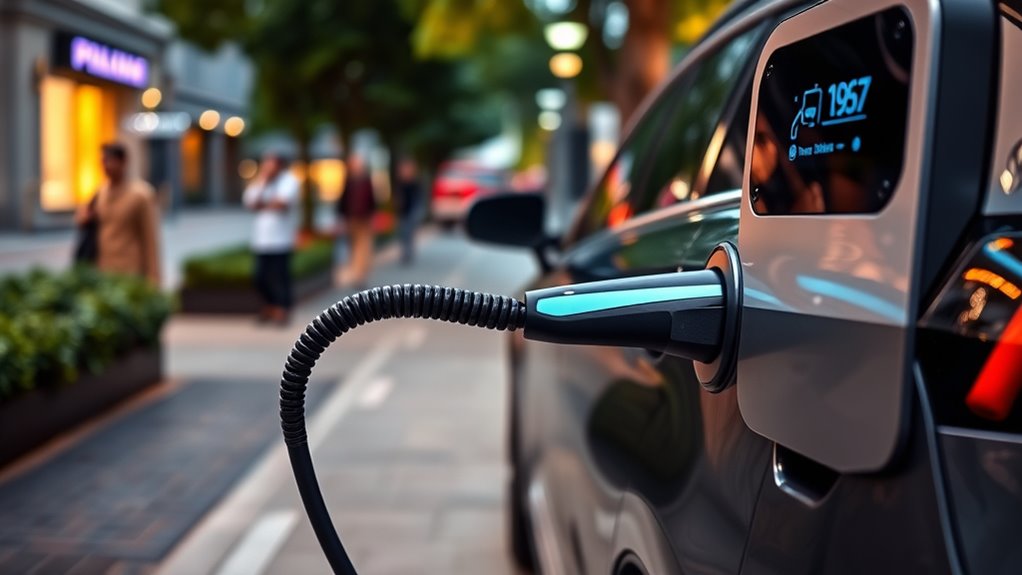
Charging your EV at a public station is simple once you know three things: which plug your car uses, how the station starts a session, and how to stop charging safely. Most public stations guide you on the screen or in an app, but checking the charger type, payment method, and cable reach before you park can save time.
Quick Answer
To charge your EV at a public station, find a compatible Level 2 or DC fast charger, park so the cable reaches your charge port, plug in securely, start the session with the station screen, app, RFID card, contactless card, or Plug & Charge, then monitor progress and unplug when finished.
Key Takeaways
- Use Level 2 charging when you will be parked for a while, and use DC fast charging when you need a quicker road-trip stop.
- Check your connector before you go. Common North American options include J1772, CCS1, CHAdeMO, and J3400/NACS.
- Many stations work with apps, RFID cards, credit cards, contactless payment, or Plug & Charge, depending on the network and charger.
- Do not use a damaged connector, stretched cable, or charger that shows a safety fault.
- Move your EV when charging is done so another driver can use the space and so you can avoid idle fees.
At a Glance
| Time Required | About 15 minutes to several hours, depending on charger speed, battery size, starting charge, and your target charge level. |
| Difficulty | Easy. First-time users should allow a few extra minutes for app setup, payment, or connector checks. |
| Tools Needed | Your EV, a compatible public charger, payment method, charging app or RFID card if required, and any approved adapter your vehicle needs. |
| Cost | Varies by network, charger speed, location, membership, time of day, and whether pricing is per kWh, per minute, per session, or free. |
Understanding Charging Options and Payment
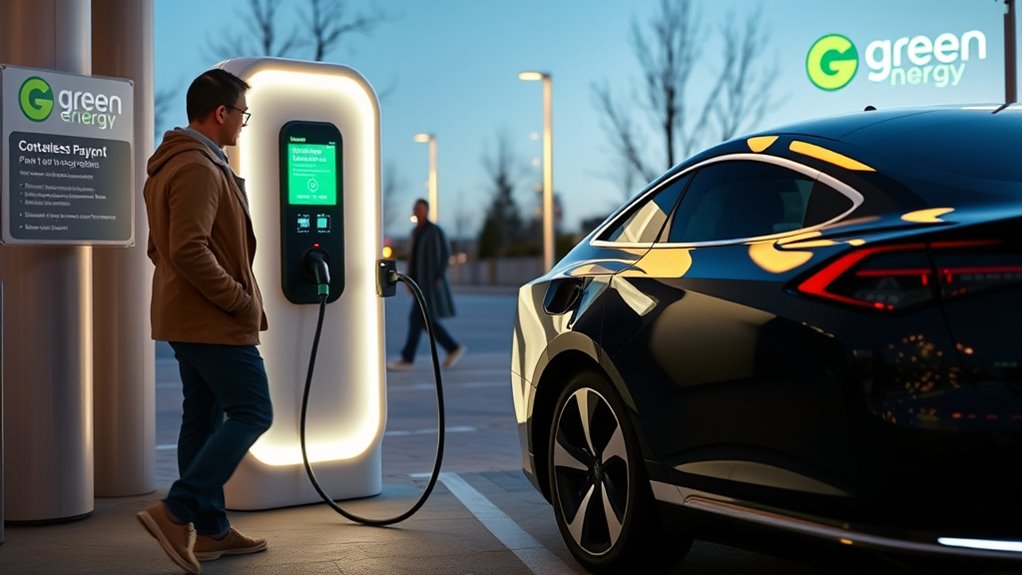
Public charging stations usually offer Level 2 charging or DC fast charging. The Alternative Fuels Data Center notes that general public charging uses these two charger types. Level 2 is best when you are parked for a longer stop, such as at work, a hotel, a shopping center, or a garage. DC fast charging is best when you need to add range quickly on a trip.
| Charger Type | Best Use | Typical Speed |
|---|---|---|
| Level 2 | Errands, work, hotels, apartments, parking garages, and longer stops. | Often around 25 miles of range per hour, but the real rate depends on the charger and vehicle. |
| DC Fast Charging | Road trips, quick stops, and low-battery situations when your EV supports fast charging. | Can add range much faster. The AFDC lists roughly 100 to 200+ miles of range per 30 minutes, depending on many factors. |
Payment depends on the network and location. Some stations start with a mobile app. Others use an RFID card, credit card reader, contactless payment, QR code, or Plug & Charge. Covered federally funded chargers that are not free must support secure payment methods and cannot require a membership, according to 23 CFR Part 680. Private stations and older stations may still vary, so always check the charger screen before you plug in.
Note: Pricing can be per kilowatt-hour, per minute, per session, or free. Some networks also charge idle fees after your car stops charging.
How to Locate a Public Charging Station
You can find a public charging station with your vehicle’s navigation system, a charging network app, or the AFDC Alternative Fueling Station Locator. Apps such as PlugShare, ChargePoint, Electrify America, EVgo, and Tesla can help you check location, plug type, power level, price, and recent driver notes.
Before driving to a charger, check these details:
- Connector type: Make sure the plug matches your EV or your approved adapter.
- Station status: Look for available, in-use, offline, or faulted ports.
- Charging speed: A 50 kW DC fast charger and a 350 kW DC fast charger can feel very different, but your EV also has its own maximum charge rate.
- Access hours: Some chargers are in paid garages, gated lots, or business locations with limited hours.
- Cable reach: Short charging cables can be a problem if your charge port is on the far side of the vehicle.
Pro Tip: For road trips, choose chargers before your battery is very low. A backup station nearby can save stress if a port is occupied, blocked, or offline.
What You Need Before Charging Your EV
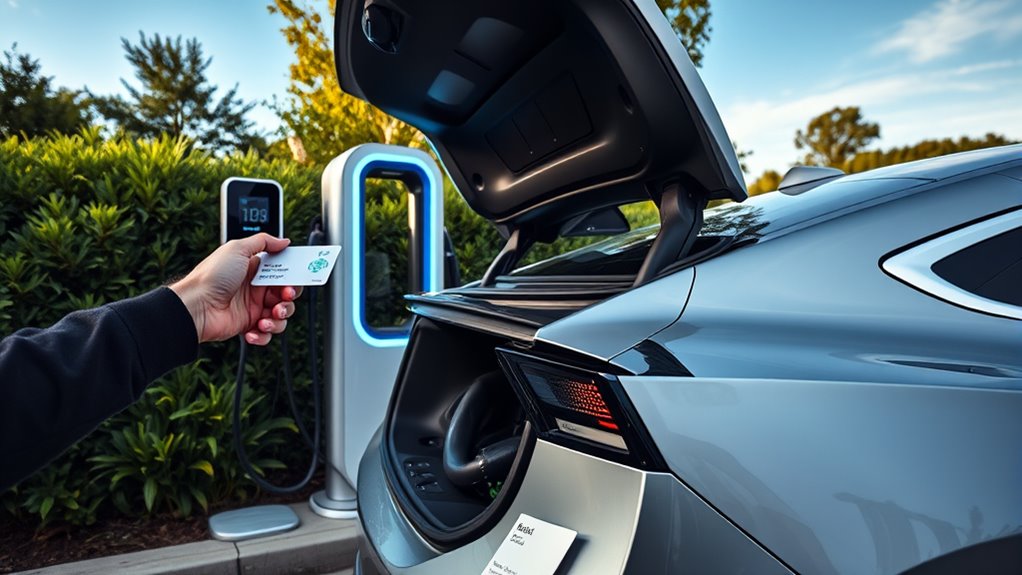
Before you charge, confirm your EV’s connector and any adapter requirements. In North America, common public charging connectors include J1772 for many Level 2 chargers, CCS1 for many DC fast chargers, CHAdeMO on some older or specific EVs, and J3400/NACS, which is based on Tesla’s connector. The Joint Office of Energy and Transportation explains that J3400/NACS can support AC and DC charging and is part of the current North American connector transition.
| Item | Why It Matters | Quick Check |
|---|---|---|
| Charging app or account | Some networks need an app, RFID card, or login to start. | Install and sign in before you arrive if the station lists an app. |
| Payment method | You may need a card, contactless payment, app wallet, or RFID card. | Check the station screen and network listing. |
| Connector or adapter | The plug must match your vehicle or a manufacturer-approved adapter. | Confirm J1772, CCS1, CHAdeMO, or J3400/NACS before parking. |
| Charge port location | Short cables may not reach every parking position. | Know whether your port is front, rear, driver side, or passenger side. |
| Charging limit | Many EVs let you set a target such as 80%, 90%, or 100%. | Set your limit in the vehicle or app before starting. |
Warning: Do not use a charger with a cracked connector, exposed wiring, burned smell, standing-water hazard, or fault warning. Report the problem in the network app or on the station support line.
How to Hook Up Your EV and Start Charging
- Park close enough for the cable to reach. Do not stretch the cable across a lane, walkway, or another parking space.
- Open your charge port. Use the vehicle screen, key fob, app, or charge-port door, depending on your EV.
- Select the right connector. Match the plug to your EV or attach your approved adapter if one is needed.
- Plug in firmly. Push the connector in until it seats fully. Many EVs lock the connector during charging.
- Start the session. Follow the station screen or app. You may need to tap a card, scan a QR code, use RFID, or let Plug & Charge authenticate automatically.
- Confirm charging has started. Check the station screen, your vehicle display, dashboard message, or charging app.
If the session does not start, unplug and try again only if the station says it is safe to do so. Some chargers need the app or payment step before plugging in, while others need you to plug in first.
Monitor Your Charging Progress
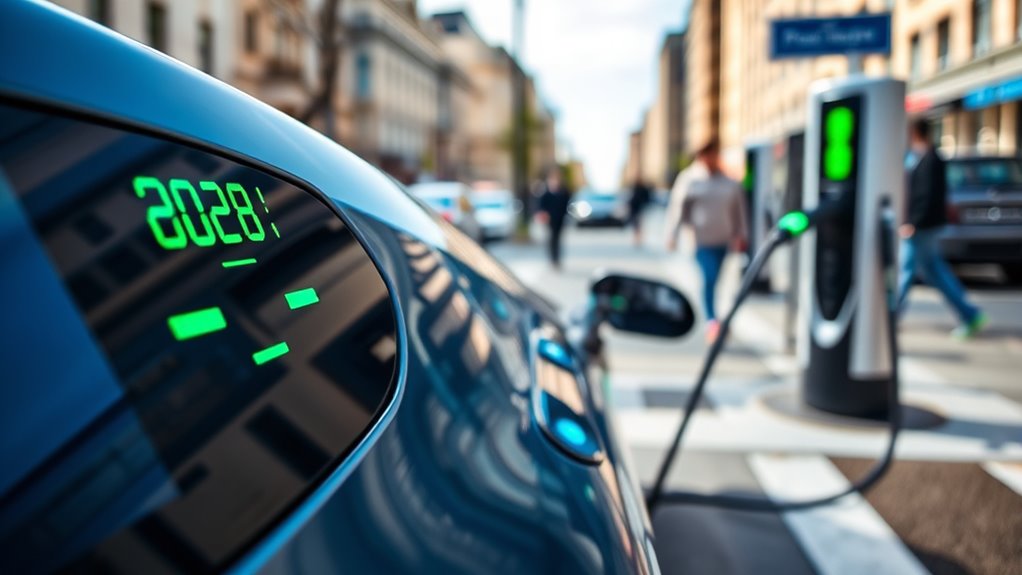
After charging begins, watch the session through your vehicle display, station screen, or charging app. You should see the battery percentage, charging power, estimated finish time, and sometimes the cost so far.
Charging speed is not constant. It often starts faster when the battery is lower and slows as the battery fills, especially near the top of the pack. For many road trips, charging to around 80% can be faster than waiting for 100%, unless you need the extra range for the next stop.
Charging status lights vary by vehicle. Do not rely on one universal light color. Use your owner’s manual if you are unsure what a blinking, pulsing, blue, green, white, or red light means on your EV.
Note: Cold weather can slow charging. Some EVs can precondition the battery before DC fast charging when the charger is selected in the vehicle navigation system.
Ending Your Charging Session Safely
When you are ready to leave, stop the session before unplugging unless your vehicle or charger tells you the connector is ready to release. The exact process varies by network and vehicle, but the safe order is usually simple.
Properly Disconnect the Charger
- Check that charging is complete or that you have reached your target charge.
- End the session on the station screen, in the app, with your RFID card, or through your vehicle controls.
- Wait for the connector to unlock.
- Press the release button if the connector has one.
- Pull the connector straight out without twisting or dropping it.
- Return the cable to its holder so it does not become a trip hazard or get damaged.
Secure the Charge Port Door
After unplugging, close your vehicle’s charge port door. If your EV or adapter uses a dust cover, put it back in place. Check the dashboard for any warning message before shifting into drive.
Charging Etiquette and Idle Fees
Move your EV after charging is complete, especially at busy DC fast chargers. Do not unplug another vehicle unless the station clearly allows it and the other vehicle has finished charging. Avoid using a fast charger as a parking space, and check the app for idle fees so you are not charged after the session ends.
Troubleshooting Common Public Charging Problems
| Problem | What to Try |
|---|---|
| The charger will not start. | Check the connector fit, follow the screen order, try the app, tap your card again, or switch to another port. |
| The app says the station is unavailable. | Refresh the app, check the station screen, call the support number, or use a nearby backup charger. |
| The cable does not reach. | Repark if safe and allowed. Do not stretch the cable across traffic or walkways. |
| Charging is slower than expected. | Check your battery percentage, battery temperature, station power, shared power limits, and your EV’s maximum charge rate. |
| The connector is locked. | Stop the session first, unlock the vehicle, use the vehicle’s release control, and follow the owner’s manual if it still will not release. |
Frequently Asked Questions
How do I use a public EV charger for the first time?
Find a compatible charger, park so the cable reaches your charge port, plug in, follow the screen or app prompts, confirm that charging starts, and return the connector when finished. For your first session, choose a station with more than one port in case one charger is busy or offline.
How do you pay at public EV charging stations?
Payment depends on the network. You may use a mobile app, RFID card, credit card, contactless card, QR code, or Plug & Charge. Check the station screen for pricing before starting because some chargers bill by energy, time, session, parking rules, or idle time.
Can I use a Tesla Supercharger with a non-Tesla EV?
Sometimes. Access depends on your vehicle, adapter, region, and the specific Supercharger site. Some non-Tesla EVs can use compatible Tesla Superchargers with approved J3400/NACS access or an adapter. Always check your vehicle maker’s guidance and the Tesla app before relying on a Supercharger stop.
Should I charge to 100% at a public fast charger?
Not always. On many EVs, DC fast charging slows as the battery gets fuller, so stopping around 80% can be faster for road trips. Charge higher when you need the range to reach your next stop, your vehicle maker recommends it, or you are using Level 2 charging during a long parking session.
Are electric cars and public chargers safe for pacemakers?
Many people with pacemakers or ICDs use vehicles normally, but implanted devices can be sensitive to some electromagnetic sources. Follow your device maker’s instructions, avoid leaning against charging equipment, and ask your cardiologist or device clinic for personal guidance if you have concerns.
What should I do if the charger fails?
Try another port at the same station, restart the session, check payment, or call the support number on the charger. If the connector looks damaged or the station shows a safety fault, stop using it and report the issue.
Conclusion
Public EV charging gets easier with practice. The key is to check the station before you park, match the connector to your EV, start the session with the correct payment method, and monitor the charge until you have enough range. Use Level 2 for longer stops, DC fast charging for quicker travel stops, and good etiquette whenever other drivers may be waiting.
Sources
- Alternative Fuels Data Center: Electric Vehicle Charging Stations — charger levels, charging speeds, connectors, and charging terminology.
- Alternative Fuels Data Center: Charging Electric Vehicles in Public — public charging use cases and station planning context.
- AFDC Alternative Fueling Station Locator — locating public EV charging stations.
- Joint Office of Energy and Transportation: SAE J3400 Charging Connector — J3400/NACS connector background and adapter context.
- 23 CFR Part 680: National Electric Vehicle Infrastructure Standards and Requirements — federally funded charger connector, power, availability, and payment requirements.
- American Heart Association: Devices That May Interfere With ICDs and Pacemakers — safety caution for people with implanted cardiac devices.