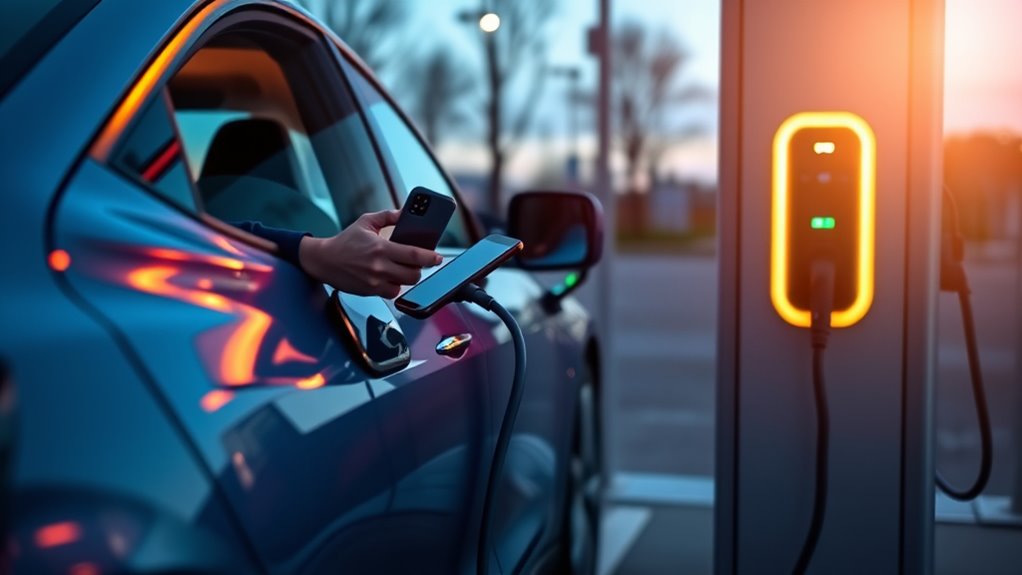
You can pay for public EV charging in a few different ways, but the right method depends on the station, network, connector, and your vehicle. Before you plug in, check the charger screen or app for the accepted payment method, posted price, idle fees, and connector type.
Quick Answer
To pay for public EV charging, use the station’s accepted method: a charging-network app, RFID card, tap-to-pay credit or debit card, mobile wallet, or Plug & Charge if your vehicle and network support it. Always confirm the connector, price, idle fee, and session status before walking away.
Key Takeaways
- Common payment options include apps, RFID cards, tap-to-pay cards, mobile wallets, and Plug & Charge on supported vehicles.
- Check the connector first. Public chargers may use J1772, CCS, CHAdeMO, or J3400/NACS, depending on charger type and region.
- Pricing can be based on kWh, minutes, session fees, membership rates, parking fees, or idle fees.
- Keep a backup payment method ready because screens, apps, RFID readers, and network connections can fail.
At a Glance
| Time Required | Usually 2 to 5 minutes to check the charger, choose payment, and start the session |
| Difficulty | Easy once you know the station’s network and accepted payment method |
| Tools Needed | Phone, charging app, credit/debit card, RFID card, or mobile wallet; adapter if your vehicle needs one |
| Cost | Varies by network, location, charging speed, energy used, membership status, and possible fees |
How Does Public EV Charging Payment Work?
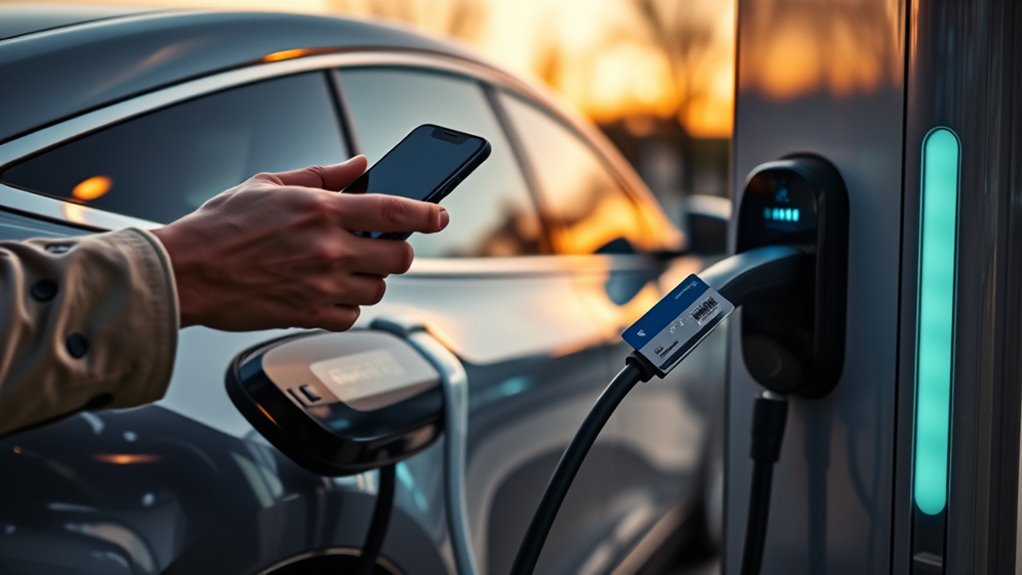
Public EV charging payment usually works in three stages: you identify the charger, authorize payment, and start the charging session. The charger will not normally deliver power until the network verifies your account, card, RFID card, mobile wallet, or vehicle-based Plug & Charge credentials.
Start by checking the connector. Level 2 chargers commonly use J1772 in North America, while DC fast chargers may use CCS, CHAdeMO, or SAE J3400/NACS. Some vehicles need an adapter, and some chargers have more than one connector on the same port.
Next, check the payment options shown on the charger screen, station label, or charging app. Common options include a network app, RFID card, contactless credit or debit card, Apple Pay, Google Pay, or an account-based system. Some newer vehicles and networks also support Plug & Charge, where the charger recognizes the vehicle and bills the linked account automatically.
Note: Some federally funded public chargers must offer accessible secure payment methods and cannot require a membership to start charging. Older private or site-hosted chargers may still be app-only, card-only, or restricted to certain users.
What Payment Methods Do EV Chargers Accept?
Most public EV chargers accept at least one of these payment methods:
- Charging-network app: You create an account, add a card, choose the station in the app, and start the session.
- RFID card or fob: You tap the card on the reader after registering it with the network.
- Tap-to-pay card: You use a contactless credit or debit card where the charger supports card payment.
- Mobile wallet: You tap a phone or watch with Apple Pay, Google Pay, or another supported wallet.
- Plug & Charge or Autocharge: A supported vehicle and charger authenticate automatically after you plug in.
- Phone or SMS payment: Some stations provide a toll-free number or text option, especially where required for access.
Not every charger supports every method. Before you park and unload, look for the network name, QR code, app instructions, card reader, RFID symbol, or tap-to-pay symbol.
How To Pay for EV Charging Step by Step
- Park in the correct stall. Make sure the cable can reach your vehicle without stretching or blocking another charger.
- Check the connector. Confirm that the plug fits your vehicle or adapter before starting payment.
- Read the price screen. Look for per-kWh pricing, per-minute pricing, session fees, idle fees, parking fees, and membership discounts.
- Choose the payment method. Use the network app, RFID card, tap-to-pay card, mobile wallet, or Plug & Charge.
- Plug in when prompted. Some chargers ask you to plug in first; others ask you to authorize first.
- Start the session. Wait for the charger and vehicle to confirm that power is flowing.
- Monitor the session. Check your app, vehicle screen, or charger display for charging speed, cost, and time remaining.
- Stop and unplug. End the session in the app, on the charger, or from your vehicle, then move your car promptly.
Warning: Do not leave your vehicle parked at the charger after charging finishes. Many networks charge idle fees, and some locations also enforce parking rules or towing policies.
How To Pay for EV Charging With an App?
To pay with an app, download the app for the charger’s network or use a roaming app that supports that station. Add your payment card, confirm your account, then search for the charger by map, station ID, QR code, or port number.
App Setup Steps
Open the app and create an account before you need to charge. Add a valid credit or debit card, turn on receipts if available, and save your vehicle details so the app can filter by compatible connectors.
When you arrive, compare the app’s station ID with the label on the charger. This matters because charging sites can have several ports close together, and choosing the wrong port in the app can start the wrong session or fail completely.
Start Charging Session
Select the correct station and port, review the price, then tap the app’s start button. The app may ask you to plug in before payment authorization, or it may ask you to authorize payment before plugging in.
Once the session starts, check that your vehicle is actually charging. A blinking port light, vehicle dashboard message, charger screen, or app status usually confirms power flow. Save the receipt if you track business mileage, ride-share costs, or travel expenses.
How To Use RFID Cards and Tap-To-Pay?
An RFID card works like a network pass. You register the card with the charging network, add payment details to your account, then tap the card on the charger’s RFID reader. The charger uses the card to identify your account and start billing.
Tap-to-pay works more like a normal contactless purchase. If the charger has a contactless reader, follow the screen prompts and tap your credit card, debit card, phone, or smartwatch. Wait for payment approval before leaving the vehicle.
If the tap fails, try a different card, open the network app, or call the support number on the charger. A failed payment attempt may still create a temporary bank hold, so check your card account if you see a pending charge.
Pro Tip: Keep at least two payment options ready on road trips, such as the network app plus a contactless card. This helps if an RFID reader, app login, card reader, or cellular connection fails.
What Is Plug & Charge?
Plug & Charge lets a compatible vehicle and charger handle authentication and payment automatically. Instead of opening an app or tapping a card, you plug in, the charger verifies the vehicle’s digital credentials, and the linked account is billed.
This feature is convenient, but it is not universal. Your vehicle, charging network, account setup, and charger must all support it. If Plug & Charge does not start, fall back to the app, RFID card, or card reader listed on the charger.
What Affects Public EV Charging Costs?
Public EV charging costs vary because each network and site can set its own pricing model. The biggest cost factors are charger speed, energy delivered, location, time of day, membership status, and any extra fees.
Level 2 charging is usually slower and often cheaper for longer parking stops. DC fast charging is much faster and is often priced higher because it uses more powerful equipment and is commonly placed along travel corridors. The U.S. Department of Energy’s Alternative Fuels Data Center explains that charging time depends on battery state of charge, battery capacity, vehicle limits, charger power, and equipment type.
Some networks charge by the kilowatt-hour. Others charge by the minute, session, or a mix of methods where local rules allow. Membership plans may reduce the energy rate but add a monthly fee, so they only make sense if you use that network often.
How To Check Charging Prices Before You Plug In?
Before you plug in, check the station screen, network app, or a charging map such as the AFDC Alternative Fueling Station Locator. Look for the exact charger, not just the site, because one location can have different speeds, ports, and prices.
| Price Item | What to Check |
| Energy rate | Whether the charger bills per kWh, per minute, or another method |
| Session fee | Any flat fee added when you start charging |
| Idle fee | When the fee starts after charging ends and how it is calculated |
| Parking fee | Whether the garage, lot, hotel, or site host charges separately |
| Card hold | Whether the network places a temporary preauthorization on your card |
What Extra Fees Can Public Chargers Add?
A public charger can cost more than the posted energy rate if the network or site adds other charges. You may see a session fee, idle fee, parking fee, reservation fee, or temporary card hold. Some stations also have different rates for members and guests.
Idle fees are one of the easiest charges to avoid. Set a phone timer or app notification, then move your vehicle as soon as you have enough charge or the session ends. This keeps the charger open for the next driver and protects you from avoidable costs.
What To Do If Payment Does Not Work
Payment failures happen. Screens, readers, apps, network connections, and charger authorization systems can all fail at public stations. If the session does not start, try these steps:
- Confirm you selected the correct charger and port number.
- Unplug, wait 10 to 20 seconds, and plug in again if the charger allows it.
- Try the network app instead of RFID or tap-to-pay.
- Try a different card or mobile wallet.
- Check whether your app account needs a balance, billing update, or email verification.
- Call the support number on the charger and give the station ID.
- Move to another port if the charger reports an error or never begins power flow.
If your card shows a pending charge after a failed start, wait for it to clear or contact the network’s billing support. Temporary holds are not always the same as completed charges.
How ChargeHub and Other Apps Can Help
Apps such as ChargeHub, PlugShare, network-specific apps, and vehicle navigation systems can help you find stations, filter by connector, check availability, compare pricing, and plan charging stops. They are most useful before you arrive because they reduce the chance of parking at the wrong charger or discovering that the station uses a payment method you do not have.
Still, treat any app as a planning tool, not a guarantee. The charger screen and posted site rules are the final source for current pricing, access rules, and payment options at that location.
Frequently Asked Questions
How do I pay at a public charging station?
Check the charger’s instructions, confirm the connector and price, then use the accepted payment method. That may be a charging app, RFID card, tap-to-pay credit or debit card, mobile wallet, phone/SMS payment, or Plug & Charge on supported vehicles.
Can I pay for every EV charger with a credit card?
No. Many newer public chargers accept contactless credit or debit cards, but some older or private chargers require a network app, RFID card, account, or site permission. Always check the payment icons, app listing, or station screen before plugging in.
Do I need a charging app to use public EV charging?
Sometimes. An app is often the easiest way to start, monitor, and receive a receipt, but some stations also support tap-to-pay, RFID cards, mobile wallets, Plug & Charge, or phone/SMS payment. Keeping the main network apps installed can make road trips easier.
How do I avoid idle fees?
Check when the idle fee starts, set an alert, and move your vehicle soon after charging finishes. Some networks give a short grace period, while others start charging shortly after the battery reaches the limit or the session ends.
What should I do if the app or card reader fails?
Try another payment method, confirm the port number, restart the session, or call the support number printed on the charger. If the charger still will not start, move to another port or station and check your card later for temporary holds.
Is Plug & Charge the same as tap-to-pay?
No. Tap-to-pay uses a contactless card or mobile wallet at the charger. Plug & Charge uses digital credentials from a compatible vehicle and account, so the charger can authenticate the car and bill the linked payment method automatically.
Conclusion
Paying for public EV charging is usually simple once you check three things: the connector, the accepted payment method, and the posted price. Use an app, RFID card, tap-to-pay card, mobile wallet, or Plug & Charge where supported. Before you walk away, make sure power is flowing and check for idle fees, parking fees, and card holds. A few minutes of checking can prevent failed sessions and surprise charges.
Sources
- U.S. Department of Energy Alternative Fuels Data Center: Electric Vehicle Charging Stations — supports charging levels, connector types, charging-speed context, and public charging terminology.
- 23 CFR Part 680: National Electric Vehicle Infrastructure Standards and Requirements — supports payment-method, pricing-information, accessibility, and no-membership requirements for covered federally funded chargers.
- SAE J3400 North American Charging System Standard — supports J3400/NACS connector terminology.
- AFDC Alternative Fueling Station Locator — supports finding public EV charging stations by location and filters.
- Reliability of Open Public Electric Vehicle Direct Current Fast Chargers — supports troubleshooting context around payment, network, initiation, screen, and connector failures.