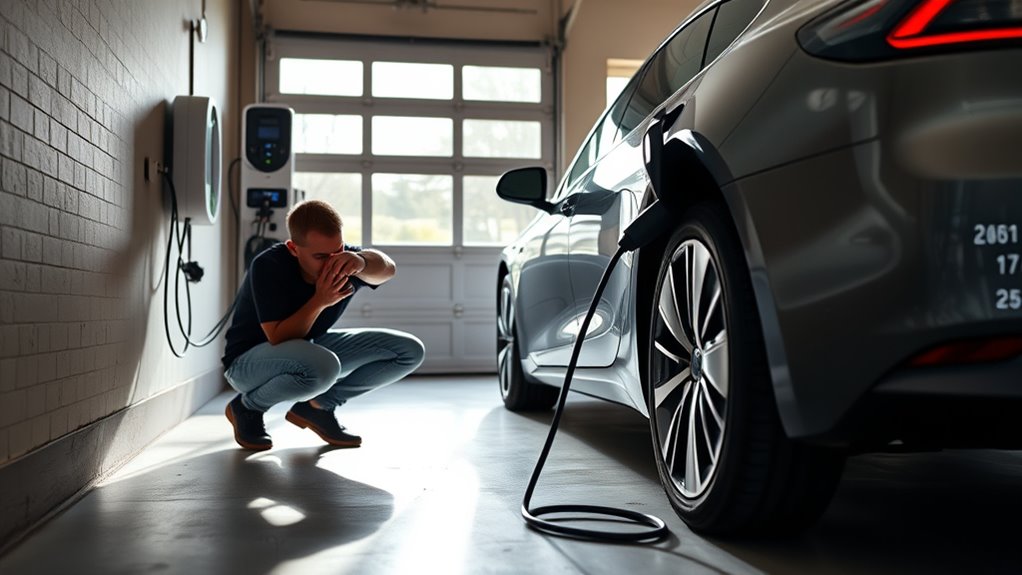
If your EV charger stops working, start with the safe, simple checks before you assume the charger has failed. A reset can clear a frozen screen, a communication fault, a tripped GFCI, or a stalled app session, but it will not fix damaged wiring, a burned connector, flooding, or a repeated breaker trip.
Use the steps below to reset a home EV charger, check the power supply, inspect the cable and connector, and decide when the problem needs a licensed electrician or the charger manufacturer.
Quick Answer
To reset an EV charger, stop the charging session, unplug from the vehicle if it is safe, turn off the dedicated breaker for about two minutes, then restore power and check the charger app or LED status. If the breaker trips again, the plug feels hot, or you see damage, stop and call a licensed electrician.
Key Takeaways
- A basic reset is usually safe when you only power-cycle the charger from its breaker or reset button.
- Do not open the charger housing, touch exposed wiring, or keep resetting a breaker that trips again.
- Check the charger app, vehicle screen, connector fit, GFCI protection, and LED pattern before blaming the charger.
- Connector type matters: J1772, CCS, CHAdeMO, and SAE J3400/NACS are not interchangeable without the correct approved adapter.
- Rain is usually fine for weather-rated charging equipment, but flooding, water inside the connector, or visible damage is a stop sign.
At a Glance
| Time Required | 5 to 15 minutes for basic reset checks; longer if an electrician or manufacturer support is needed |
| Difficulty | Easy for power-cycling and visual checks; professional for voltage, grounding, wiring, panel, or hardwired faults |
| Tools Needed | Owner’s manual, charger app, vehicle screen, flashlight, and a soft dry cloth |
| Cost | $0 for basic troubleshooting; professional diagnosis or repair costs vary by charger, wiring, warranty, and local labor rates |
Warning: Stop troubleshooting if you smell burning, see melted plastic, notice a hot plug, find exposed wiring, hear buzzing from the panel, or the breaker trips again after reset. Do not open a hardwired charger or test live electrical parts unless you are qualified to do that work.
Reset an EV Charger Step by Step
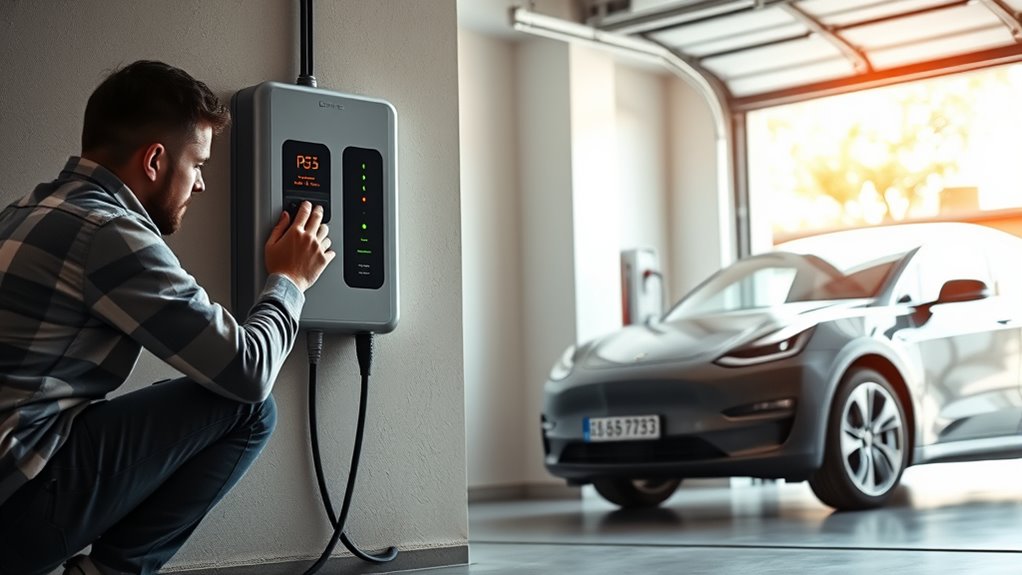
To reset an EV charger, start by ending the charging session from the vehicle screen, charger app, or charger button if your model provides one. Then unplug the connector from the vehicle if the latch releases normally. Never force a stuck connector.
- Check for obvious danger first. Look for heat damage, cracks, water inside the connector, a loose wall outlet, or a burned smell. If you find any of these, stop.
- Turn off the dedicated breaker. At the electrical panel, switch off only the breaker labeled for the EV charger.
- Wait about two minutes. This gives the charger time to power down and clear temporary software or communication errors.
- Restore power. Turn the breaker back on and wait for the charger to finish its startup sequence.
- Check the charger status. Read the app, screen, or LED pattern and compare it with your charger manual. LED colors vary by brand, so do not rely on color alone.
- Reconnect the vehicle. Make sure the connector seats fully and the latch engages. Watch the vehicle screen for a charging-start message.
If charging starts and the charger does not show a fault, the reset worked. If the same error returns, write down the error code, LED pattern, app message, and vehicle message before trying anything else.
Pro Tip: Take a photo of the LED pattern or app error before you reset the charger. If the fault returns, that photo can help the manufacturer or electrician diagnose the problem faster.
Check the Power Supply First
If the charger still will not operate after a reset, inspect the power supply from the safe, visible side only. A home charger may fail to start because the breaker is off, the GFCI has tripped, the outlet is loose, or the charger is not receiving stable power.
For a plug-in Level 1 or Level 2 charger, confirm the plug is fully seated in the outlet. If the circuit uses a GFCI outlet, press the reset button on the outlet once. If the GFCI trips again, stop using the charger until the circuit is inspected.
For a hardwired Level 2 charger, check the dedicated breaker and the charger status. Do not remove the faceplate, open the charger, or inspect internal wiring. Voltage, grounding, load, and breaker tests should be handled by a licensed electrician.
A reset should clear a temporary fault. It should not be used to override repeated breaker trips, heat, water damage, or wiring problems.
Inspect the Cable and Connector
Inspect the charging cable from the wall unit to the connector. Look for cuts, cracks, flattened sections, fraying, exposed conductors, melted plastic, corrosion, bent pins, or debris in the plug.
Next, check the connector fit at the vehicle. The plug should slide in smoothly and latch without wobbling. Partial insertion can stop the charging handshake and cause intermittent faults.
- Look for visible wear along the full cable length.
- Check the connector face for dirt, moisture, corrosion, or bent contacts.
- Wipe only the outside of the connector with a soft, dry cloth.
- Confirm the connector seats fully in the vehicle charge port.
- Stop using the cable if you see damage, heat marks, or a loose plug.
Do not spray cleaner into the connector, scrape the contacts, or use a wet cloth. If the cable or plug is damaged, the safest fix is replacement or manufacturer service.
Fix App and Software Glitches
Smart EV chargers can stop charging because of app authorization, Wi-Fi problems, firmware updates, schedules, utility demand-response settings, or vehicle charging limits. Before you reset the breaker again, check the software side.
- Open the charger app and check whether the charger is online.
- Confirm Wi-Fi or Bluetooth connection if your charger depends on it.
- Disable any charging schedule temporarily.
- Check whether the vehicle has a charge limit, departure schedule, or delayed charging setting enabled.
- Update the charger app and vehicle app if updates are available.
- Restart the app, then power-cycle the charger once.
If the charger is public or networked, the app may also require payment authorization before charging starts. In that case, try the station’s support number, another connector at the same site, or a different station instead of repeatedly unplugging and resetting.
Note: Public DC fast chargers are not reset the same way as a home charger. If a public charger fails, report the station ID and error message to the network operator.
Verify EV Charger Compatibility
Before you assume the charger is broken, make sure the connector, adapter, charging level, and vehicle settings match. The U.S. Department of Energy explains that EV charging equipment is grouped by charging speed and connector type, and charging time depends on the vehicle, battery, equipment, and electrical service. DOE Alternative Fuels Data Center
Connector Type Match
Most North American home AC chargers have used the J1772 connector for non-Tesla vehicles, while Tesla vehicles use the North American Charging System connector, now standardized as SAE J3400/NACS. Many newer North American EVs are also shifting toward J3400/NACS. For DC fast charging, many vehicles use CCS, while some older Japanese models use CHAdeMO.
Use only an adapter approved for your vehicle and charger. An adapter that physically fits is not enough. It must be rated for the charging type, current, and manufacturer requirements.
- Confirm the vehicle inlet type before connecting.
- Use only rated, approved adapters.
- Inspect the adapter for heat marks or loose fit.
- Do not stack multiple adapters.
- Do not force a connector that does not seat smoothly.
Vehicle Charging Standards
Charging level also matters. U.S. DOT charging guidance lists Level 1 as 120V AC, Level 2 as 240V residential or 208V commercial AC, and DC fast charging as a much higher-power system used mainly at public stations.
If the charger powers on but does not charge the car, check whether the vehicle supports that charging level. Many plug-in hybrids do not support DC fast charging, and some vehicles limit charging speed based on battery temperature, state of charge, or software settings.
Test the Charger With Another EV
If you can safely test with another compatible EV, this can help separate a charger problem from a vehicle problem. Use a vehicle with the same connector type or the correct approved adapter.
Different EV, Same Charger
Connect the second EV and watch both the charger and vehicle screens. If the second EV starts charging normally, the charger may be fine and the original vehicle may have a charge-port, battery-temperature, schedule, software, or onboard charging issue.
- Use the same charger and connector.
- Record the charger LED pattern or app status.
- Record any vehicle error message.
- Stop the test if the plug heats up, the breaker trips, or the charger faults again.
Isolate Vehicle Or Charger
If neither vehicle charges, the fault is more likely in the charger, circuit, connector, app, or charging station network. If only one vehicle fails, focus on that vehicle’s charge port, settings, charge limit, adapter, or onboard charger.
For public charging, also try a different stall from the same network. A single bad connector or station cabinet can fail while nearby chargers still work.
Reset a Hardwired Charger Safely
Before you reset a hardwired EV charger, make sure the vehicle is not actively charging. Stop the session in the app or vehicle screen first, then unplug if the connector releases normally.
- Find the dedicated EV charger breaker in the electrical panel.
- Switch that breaker fully off.
- Wait about two minutes.
- Switch the breaker back on.
- Let the charger complete its startup process.
- Check the app, screen, or LED pattern against the manual.
If the breaker trips again, do not reset it repeatedly. A repeated trip can point to a ground fault, overload, damaged charger, wiring issue, or water intrusion.
Hardwired chargers should be on a properly sized dedicated circuit with code-compliant protection. If you are unsure about the circuit, panel capacity, grounding, breaker size, or installation, schedule an inspection with a licensed electrician.
Check Temperature and Weather Limits
If the charger still will not operate, check the environment. Extreme heat, freezing weather, direct sun, blocked ventilation, ice, and moisture can affect charging performance. NHTSA notes that extreme temperatures can affect EV battery performance and range, and charger manuals often list a specific operating temperature range. NHTSA EV safety guidance
Rain alone is not usually a reason to avoid charging with intact, weather-rated equipment. NHTSA says plug-in EV chargers are weather-resistant and advises owners to follow the manual. The bigger concerns are flooding, standing water, water inside the connector, a damaged cable, a loose outlet, or a charger that displays a ground-fault warning.
- Do not charge if the charger, outlet, connector, or vehicle port has been flooded.
- Do not plug in if there is water inside the connector or vehicle inlet.
- Clear snow and ice from around the unit without spraying water into it.
- Keep vents clear if your charger has ventilation openings.
- Shade the unit if direct sun is causing heat-related shutdowns, but do not cover vents.
If the charger works again after the temperature normalizes or the connector dries, the issue may have been environmental. If it still fails, treat it as a charger, circuit, or vehicle fault.
When to Call an Electrician or the Manufacturer
Call a licensed electrician when the problem appears to involve the circuit, panel, outlet, wiring, breaker, grounding, or a hardwired installation. Call the manufacturer when the charger powers up but keeps showing a device-specific error, firmware problem, relay fault, or warranty issue.
- Breaker trips again: stop resetting it and call an electrician.
- No power and no lights: have the circuit and charger inspected.
- Hot plug, buzzing, smoke, or burning smell: stop using the charger immediately.
- Damaged cable or connector: contact the manufacturer for replacement parts or service.
- Persistent app or firmware errors: contact charger support with the error code and model number.
- Warranty still active: ask the manufacturer before opening, modifying, or replacing parts.
NHTSA advises EV owners to follow the owner’s manual and manufacturer charging safety instructions. That is especially important with high-voltage vehicle systems, hardwired chargers, and any condition that could involve shock or fire risk.
Frequently Asked Questions
How do I reboot an EV charger?
Stop the charging session, unplug from the vehicle if it is safe, turn off the charger’s dedicated breaker for about two minutes, then turn it back on. Check the charger app, screen, or LED pattern before reconnecting the vehicle.
Why would an EV charger stop working?
Common causes include a tripped breaker, tripped GFCI, loose plug, damaged connector, app authorization problem, weak Wi-Fi, vehicle charging schedule, incompatible connector, adapter issue, temperature limit, or an internal charger fault.
How do I fix my charger when it stops working?
Start with a safe reset, then check the breaker, GFCI, plug fit, cable, connector, app status, vehicle settings, and charger error code. If you see damage, heat, water intrusion, or another breaker trip, stop and call a professional.
How long should I leave the breaker off when resetting an EV charger?
About two minutes is a common power-cycle window for clearing temporary faults. Your charger manual may specify a different reset time, so follow the manual if it gives model-specific instructions.
Can I reset an EV charger while it is plugged into the car?
It is better to stop the charging session first and unplug if the connector releases normally. If the connector is locked or stuck, follow the vehicle manual’s release procedure instead of forcing it.
Is it safe to charge an EV in the rain?
Yes, charging in rain is generally safe with intact, weather-rated charging equipment used according to the owner’s manual. Do not charge if the equipment has been flooded, the connector has water inside it, or you see damage.
When should I stop troubleshooting and call an electrician?
Call an electrician if the breaker trips again, the outlet or plug feels hot, you smell burning, you see melted plastic, the charger has no power after reset, or the unit is hardwired and you suspect a wiring or grounding issue.
Conclusion
If your EV charger stops working, a careful reset can often bring it back online. Start by stopping the session, power-cycling the dedicated breaker, checking the app or LED status, inspecting the connector, and confirming the vehicle and charger are compatible.
Do not treat a reset as a cure for electrical faults. Repeated breaker trips, heat, burning smells, water intrusion, damaged cables, and hardwired power issues need professional help. A safe charger should reset cleanly, communicate with the vehicle, and start charging without forcing the system.
Sources
- U.S. Department of Energy Alternative Fuels Data Center: Electric Vehicle Charging Stations — charging levels, connector types, J1772, CCS, CHAdeMO, and J3400/NACS context
- U.S. Department of Transportation: Charger Types and Speeds — Level 1, Level 2, DC fast charging, voltage ranges, charge times, and plug types
- National Highway Traffic Safety Administration: Electric and Hybrid Vehicles — EV charging safety, rain guidance, temperature effects, high-voltage cautions, and owner-manual guidance
- SAE International: J3400 North American Charging System for Electric Vehicles — current SAE J3400/NACS standard reference