
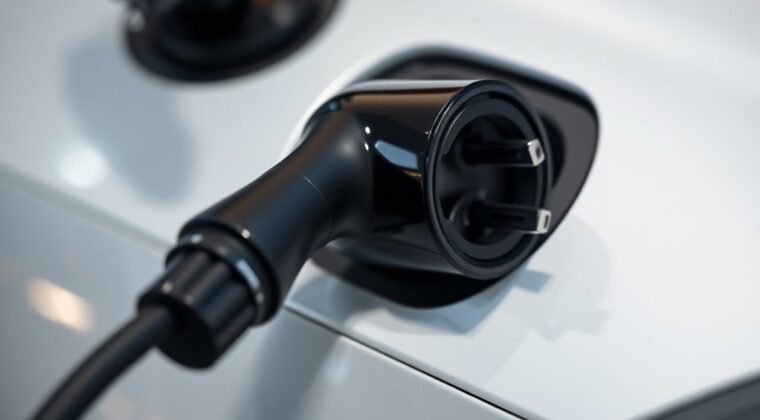
An EV charging adapter lets your electric vehicle connect to a charging plug that does not match your vehicle’s charge port. It can be useful on road trips, at public Level 2 stations, or during the shift from CCS1 to NACS in North America. The key is choosing the right adapter for your vehicle, charging level, region, and charging network rules.
Quick Answer
You need an EV charging adapter only when the charger plug and your vehicle’s charge port do not match. Common examples include using a Tesla-style NACS plug with a CCS1 EV, charging a Tesla at a J1772 Level 2 station, or using a regional connector while traveling. Always use an adapter approved by your automaker or charging network.
Key Takeaways
- An EV charging adapter changes the physical connector fit; it does not make your EV charge faster than the car or charger allows.
- AC adapters, such as NACS-to-J1772, are different from DC fast-charging adapters, such as NACS DC-to-CCS1.
- In North America, the main connector names to know are J1772, CCS1, NACS/SAE J3400, and CHAdeMO.
- For Tesla Superchargers, use only supported Supercharger sites and an adapter provided or approved by Tesla or your vehicle manufacturer.
- Check your owner’s manual, charge-port label, charging app, adapter rating, and warranty rules before buying or using an adapter.
At a Glance
| Time Required | 10 to 20 minutes to confirm your vehicle port, charger type, network rules, and adapter approval. |
| Difficulty | Easy for Level 2 adapters; more careful checking is needed for DC fast-charging adapters. |
| Tools Needed | Owner’s manual, vehicle charging app, network app, charge-port label, and adapter specifications. |
| Cost | Varies by adapter type. AC adapters are usually simpler; DC fast-charging adapters often cost more and should be automaker-approved. |
What Is an EV Charging Adapter and How Does It Work?
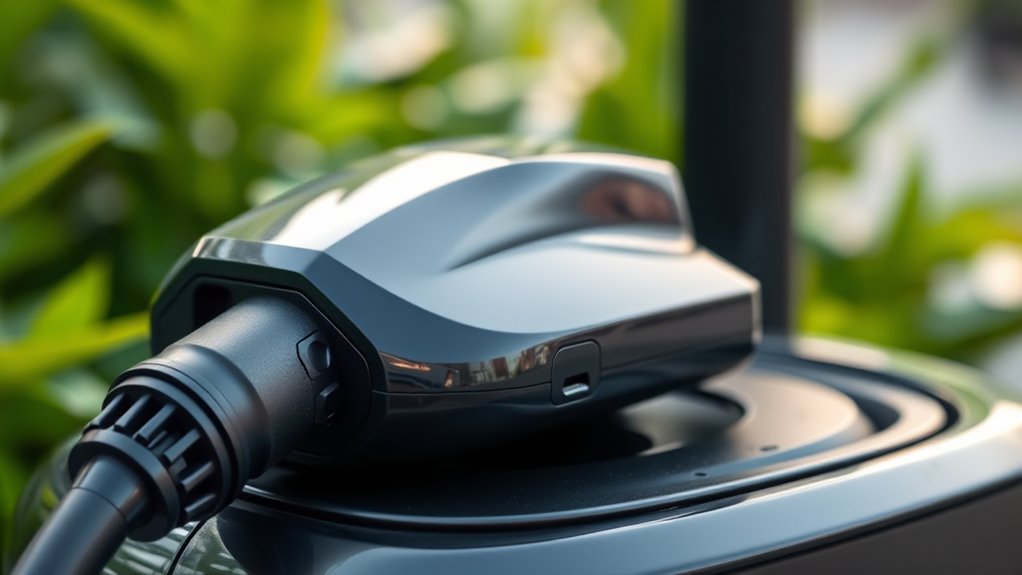
An EV charging adapter is a connector bridge. One side fits the charging station plug, and the other side fits your vehicle’s charging port. It helps solve a physical compatibility problem when the charger and EV use different connector shapes.
The adapter does not act like a magic power booster. Your car, the charging station, battery temperature, state of charge, software, cable, and network authorization still control how much power flows. If your EV can accept 150 kW and the charger can provide 250 kW, the car will still limit the session to what it can safely accept.
Most adapters fall into two broad groups:
- AC charging adapters: Used mainly for Level 1 or Level 2 charging. Examples include a Tesla/NACS vehicle using a J1772 public Level 2 station, or a J1772 EV using a compatible NACS Level 2 wall connector.
- DC fast-charging adapters: Used for high-power public fast charging. These require much stricter compatibility checks because heat, current, locking, software, payment, and network rules all matter.
Warning: Never assume an adapter is safe just because it physically fits. Do not use an AC-only adapter for DC fast charging, and do not use a third-party DC adapter at a network that prohibits it. If the adapter feels loose, smells hot, shows melted plastic, has bent pins, or triggers repeated charging faults, stop using it.
Why You May Need an EV Charging Adapter for Your Electric Vehicle
You may need an EV charging adapter when your vehicle’s port and the station plug do not match. This is common during travel because charging networks, older stations, home chargers, and vehicle model years may use different connectors.
An adapter can help you:
- Use more public Level 2 stations.
- Connect to certain supported DC fast-charging networks.
- Charge during the transition from CCS1 to NACS, now standardized as SAE J3400.
- Keep an older EV useful as newer charging sites change plug types.
- Reduce charging stress on long trips by giving you more compatible options.
Still, an adapter does not guarantee a successful charging session. You also need the right network access, payment method, charger status, cable reach, and vehicle support. A station can still be offline, blocked, busy, too short to reach your charge port, or incompatible with your specific EV.
The best adapter is not the one with the biggest power number. It is the one your vehicle maker and charging network say you can safely use.
Explore the Different Types of EV Charging Connectors
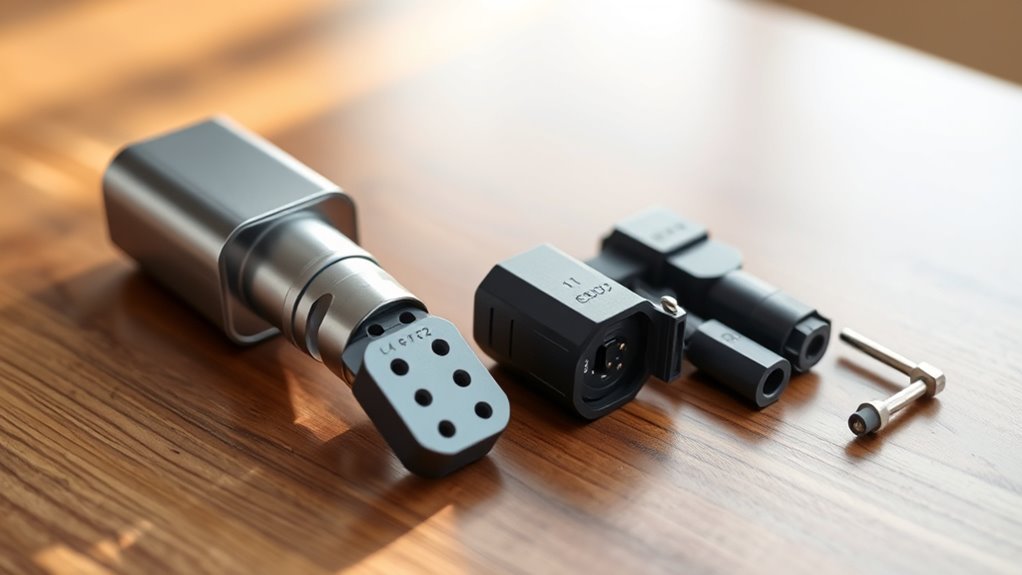
Before choosing an adapter, identify the connector on your vehicle and the connector at the charger. In North America, the most common names are J1772, CCS1, NACS, and CHAdeMO. In Europe and some other regions, you will also see Type 2 and CCS2.
| Connector | Common Use | What to Know |
|---|---|---|
| J1772 | AC Level 1 and Level 2 charging for many non-Tesla EVs in North America. | Common at homes, workplaces, hotels, and public Level 2 stations. |
| CCS1 | DC fast charging for many existing non-Tesla EVs in North America. | Looks like J1772 with two larger DC pins below it. Used for fast charging, not normal Level 2 charging. |
| NACS / SAE J3400 | Tesla vehicles and many newer North American EVs during the NACS transition. | Tesla says NACS-equipped non-Tesla vehicles do not need an adapter at supported NACS Superchargers. |
| CHAdeMO | Legacy DC fast charging, often associated with older Nissan Leaf models. | Availability varies by area, and many new fast-charging sites focus on CCS1 and NACS instead. |
| Type 2 / CCS2 | Common in Europe and some other markets. | Do not assume European Type 2 advice applies to a North American EV without checking your vehicle’s market and manual. |
Common EV Charging Adapter Types
The adapter you need depends on both directions: the charger plug and the vehicle inlet. A “NACS adapter” can mean different things, so check the exact direction before buying.
| Adapter Type | Used For | Important Limit |
|---|---|---|
| J1772 to NACS | Charging a NACS/Tesla-style vehicle at a J1772 Level 2 station. | AC charging only. It will not turn a J1772 station into a DC fast charger. |
| NACS to J1772 | Charging a J1772 EV from a compatible NACS Level 2 wall connector or destination charger. | Only for compatible AC charging. Not for Tesla Superchargers. |
| NACS DC to CCS1 | Charging a CCS1 EV at supported NACS DC fast chargers. | Use only a Tesla- or automaker-provided adapter where the network allows it. |
| CCS1 to NACS | Charging a NACS-equipped EV at a CCS1 fast charger, where supported. | Vehicle software, charger support, and adapter approval still matter. |
| CHAdeMO-related adapters | Limited use cases for older CHAdeMO vehicles or stations. | Do not assume CCS, NACS, and CHAdeMO can be mixed freely. Check the vehicle maker’s guidance first. |
Note: Adapter names are often written from charger side to vehicle side, but sellers are not always consistent. Read the product description carefully and confirm both ends before you buy.
Choosing the Right EV Charging Adapter
Choosing the right EV charging adapter starts with your vehicle, not the adapter listing. The safest choice is one listed in your owner’s manual, vehicle app, automaker store, or charging-network support page.
Use this checklist before buying or using an adapter:
- Identify your vehicle inlet. Look at the charge port or owner’s manual. Do you have J1772, CCS1, NACS, CHAdeMO, Type 2, or CCS2?
- Identify the charger plug. Check the charging app, charger label, or station photos before you arrive.
- Separate AC from DC. Level 2 adapters are not the same as DC fast-charging adapters.
- Check automaker approval. For DC fast charging, use only adapters your vehicle maker or the network says are allowed.
- Check voltage and current ratings. The adapter must meet or exceed the charging equipment’s demands and your vehicle’s use case.
- Check the locking design. DC fast-charging adapters should lock securely so the plug cannot loosen under load.
- Check weather and storage guidance. If you charge outdoors, look for weather-resistant construction and store the adapter dry when not in use.
- Check warranty impact. A cheap adapter can become expensive if it damages the charge port or voids coverage.
Do not buy only by a headline power rating. A high advertised kW number does not mean your vehicle will charge at that speed. Your EV’s battery pack, charging curve, software, temperature, and state of charge can all reduce power.
Pro Tip: Save your adapter type in PlugShare, ChargeHub, your automaker app, and the charging network app. Then filter chargers by plug type before a road trip instead of guessing when you arrive.
What You Need to Know About EV Charging Adapter Safety
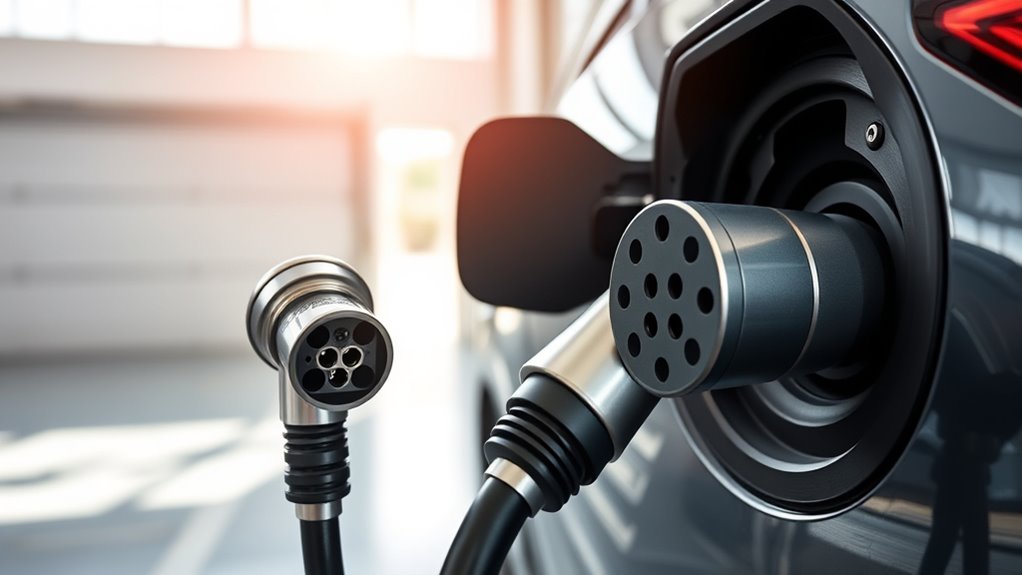
EV charging adapters handle much more power than a phone or laptop charger. Safety matters because a bad adapter can overheat, damage a charge port, interrupt a session, or violate network rules.
Follow these safety practices every time:
- Inspect before use. Look for bent pins, cracks, corrosion, melted plastic, loose housings, moisture, or debris.
- Use the right adapter for the job. Do not use an AC adapter for DC fast charging.
- Make sure it locks. A loose high-power connection can create heat and charging errors.
- Do not force the plug. If it does not seat smoothly, stop and recheck the connector type.
- Avoid stacking adapters. Do not daisy-chain multiple adapters unless your vehicle maker explicitly allows it.
- Avoid extension cords for fast charging. DC fast charging requires equipment designed for high current and heat management.
- Stop if something seems wrong. End the session if you notice heat, odor, arcing sounds, repeated faults, or a warning on the charger or dashboard.
For Tesla Superchargers, Tesla’s support guidance says supported non-Tesla vehicles can use certain Superchargers through Magic Dock, native NACS ports, or NACS DC adapters provided by Tesla or the vehicle manufacturer. Tesla also states that third-party adapters are prohibited at Superchargers for safety reasons.
Top 5 Common Mistakes EV Owners Make With Charging Adapters
Many EV charging problems come from choosing the wrong adapter or expecting it to do more than it can. Avoid these common mistakes:
- Confusing AC and DC adapters. A Level 2 adapter is not designed for DC fast charging.
- Buying an adapter before checking the owner’s manual. Your vehicle maker may require a specific adapter for warranty and safety reasons.
- Assuming every Supercharger works for every EV. Some are Tesla-only, some have Magic Dock, and some require an approved NACS DC adapter.
- Ignoring cable reach. Some fast-charger cables may not reach your charge port unless you park carefully. Do not block multiple stalls unless the network’s layout leaves no safer option.
- Expecting the adapter to increase speed. Charging speed still depends on the vehicle, charger, battery temperature, battery percentage, and session conditions.
Another mistake is relying on a single charging option during a long trip. Even with the right adapter, a charger can be busy, offline, payment-restricted, or limited by your vehicle’s software. Plan backup stops when traveling through areas with fewer chargers.
Where to Find Reliable EV Charging Adapters
The safest place to start is your vehicle manufacturer. Check the automaker store, dealer parts department, owner’s manual, or vehicle app. For public charging networks, check the network’s official support page before using an adapter at its stations.
| Source Type | Best Use | What to Check |
|---|---|---|
| Vehicle manufacturer | Best first stop for DC fast-charging adapters and warranty-safe guidance. | Model year, VIN eligibility, software requirements, and approved networks. |
| Charging network support pages | Confirm whether an adapter is allowed at a specific network. | Adapter policy, payment method, app setup, charger type, and site availability. |
| Reputable EV retailers | Useful for common AC Level 2 adapters. | Electrical rating, safety listing, return policy, support, and real compatibility notes. |
| Charging apps | Find compatible stations before a trip. | Plug type, recent check-ins, photos, price, speed, and reliability reports. |
Be careful with marketplace listings that use vague terms like “universal,” “all EVs,” or “works with every charger.” EV charging is not universal yet, and the wrong adapter can fail even if the pictures look right.
How to Use an EV Charging Adapter Safely
Once you have the correct adapter, use it in a consistent order. This helps prevent loose connections and charging faults.
- Park so the cable reaches without pulling tight or twisting sharply.
- Inspect the charger plug, adapter, and vehicle inlet.
- Attach the adapter to the charger plug or vehicle side according to the adapter instructions.
- Push until the connection seats fully and locks, if the adapter has a lock.
- Start the charging session through the vehicle, charger screen, app, RFID card, or payment terminal.
- Wait for the vehicle and station to confirm charging has started.
- Check the first few minutes for error messages, unusual heat, or loose fit.
- When finished, stop the session first, then unlock and remove the adapter as instructed.
Do not yank the cable or adapter. If the adapter seems stuck, stop the session, unlock the vehicle, follow the app instructions, and check your manual for emergency release guidance.
Troubleshooting EV Charging Adapter Problems
If charging fails, the adapter may not be the only issue. Work through these checks:
- Charging will not start: Confirm the station is online, your payment method is active, the adapter is approved, and your EV supports that charger type.
- Charging is slower than expected: Check battery temperature, state of charge, charger power, shared-stall limits, and your vehicle’s maximum charge rate.
- Adapter feels warm: Slight warmth can happen, but hot plastic, burning smell, discoloration, or repeated shutdowns mean you should stop using it.
- Plug will not fit: Do not force it. Recheck whether you are using CCS1, NACS, J1772, CHAdeMO, Type 2, or CCS2.
- Supercharger cable will not reach: Use the Tesla app or network app to find compatible sites. Avoid unsafe parking angles and do not block extra stalls when another station is available.
- Adapter is stuck: Stop the session first, unlock the vehicle, wait for the connector lock to release, and follow the vehicle manual.
For road trips, carry the adapter in a clean case and keep a backup charging stop in your route plan. Public charger reliability, payment systems, and cable reach can vary from station to station.
Frequently Asked Questions
Do I need an adapter to charge my EV?
You need an adapter only when the charging plug and your vehicle’s port do not match. Many daily charging sessions do not need one if you use a charger with the correct connector. For travel, an approved adapter can give you more options, especially during the North American shift between CCS1 and NACS.
Can an EV charging adapter make my car charge faster?
No. An adapter can allow a compatible connection, but it does not raise your vehicle’s maximum charging rate. Speed depends on the EV, charger, adapter rating, battery temperature, battery percentage, and software limits.
What EV charger does Volvo recommend?
It depends on your Volvo model, model year, and market. Many earlier North American Volvo EVs use CCS1 for DC fast charging, while newer North American vehicles may support NACS access through a native port or an approved adapter. In Europe, Type 2 and CCS2 guidance is common. Check your Volvo owner’s manual or vehicle app before buying an adapter.
What type of charger cable does a Nissan Leaf use?
Many older Nissan Leaf models in North America use J1772 for AC Level 1 and Level 2 charging and CHAdeMO for DC fast charging. Connector details can vary by model year and market, so check the label near the charge port and the owner’s manual before relying on an adapter.
Can I use a third-party NACS adapter at a Tesla Supercharger?
Do not assume so. Tesla’s public guidance says Supercharging for CCS1-equipped vehicles requires a NACS DC adapter provided by Tesla or the vehicle manufacturer, and it says third-party adapters are prohibited for safety reasons. Always check the current Tesla app and your automaker’s guidance.
Is a phone USB-C charger related to EV charging adapters?
No. A phone charger, such as a USB-C charger for a Samsung phone, is unrelated to EV charging adapters. EV adapters handle vehicle charging connectors, much higher power levels, locking systems, and communication between the car and charger.
Conclusion
An EV charging adapter can make electric driving easier, but only when it matches your vehicle, charger, charging level, and network rules. Start with your owner’s manual and automaker guidance, then confirm whether you need an AC Level 2 adapter, a DC fast-charging adapter, or no adapter at all.
For everyday use, the safest approach is simple: use the correct connector when possible, carry only approved adapters, inspect them often, and never force a plug that does not fit. As NACS/SAE J3400, CCS1, J1772, and legacy CHAdeMO equipment continue to overlap, the right adapter can reduce charging stress without compromising safety.
Sources
- Tesla Support: Supercharging Other EVs — backs up NACS Supercharger access, Magic Dock, and approved-adapter rules.
- SAE International: SAE J3400 Standard — backs up NACS as a standardized North American charging system.
- Associated Press: SAE standardization of Tesla’s charging plug — backs up the NACS/SAE J3400 transition and broad industry shift.
- Reliability of Open Public Electric Vehicle Direct Current Fast Chargers — backs up the point that public DC charging success depends on more than connector fit.
- Current Affairs: A Security Measurement Study of CCS EV Charging Deployments — backs up the need for secure, standards-aware EV charging guidance.