
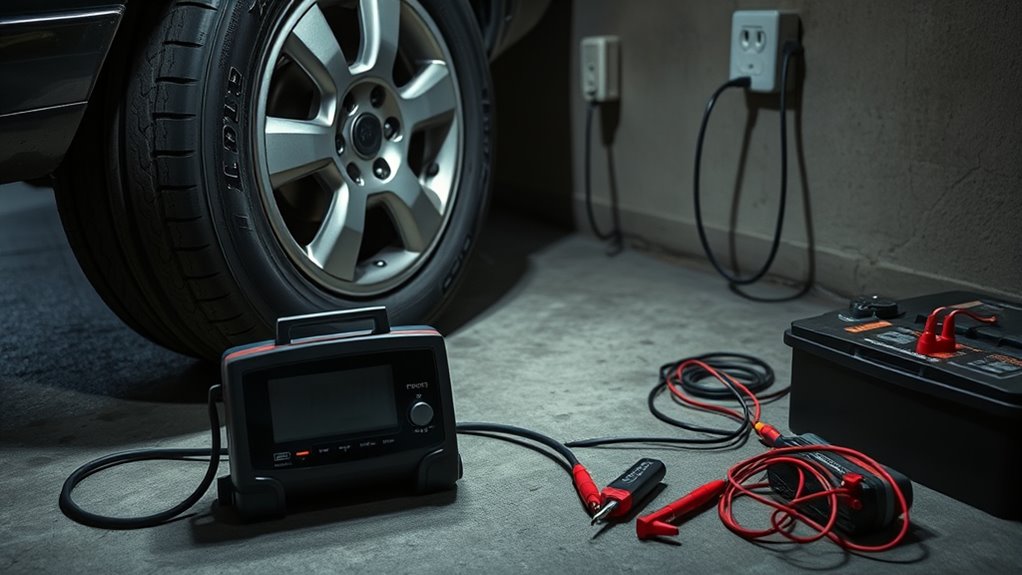
If your tire inflator won’t turn on, start with the power source rather than the hose or tire valve. For a 12V model, confirm the vehicle outlet works, inspect the inflator plug and any user-serviceable fuse, and check the cord for damage. For a cordless model, charge the battery with the approved charger and reseat any removable battery. If the inflator stopped after running, let it cool according to the manufacturer’s instructions before trying again.
Key Takeaways
- A completely dead inflator usually points first to the outlet, battery, plug, fuse, cord, switch, or internal electrical protection.
- A unit that powers on but does not inflate has a different problem: check the hose, chuck, valve connection, pressure preset, and air leaks.
- Fuse ratings, duty cycles, reset procedures, and cooling times vary by model, so use the inflator’s manual rather than a universal number.
- Set tire pressure from the vehicle’s tire-information placard or owner’s manual, not from the maximum-pressure number molded into the tire sidewall.
- Stop using the inflator if the cord, plug, battery, housing, or hose is badly damaged, or if the unit repeatedly overheats, smells burnt, sparks, or blows a fuse.
Why Your Tire Inflator Won’t Turn On
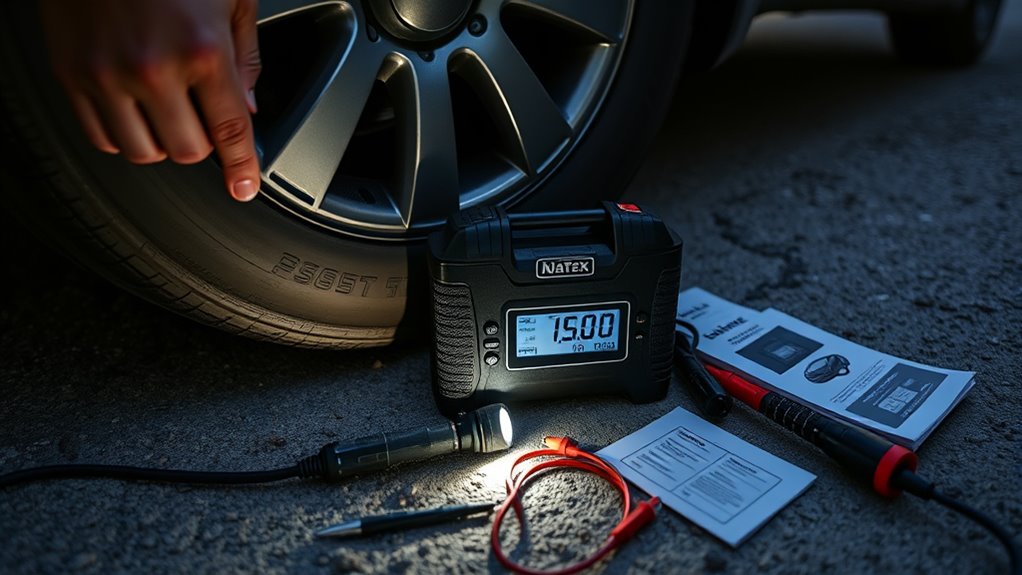
If the display, light, and motor are all dead, the problem is usually on the electrical side. Common causes include a dead cordless battery, a 12V accessory outlet with no power, a blown vehicle or plug fuse, a loose connector, a damaged cord, or a protection circuit that has shut the unit down after overheating.
Do not start by taking the inflator apart. First identify the exact symptom and work from the easiest external checks to the more serious possibilities.
| Symptom | Most likely area to check first | First action |
|---|---|---|
| No display, light, or motor | Power source, battery, fuse, plug, cord | Confirm power and inspect external connections |
| Display works, motor will not start | Battery level, pressure preset, thermal protection, controls | Check the manual, charge the unit, and let it cool if recently used |
| Motor runs, tire does not inflate | Hose, chuck, valve stem, leak, blockage | Reseat the chuck and inspect the air path |
| Inflator stops before target pressure | Preset setting, weak battery, overheating, poor valve seal | Verify the target pressure and connection, then follow the model’s duty-cycle guidance |
Check the Power Source and Fuse
For a 12V inflator, plug a known-good accessory into the same vehicle outlet. If that device also has no power, check the vehicle owner’s manual for the outlet fuse and any conditions required to energize the socket.
If the outlet works, inspect the inflator’s plug. Some portable compressors have a user-replaceable fuse in the plug or an inline fuse, while others do not. Replace a fuse only with the exact type and amperage specified by the inflator manufacturer. Never install a higher-rated fuse to stop repeated failures.
Test the Power Supply
- Push the 12V plug fully into the socket and make sure it is not loose.
- Try another compatible, known-good power outlet if your vehicle provides one.
- Check the vehicle manual because some accessory outlets are controlled by the ignition or have different current limits.
- If the inflator connects directly to the battery, verify that the clamps are attached exactly as the product manual specifies.
Also compare the inflator’s current requirement with the rating of the vehicle outlet. High-draw compressors may require direct battery clamps rather than a standard accessory socket.
Inspect the Plug Fuse
Unplug the inflator before opening a user-serviceable fuse holder. Look for a broken fuse element or obvious heat damage, and use the replacement rating specified in the manual. A fuse that blows again immediately is a warning sign of an overload, short circuit, damaged cord, or internal fault.
Do not keep replacing fuses until the inflator runs. If the correct fuse repeatedly opens, stop using the unit and have the electrical fault diagnosed.
Check Connection Points
Inspect the plug, cord, adapters, battery clamps, and charging connector for looseness, bent contacts, corrosion, cuts, or heat damage. Clean only as the manufacturer permits and keep moisture away from electrical connections.
- Reseat removable connectors firmly.
- Do not use a frayed, crushed, melted, or exposed power cord.
- Do not use an adapter that is not rated for the inflator’s load.
- If moving the cord causes the unit to switch on and off, stop using it; the cord or connector may be damaged internally.
Inspect the Cord, Plug, and Battery
For corded units, look along the full length of the power lead for cuts, pinched sections, exposed conductors, or a plug that has overheated. A damaged lead can interrupt power and can also create an electrical or fire hazard.
For cordless inflators, charge the battery with the manufacturer-approved charging method. If the battery is removable, make sure it is fully seated. If the pack is swollen, leaking, unusually hot, or visibly damaged, stop using it and follow the battery manufacturer’s disposal or service guidance.
Check the Power Cord
A loose connection can make a healthy inflator appear dead. Test the unit only with an intact cord and a compatible power source. Do not bypass a damaged plug, fuse, switch, or safety device.
- Check for cuts, hard kinks, melted insulation, and exposed wire.
- Inspect the plug for discoloration or a loose center contact.
- Make sure extension cords or adapters are allowed by the manufacturer before using them.
- Stop if the plug or socket becomes abnormally hot.
Test Battery Charge
If a cordless inflator will not start, charge it fully and try again. A battery can become deeply discharged during storage, and some models will not run until the pack has recovered enough charge.
If the battery will not charge, loses power immediately, or the inflator still stays dead with a known-good compatible battery, the charger, battery pack, switch, or internal electronics may need service. Follow the product manual or warranty instructions rather than opening a sealed lithium-battery unit.
If It Powers On but Won’t Inflate, Check the Hose and Valve
Hose and valve problems normally do not explain a completely dead inflator. They matter when the display or motor turns on but little or no air enters the tire.
Attach the chuck squarely and firmly to the tire valve. Check the hose and connector for cracks, kinks, loose fittings, or debris. If you hear air escaping around the valve connection, reseat the chuck before assuming the pump has failed.
You can use a small amount of soapy water on a non-electrical hose or valve connection to help locate a leak; bubbling shows where air is escaping. Keep liquid away from the inflator’s electrical housing, ports, and controls.
- Reseat or tighten the chuck as designed.
- Inspect the hose for cuts, cracks, and severe kinks.
- Clear visible debris from the nozzle without damaging the valve-contact parts.
- Try a second tire if you need to determine whether the problem follows the inflator or the original valve stem.
Check the Pressure Preset and Auto Shut-Off
Many digital inflators stop automatically when the selected target pressure is reached. If the target is set at or below the pressure already in the tire, the motor may stop immediately or may not start an inflation cycle.
Set the target to the vehicle manufacturer’s recommended cold tire pressure shown on the tire-information placard or in the owner’s manual. Do not use the maximum pressure molded into the tire sidewall as the vehicle’s recommended setting.
| Check | What to do |
|---|---|
| Pressure unit | Confirm you are using the intended PSI, kPa, or bar setting |
| Target pressure | Compare it with the vehicle placard or owner’s manual |
| Valve seal | Reseat the chuck if the reading jumps or air leaks |
| Reset or calibration | Use only the procedure specified for your exact inflator model |
| Auto shut-off | Confirm the preset is above the current tire pressure when adding air |
There is no universal “hold the power button” reset that applies to every portable inflator. Some models have a reset or calibration procedure, while others simply require power cycling, charging, or a specific button sequence. Check the model manual before resetting controls.
Let the Inflator Cool Down
If the inflator ran and then stopped, thermal protection or the model’s duty-cycle limit may be involved. Stop the unit, disconnect it as directed by the manufacturer, place it in a ventilated area away from flammable material, and let it cool before restarting.
Do not assume every portable inflator has a 10- or 15-minute duty cycle. Some small compressors are rated for limited continuous run time, while other models are rated for much longer operation or even a 100% duty cycle at a stated pressure. Follow the rating in your own manual.
- Keep ventilation openings clear.
- Do not cover the inflator while it is running.
- Avoid touching hot metal fittings or the hose immediately after use.
- Stop using the unit if overheating becomes frequent during normal operation.
Check for Signs of Motor or Internal Damage
Once the external power, battery, fuse, controls, hose, and valve connection have been checked, repeated failure can point to an internal switch, motor, pump, seal, wiring, or electronic-control problem.
Listen for grinding, repeated clicking, abnormal buzzing, or a motor that stalls immediately. Also stop if you smell burnt insulation, see smoke or sparks, notice melted plastic, or find that the correct fuse keeps blowing.
Do not open a sealed inflator or lithium-battery housing unless the manufacturer specifically provides a user-service procedure. Internal repair may expose live electrical parts, stored battery energy, hot components, or pressurized parts. Use the warranty or qualified service route when the fault is internal.
Repair or Replace the Inflator
Repair can make sense when the problem is an approved replaceable fuse, hose, chuck, battery, or other manufacturer-supported service part. Replacement is often more practical when a low-cost portable unit has a failed motor, damaged electronics, a non-serviceable battery, repeated overheating, or recurring electrical faults.
Before replacing the unit, check the warranty and manufacturer support options. If a safety fault is involved, do not keep using the inflator simply because it still works intermittently.
Frequently Asked Questions
Why Is My Tire Inflator Not Turning On?
If it is completely dead, check the power source first. For a 12V model, verify the vehicle outlet, plug, fuse, cord, and connector. For a cordless model, charge the battery and make sure it is seated correctly. If the inflator stopped after use, let it cool according to the manual before retesting.
How Do I Reset a Portable Tire Inflator?
There is no single reset method for all portable tire inflators. Turn the unit off and follow the reset, calibration, or power-cycle procedure in the manual for your exact model. Do not assume that holding the power button will reset every inflator.
What Are Common Problems With Car Tire Inflators?
Common problems include a dead battery, powerless 12V outlet, blown fuse, damaged cord, loose valve connection, leaking or kinked hose, incorrect pressure preset, overheating, inaccurate pressure reading, or internal motor and pump wear.
The symptom matters: no power points you toward the electrical supply, while a running motor with no inflation points more toward the air path and tire connection.
Where Is the Reset Button on a Tire Inflator?
Many portable tire inflators do not have a dedicated reset button. If your model has one, its location and reset procedure should be shown in the owner’s manual. Do not confuse a pressure-preset button or power button with a thermal-overload reset unless the manufacturer identifies it that way.
Why Does My Tire Inflator Keep Blowing a Fuse?
A recurring blown fuse can indicate that the inflator draws more current than the outlet supports, a cord or plug is shorted, or the inflator has an internal electrical fault. Use only the specified fuse rating. If the correct fuse blows again, stop using the unit until the cause is found.
What Pressure Should I Set on My Tire Inflator?
Use the vehicle manufacturer’s recommended cold tire pressure, normally listed on the tire-information placard on the driver-side door area or in the owner’s manual. Do not use the tire sidewall’s maximum-pressure marking as the normal target for the vehicle.
Conclusion
When a tire inflator won’t turn on, troubleshoot the electrical path first: power source, battery, plug, fuse, cord, and controls. If it powers on but will not inflate, move to the hose, chuck, valve connection, preset pressure, leaks, and overheating.
Use your exact model’s manual for fuse size, duty cycle, cooling time, reset steps, and supported repairs. If the unit repeatedly overheats, blows the correct fuse, makes abnormal noises, or shows electrical damage, stop using it and choose qualified service or replacement.

