
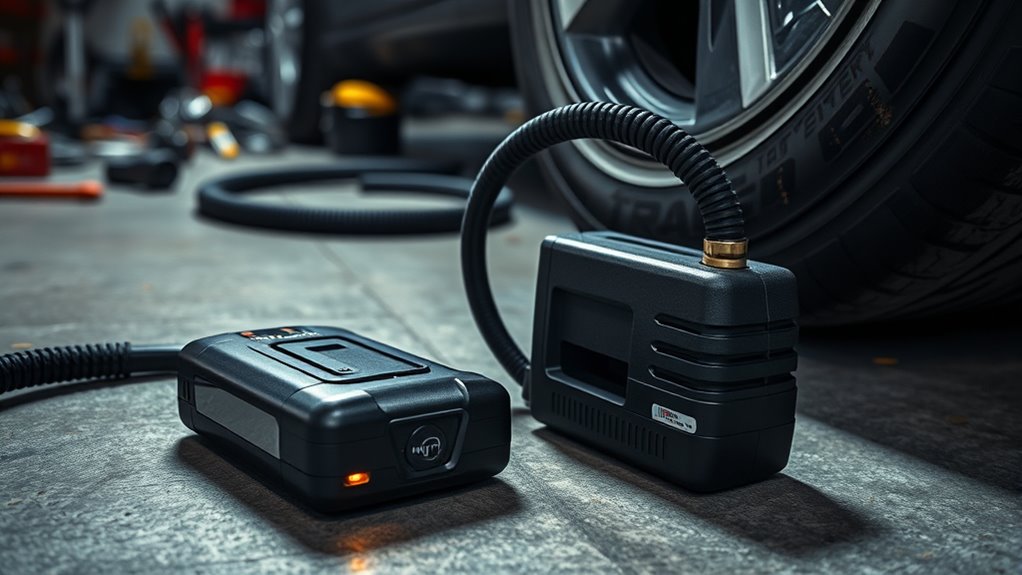
If your tire inflator battery drains fast, start by checking for normal self-discharge, parasitic draw, heat stress, or storage at 0% or 100%. Clean terminals and ports, then verify the charger matches the battery’s voltage and chemistry. Use a multimeter; a healthy lithium-ion pack should read above 3.0V, and a load test can expose voltage collapse. Let the unit cool if it overheats, and keep going to spot the real fault.
Key Takeaways
- Battery drain can be normal self-discharge of 2–3% monthly, so check usage patterns before assuming a failure.
- Heat, cold, and running the inflator too long can trigger protection, reduce output, and drain the battery faster.
- Inspect the battery, terminals, and ports for corrosion, loose connections, or dirt that may cause voltage drops.
- Test the charger and battery with a multimeter; a healthy lithium-ion pack should read above 3.0V.
- Store the battery at 40–60% charge in a cool, dry place, and replace it if it still won’t hold charge.
Why Your Tire Inflator Battery Drains Fast
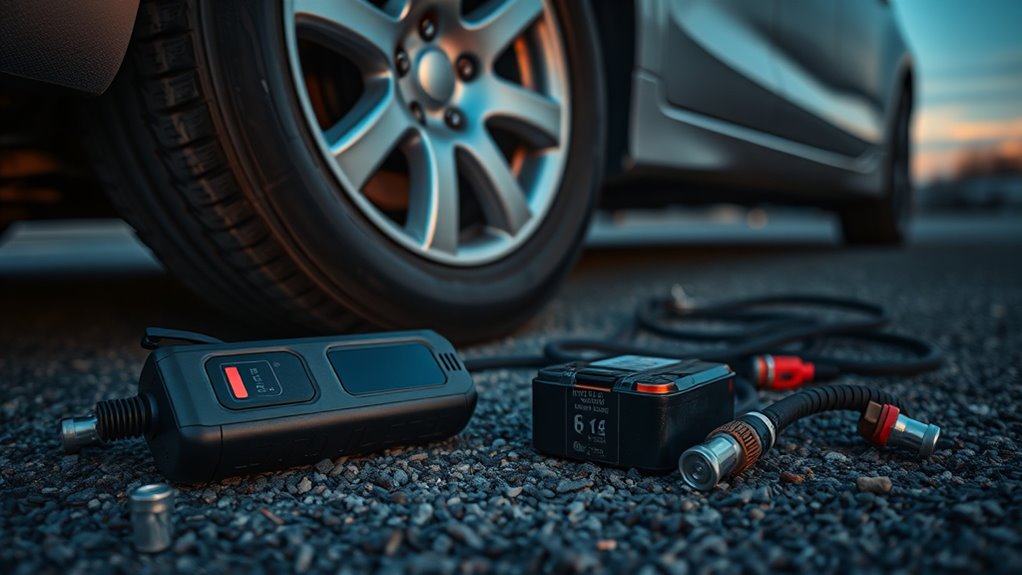
If your tire inflator battery drains fast, the cause is usually a mix of storage, temperature, and load issues rather than a single fault. Your lithium-ion battery naturally loses charge through its self-discharge rate, so a parked tire inflator can fade 2-3% monthly.
The battery management system adds parasitic drain, and improper storage at 0% or 100% raises stress and capacity loss. Temperature effects matter too: heat can double battery drain, while extreme cold cuts current delivery.
Continuous use beyond 10-15 minutes pushes overheating, and the unit may shut down or recover with reduced output. You can diagnose the pattern by checking whether the loss happens idle, in hot conditions, or during long runs. That tells you whether storage, environment, or load is starving your inflator.
Common Battery Problems You Can Fix
Some battery problems are simple to fix once you separate normal self-discharge from an actual fault. Your lithium-ion battery can lose 2-3% per month, so don’t assume the portable inflator has failed.
Check storage habits first: keep the pack at 50-60% charge, not 0% or 100%, to preserve power and reduce wear. Inspect terminals for corrosion and loose connections; poor contact can create voltage drops that mimic a weak battery.
Keep the pack at 50-60% charge, and check terminals for corrosion or loose connections.
If the unit shuts down after hard use, overheating may have triggered protection, so let it cool before more troubleshooting.
When the inflator stays unresponsive, give it a 30-60 minute wake-up charge from a quality source so the battery management system can reset.
You’re not trapped by mystery drain; you can diagnose the obvious faults, restore reliable operation, and keep the portable inflator ready for use.
How to Test the Battery and Charger
Start with a voltage check: use a multimeter on the battery and verify that a healthy lithium-ion pack reads above 3.0V, since anything below that usually means it can’t hold a charge reliably.
This quick diagnostic tells you whether the battery is worth further troubleshooting or replacement.
Next, inspect the charger and its electrical connections.
- Connect the charger to the battery and watch for the indicator light.
- If the light stays off, the charger may be faulty.
- Confirm the charger matches the battery’s rated voltage and chemistry.
- Clean ports and contacts to restore charging efficiency.
- Run a load test; if voltage collapses, the battery’s failing.
A healthy system should charge smoothly and maintain voltage under load.
If it doesn’t, replace the bad part and keep your tire inflator ready for action.
Storage Habits That Extend Battery Life
To extend battery life, store your tire inflator battery at 40% to 60% charge, where chemical stress stays low and degradation slows. This charge level protects battery health and reduces risk from deep discharging during idle storage.
Store your tire inflator battery at 40% to 60% charge to minimize stress and slow degradation.
Keep your storage habits disciplined: don’t leave the pack in extreme temperatures, because heat can double the self-discharge rate and cold can cut current delivery. Use a climate-controlled environment, ideally 10°C to 25°C, so the cell stays stable and ready.
You should also perform regular maintenance. Check the battery every few months, top it up if needed, and verify it still holds charge normally. Set quarterly reminders so you can assess battery condition before minor drift becomes failure.
These habits help you preserve battery life without dependence on constant use. Store it clean, dry, and isolated from loads, and you’ll keep the pack efficient, reliable, and ready for your next inflation task.
When to Replace the Battery or Inflator
If your tire inflator’s battery consistently won’t hold a charge after proper charging and storage, or it’s dropping below 50% capacity, replacement is due—especially if you notice swelling, overheating, or failed charging.
Check battery health during maintenance, then decide fast.
- Swap the battery when troubleshooting shows signs of degradation.
- Replace the whole portable inflator if overheating keeps returning.
- Choose battery replacement when the unit still reaches PSI but fades quickly.
- Replace the tire inflator if motor issues prevent inflation after a full charge.
- Buy new gear when worn hoses or broken parts cost more than repair.
A weak battery limits output, but a failing motor can block pressure even with a charged pack.
If your inflator can’t hit target PSI and you’ve ruled out leaks, the unit’s probably done.
Don’t drag dead hardware—replace it, regain control, and keep your road freedom intact.
Frequently Asked Questions
How to Reset Portable Tire Inflator?
You reset your portable tire inflator by unplugging it, letting it cool 10–15 minutes, then pressing and holding the inflator buttons for 5–10 seconds.
Check the device manual, confirm user settings and air pressure, and watch for common errors. This reset procedure helps with battery issues.
Follow safety precautions, then use troubleshooting tips and maintenance tips to keep performance steady and your freedom on the road.
What Are the Common Problems With Auto Air Tire Inflators?
You’ll run into a million tiny headaches: Inflator overheating issues, Battery life concerns, Air hose leaks, Pressure gauge inaccuracies, Motor failure signs, Noise level complaints, Cordless convenience drawbacks, Inflation speed comparisons, Connector compatibility problems, and User manual importance.
You should check seals, terminals, and runtime first. If the unit stalls, gets hot, or reads wrong, it’s failing diagnostically.
Clean it, cool it, recharge it, and free yourself from preventable downtime.
Why Does My Tire Inflator Keep Shutting Off?
Your tire inflator keeps shutting off because its safety features may detect inflator overheating, low battery life, or a weak power source.
Check the valve connection for air leaks, and inspect the pressure sensor for false readings. High usage frequency can trigger a cooldown stop, and excess noise levels may signal strain.
Read your user manual, since overpressure settings or a faulty battery can force shutdowns fast.
How to Maintain a Cordless Tire Inflator?
Maintain your cordless tire inflator by following a maintenance schedule: clean vents with compressed air, lubricate the chuck O-ring, and inspect seals, the pressure gauge, and connections.
Check battery life with proper charging tips, store batteries at 50–60%, and match storage conditions to your usage frequency.
Watch for overheating problems and compatibility issues.
Keep records for warranty coverage, and follow the maker’s guidance to preserve reliable, liberated performance.
Conclusion
You’ve seen why your tire inflator battery drains fast: worn cells, weak charging, and poor storage. Now you can spot the signs, test the system, and fix simple faults before they turn into roadside stress. Keep batteries cool, charged, and clean for longer, stronger starts. If power still drops quickly, replace the battery or the inflator. Smart storage, swift checks, and steady care help you stay prepared, protected, and powered.

