
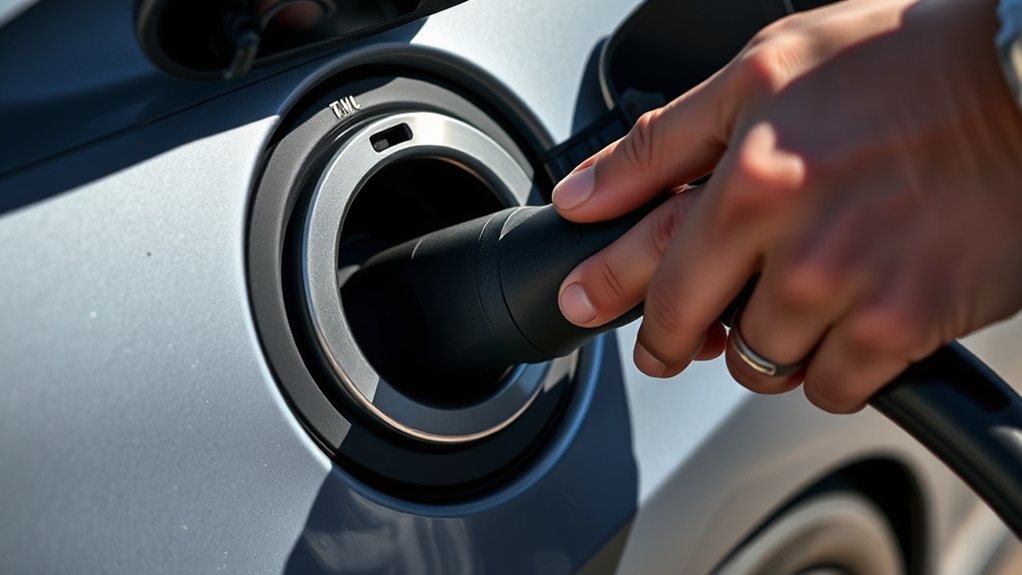
If your EV charging cable is stuck, stay calm and do not yank it. Most stuck cables are caused by an active charging session, a vehicle-side lock, connector tension, debris, ice, or a charger communication fault. Start by stopping the session, unlocking the vehicle, supporting the cable weight, and pressing the release button while pulling straight back with steady, gentle pressure.
Quick Answer
To release a stuck EV charging cable, stop charging from the car, charger screen, or charging-network app. Unlock the vehicle, support the cable so it is not pulling downward, press the connector release, and pull straight out. If it still will not release, check your owner’s manual for the manual release before calling support.
Key Takeaways
- A cable often stays locked because charging is still active or the vehicle has not released the charge-port lock.
- Always stop the session before pulling, especially at a DC fast charger.
- Unlock the vehicle, relieve cable tension, press the release button, and pull straight back.
- Use the vehicle’s manual charge-port release only as directed in the owner’s manual.
- Stop troubleshooting and call the charging provider or roadside assistance if you see damage, arcing, heat, smoke, or error messages.
At a Glance
| Time Required | 2 to 10 minutes for normal release; longer if support or roadside help is needed |
| Difficulty | Easy, as long as the connector is not damaged or electrically faulted |
| Tools Needed | Vehicle key, vehicle app, charging-network app, owner’s manual, and phone |
| Cost | Usually free; roadside assistance or repairs may cost money if the port, latch, or connector is damaged |
Warning: Do not pry the connector, twist it hard, use metal tools, spray lubricant into the charge port, or pull with force. If you smell burning plastic, see smoke, hear arcing, notice melted parts, or see exposed wiring, step away and call the charging provider, roadside assistance, or emergency services.
Why Is My EV Charging Cable Stuck?
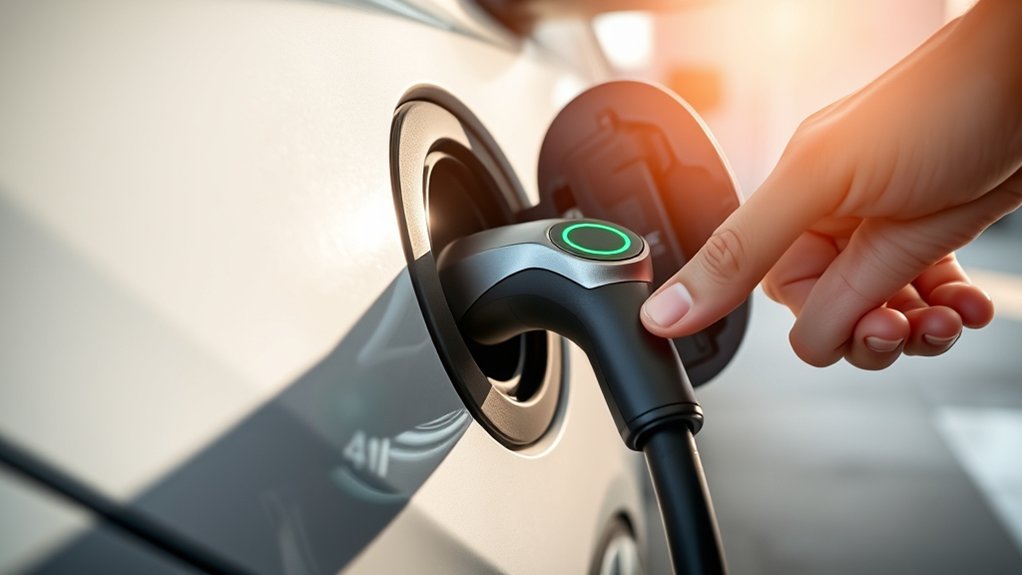
Your EV charging cable usually gets stuck because the vehicle, charger, or connector latch has not finished its release sequence. Modern charging systems use lock and communication signals to prevent unsafe disconnection while current is flowing. That is why the connector may stay locked until charging stops and the vehicle confirms it is safe to unplug.
Common causes include:
- Active charging: The session is still running or has not fully ended.
- Vehicle lock: Many EVs lock the connector when the vehicle is locked.
- DC fast-charger handshake: CCS, CHAdeMO, and NACS fast chargers may keep the connector locked until the station and vehicle finish communicating.
- Cable tension: A heavy cable can pull downward and bind the latch.
- Debris or ice: Dirt, grit, moisture, or freezing weather can make the release button or latch stick.
- Damaged hardware: A bent latch, cracked handle, charger error, or charge-port fault may require support.
The goal is to release the lock, remove cable tension, and pull straight back without forcing the connector.
How to Confirm Your Charging Session Has Ended
Before you pull on the connector, confirm that charging has stopped. Look for a message such as Stopped, Complete, Idle, Ready, Unlocked, or Session Ended. Do not rely on one light color because charging lights vary by vehicle and charger.
Use the release method that matches your setup:
- Vehicle screen: Tap Stop Charging, Unlock Charge Port, or Release Connector if your EV provides that option.
- Vehicle app: Use the app’s stop or unlock command if available.
- Charging-network app: End the session in the network app, such as the app used to start the charger.
- Charger screen: Press Stop, End Session, or follow the on-screen unplug instructions.
- Home charger: Stop charging from the vehicle or home charger app before unplugging.
Note: A payment screen, network delay, or charger error can leave the station in a “finishing” state for a short time. Wait a minute, then retry the stop and unlock commands before using a manual release.
Unlock Your Vehicle to Free the Charging Cable
If the charging session has ended but the connector still will not move, unlock the vehicle. Many EVs lock the charge connector when the vehicle is locked to prevent cable theft and accidental disconnection.
Try these steps in order:
- Unlock the vehicle with the key fob, phone key, door handle, or unlock button.
- Open and close the driver’s door once.
- Press the vehicle unlock button again.
- Check the charge-port area for a click or a change in the lock indicator.
- Press the connector release button and pull straight back.
If your vehicle has a dedicated charge-port unlock command, use that instead of repeatedly yanking the cable. Some models also have a charge-port lock setting that can be set to always lock, lock only while charging, or unlock when charging is complete.
How to Use the Charging Cable Release Mechanism
Once the session is stopped and the vehicle is unlocked, use the connector release gently. The basic motion is simple: support the handle, press the latch or release button fully, and pull straight out in line with the port.
Verify the Session Has Ended
Check the vehicle display, charger screen, or app before touching the connector. If the station still says charging, initializing, stopping, or communicating, wait for it to finish. Pulling too early can make the connector feel locked even when nothing is broken.
For public DC fast charging, let the charger finish its stop sequence. Fast-charging connectors can remain locked until the vehicle and station complete their communication. Connector standards such as SAE J1772 and SAE J3400 exist to define safe conductive charging interfaces, so treat the lock as a safety feature, not as something to defeat with force.
Locate the Release Mechanism
Most AC J1772-style handles have a thumb button or latch at the top of the connector. NACS/Tesla-style connectors may release from the handle button, vehicle screen, vehicle app, charger app, or vehicle lock command. CCS and CHAdeMO fast-charging connectors may use a larger handle button, charger-side command, or vehicle-side lock release.
Because release designs vary, check your owner’s manual for the exact command and the manual release location before you pull panels or covers.
Handle a Stiff Release Button
If the release button feels stiff, do not force it. A heavy cable may be loading the latch. Hold the connector with one hand, lift slightly to remove downward pressure, press the release button fully, and pull straight back with the other hand.
If the handle feels jammed, push the connector gently inward a few millimeters, then press the release button again. This can free a latch that is binding against the charge port.
Pro Tip: Hold the cable near the handle instead of pulling from farther down the cord. Supporting the weight near the connector keeps the latch aligned and reduces binding.
What to Do If Your Charging Cable Is Still Stuck?
If the normal release does not work, move through the problem slowly. The table below keeps the safest steps in order.
| Step | What to Do | Why It Helps |
|---|---|---|
| 1. Stop charging again | Use the car screen, vehicle app, charger screen, or charging-network app. | The station may not have completed the first stop command. |
| 2. Unlock the vehicle | Unlock twice, open the driver’s door, then retry the release. | Many EVs keep the connector locked when the car is locked. |
| 3. Remove cable tension | Lift the connector slightly, press the release button, and pull straight back. | Heavy cables can bind the latch. |
| 4. Inspect the port | Look for ice, grit, bent plastic, a stuck latch, or visible damage. | A physical obstruction can stop the latch from clearing. |
| 5. Use manual release | Follow the exact manual charge-port release instructions in your owner’s manual. | Manual release locations vary by model and can be damaged if pulled incorrectly. |
| 6. Call support | Call the charger provider, automaker roadside assistance, or a certified technician. | A charger fault, broken connector, or port fault may need professional help. |
Connector-Type Release Differences
Not every EV connector releases the same way. Use the general steps above, but keep these differences in mind:
- J1772 AC connector: Usually has a thumb latch on the handle. Stop charging, unlock the vehicle if needed, press the latch, and pull straight back.
- CCS fast charger: The connector may stay locked until DC fast charging stops and the station finishes its communication sequence.
- NACS / SAE J3400 connector: Release may happen through the handle button, vehicle screen, app, or vehicle lock command, depending on the vehicle and charger.
- CHAdeMO connector: Follow the charger screen and handle instructions closely because the handle design is different from J1772 and CCS.
- Type 2 connector: Common outside North America; vehicle and charger locks may both be involved, especially with untethered cables.
If your EV has a manual cable release, it may be inside the trunk, cargo side panel, frunk, or near the charge-port area. Do not guess. Check the owner’s manual for the exact location and pull direction.
How to Handle Cold Weather, Debris, or Ice
Cold weather and grit can make a normal connector feel stuck. If the latch or port is frozen, warm the vehicle cabin and charge-port area if your EV offers a preconditioning or defrost setting. You can also use your hands to gently warm the connector area, but do not pour hot water into the port and do not insert tools into the connector.
If you see loose dirt, sand, or leaves around the port, brush them away with a clean, dry cloth. Never push debris deeper into the charge port. If the connector looks cracked, melted, bent, or discolored, stop and call support.
What Not to Do With a Stuck EV Charger
When a charger is stuck, the wrong move can damage the vehicle inlet, charger connector, or lock pin. Avoid these mistakes:
- Do not yank the cable or rock it side to side.
- Do not use pliers, screwdrivers, pry bars, or metal tools.
- Do not spray oil, WD-40, or cleaner into the charge port.
- Do not use the emergency stop button unless the charger is unsafe or the provider tells you to use it.
- Do not pull a manual release unless the charging session has stopped.
- Do not keep trying if the connector is hot, smoking, sparking, or visibly damaged.
How to Prevent a Stuck Charging Cable Next Time
A few habits can lower the chance of another stuck charging cable:
- End the charging session before touching the connector.
- Keep the connector straight when plugging in and unplugging.
- Support heavy DC fast-charging cables with both hands.
- Keep the charge-port door and connector area clean and dry.
- Check your vehicle’s charge-lock settings.
- Learn where your manual charge-port release is before you need it.
- Report damaged public chargers through the network app or phone number on the station.
Public charger problems are not always user error. A field study of public DC fast chargers found that nonfunctioning chargers could involve payment failures, screen issues, charge-start failures, network problems, and broken connectors.
When to Seek Professional Help for Charging Cable Issues
Stop troubleshooting and get help if the charging cable remains stuck after the safe release steps. Call the charging provider first if you are at a public charger. Call your automaker’s roadside assistance or a certified EV technician if the vehicle appears to be holding the connector or the manual release does not work.
Get immediate help if you notice:
- Smoke, sparks, arcing, or burning smell
- Melted plastic or discoloration around the connector
- Exposed wires or a cracked handle
- A charger error that will not clear
- A vehicle warning about the high-voltage system or charge-port fault
- A connector that is physically jammed even after the lock releases
It is better to wait for support than to damage the charge port. A broken inlet or connector can turn a simple delay into an expensive repair.
Frequently Asked Questions
How do I release a stuck EV charger?
Stop the charging session from the vehicle, charger screen, or app. Unlock the vehicle, support the cable weight, press the connector release button, and pull straight back. If it still will not release, follow your owner’s manual for the manual charge-port release.
Why won’t my EV charger come out?
The most common reasons are an active charging session, a locked vehicle, a charge-port lock setting, cable tension, ice, debris, or a charger communication fault. Fast chargers may also keep the connector locked until the station and vehicle finish the stop sequence.
How do you manually release an EV charger?
Use the manual release only after charging has stopped. The release location varies by vehicle, so check the owner’s manual. It may be in the trunk, cargo side panel, frunk, or near the charge port. Pull only in the direction shown by the manufacturer.
Can I press the emergency stop button if the cable is stuck?
Use the emergency stop only if there is a safety concern, such as smoke, sparks, heat, arcing, or a dangerous charger fault. For normal stuck-cable problems, first stop the session through the charger screen, vehicle, or app. If unsure, call the charging provider.
How do I fix a jammed charging port?
Stop charging, unlock the vehicle, relieve cable tension, and inspect for visible debris or ice. Clean only around the outside with a dry cloth. Do not insert tools or spray liquids into the port. If the port is damaged or the connector remains jammed, call support.
Will pulling harder damage the EV charge port?
Yes, it can. Pulling hard can damage the latch, lock pin, connector handle, or vehicle inlet. If the connector does not release with steady, straight pressure after the session is stopped and the car is unlocked, use the manual release instructions or call support.
Conclusion
A stuck EV charging cable is usually a lock, session, tension, or connector issue rather than a reason to panic. Stop charging first, unlock the vehicle, support the cable, and use the release button with gentle straight pressure. If that fails, follow the manual release instructions in your owner’s manual. If you see damage, heat, smoke, sparks, or a charger error that will not clear, stop and call the charging provider or roadside assistance.
Sources
- SAE J1772 Electric Vehicle and Plug in Hybrid Electric Vehicle Conductive Charge Coupler — supports J1772 connector, latch, and conductive charging interface context.
- SAE J3400 North American Charging System — supports NACS connector context for North American EV charging.
- Reliability of Open Public Electric Vehicle Direct Current Fast Chargers — supports public DC fast-charger fault and broken-connector context.

