
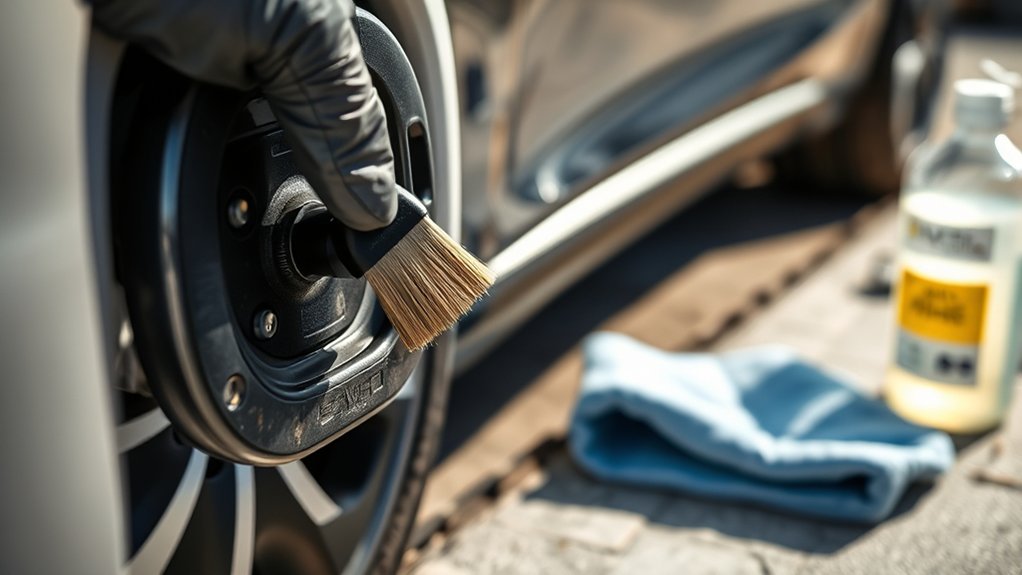
To clean corrosion off EV charging pins safely, start with a careful inspection, not a spray bottle. Light dust, road grime, or mild surface oxidation can often be cleaned with a residue-free electrical contact cleaner, isopropyl alcohol, soft brushes, and non-metallic swabs. Heavy green corrosion, pitted contacts, bent pins, melted plastic, charging heat, or a burning smell should be handled by a qualified EV technician.
Quick Answer
Power off the vehicle, unplug the charger, inspect the port, then remove light corrosion with a plastic-safe, residue-free electrical contact cleaner or 90%+ isopropyl alcohol on a non-metallic swab. Dry the area completely before charging. Do not scrape pins, use water pressure, or clean melted, loose, pitted, or overheated contacts yourself.
Key Takeaways
- Clean only light dirt or surface oxidation. Serious corrosion, damaged pins, heat marks, or melted plastic need professional inspection.
- Use soft, non-metallic tools only. Avoid screwdrivers, sandpaper, metal picks, steel brushes, and high-pressure water.
- A dedicated electrical contact cleaner is different from standard oily lubricants. Use only a residue-free, plastic-safe product and follow your vehicle manual.
- Dry the charging port fully before reconnecting. Moisture left in the port can lead to corrosion, failed charging sessions, or electrical faults.
- Check your owner’s manual before using any cleaner or grease near the port — an unapproved product or a forced, stuck door can affect coverage for that part.
At a Glance
| Time Required | 10-20 minutes for light cleaning, plus drying time |
| Difficulty | Easy for light dirt; professional service for damaged or badly corroded pins |
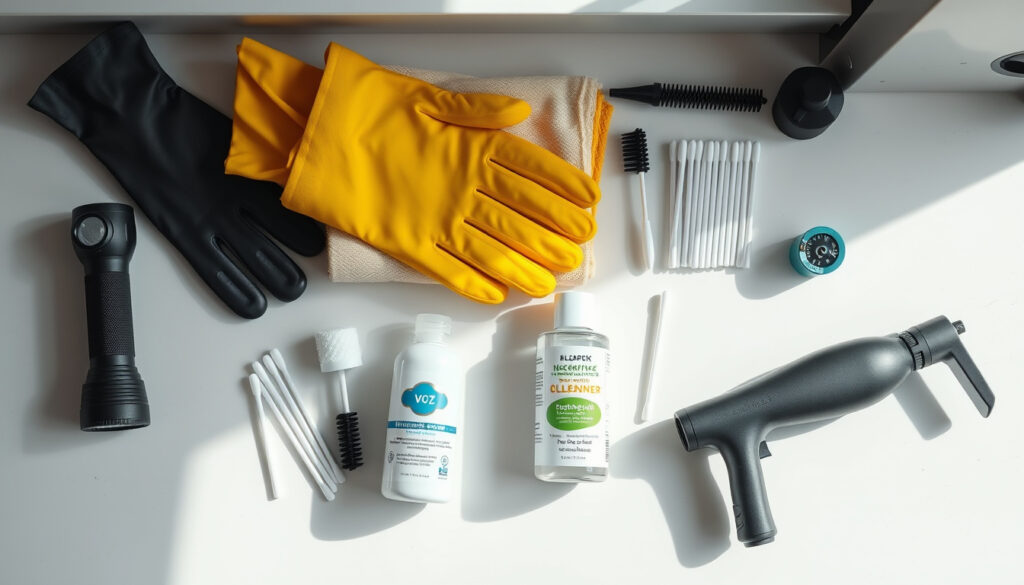
| Tools Needed | Nitrile gloves, flashlight, microfiber cloth, soft detailing brush, non-metallic swabs, residue-free electrical contact cleaner or isopropyl alcohol, hand air blower |
| Cost | Usually $10-$25 for cleaning supplies; more if the port or connector needs service |
Why Clean Charging Pins Matter
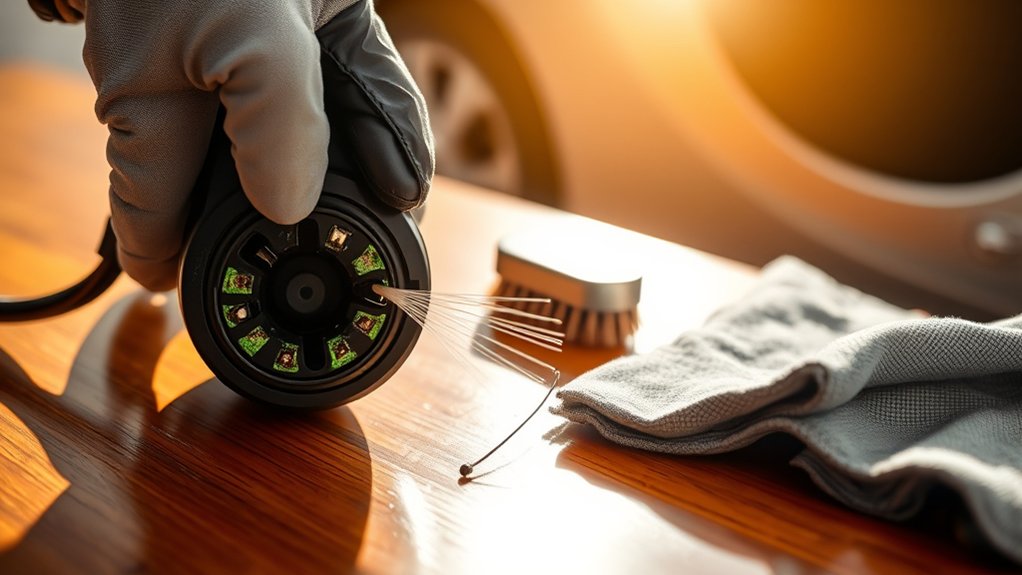
Your EV charging port depends on clean contact surfaces and a solid connection between the vehicle inlet and the charging connector. The U.S. Department of Energy Alternative Fuels Data Center explains that a connector is the part plugged into the vehicle, and that connector types include J1772, CCS, CHAdeMO, and J3400/NACS.
When pins or contact sleeves collect road grime, salt residue, moisture, or light oxidation, the charger may not seat cleanly. That can contribute to slower charge starts, failed handshakes, interrupted sessions, or repeated charging errors.
Corrosion can also increase contact resistance. In plain terms, the connection has to work harder to pass current. If the connection becomes poor enough, you may notice a charger fault, a warm connector, or a session that stops before the battery reaches the charge limit.
Clean contacts are especially important if you often use public charging stations, park outdoors, drive in winter road salt, or charge in humid conditions. Public charging equipment is handled by many drivers, and home chargers exposed to rain, dust, and temperature swings also need periodic inspection.
What Causes EV Charging Pin Corrosion?
Corrosion on a charging pin is an electrochemical reaction, not just dirt sitting on metal. It happens when moisture acts as an electrolyte between two metal surfaces, letting a slow current flow that eats away at the metal over time. Road salt, coastal salt air, and everyday condensation from temperature swings all speed this reaction up.
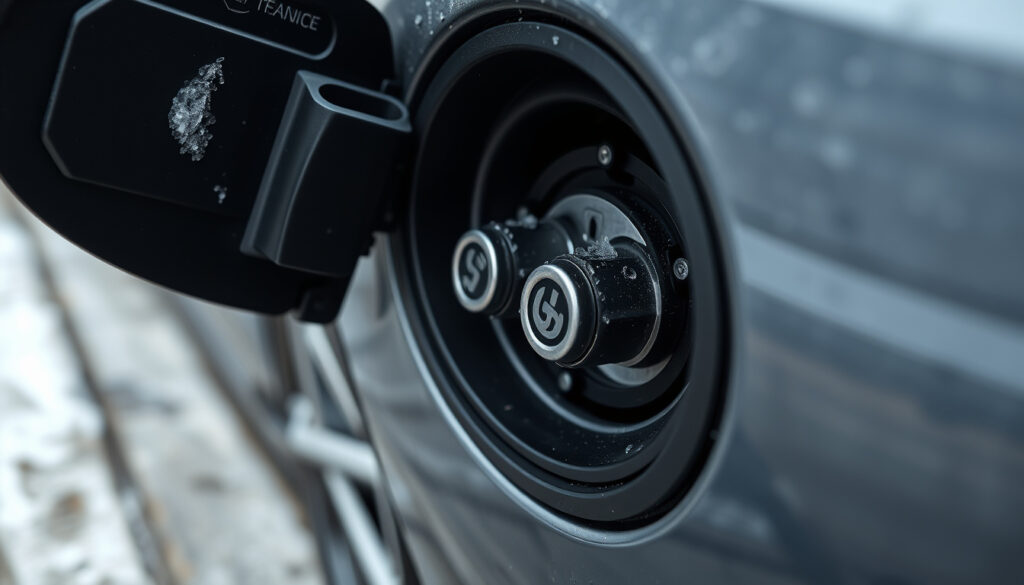
Most charging pins are plated with corrosion-resistant metals such as tin, nickel, or gold over a base metal. That plating is thin, so once it wears down or gets scratched, the exposed base metal beneath it oxidizes much faster than the plating did. This is one reason scraping pins with a metal tool is risky: it can strip the very layer that was protecting the contact.
A charge-port door or seal that no longer closes tightly is a common hidden cause. Even a small gap lets in dust, moisture, and salt spray every time the vehicle is parked outside, so corrosion can return quickly even after a thorough cleaning if the seal itself is the real problem.
Safety Precautions Before Cleaning EV Charging Ports
Before you clean an EV charging port, make sure the vehicle is not charging. Stop the session from the charger, app, or vehicle screen, unplug the connector, and let the port sit for a few minutes if it feels warm.
Power off the vehicle as much as your owner’s manual allows. Keep the key fob away from the vehicle if your model wakes up when the key is nearby. Never spray cleaner into a port while the vehicle is actively charging or while a connector is inserted.
Wear nitrile gloves and work in a dry, well-ventilated area. If you use isopropyl alcohol, remember that the CDC/NIOSH Pocket Guide classifies isopropyl alcohol as a flammable liquid with a low flash point. Keep it away from sparks, cigarettes, space heaters, and hot surfaces.
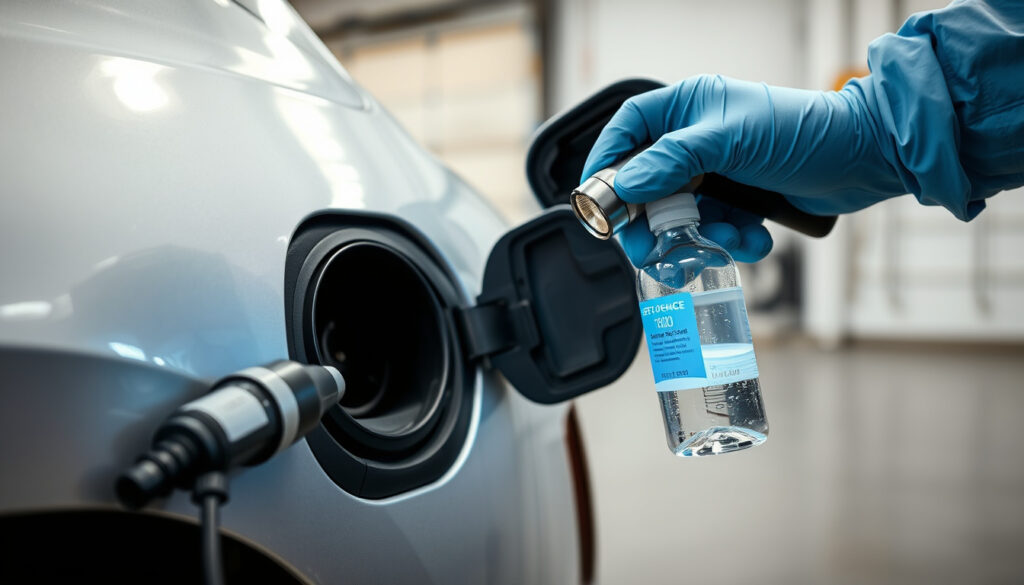
Light cleaning with an approved contact cleaner is generally treated as routine owner maintenance. Still, check your owner’s manual and warranty terms first: using an unapproved solvent, forcing a stuck or locked charge-port door, or damaging a rubber seal while cleaning could affect coverage for that part. If you’re unsure, a quick call to a dealer service department is worth it before you spray anything inside the port.
Warning: Do not clean the port yourself if you see melted plastic, black burn marks, bent pins, loose contacts, deep pitting, heavy green or white corrosion, water pooling inside the inlet, or repeated charging faults. Stop using that port or connector and schedule EV service.
Never use high-pressure water, a pressure washer, or a soaking-wet cloth. Moisture forced into a charging inlet can create more problems than the original dirt. Use only lightly dampened tools and dry everything fully before reconnecting.
Know What You Are Cleaning
Not every mark inside a charging port is corrosion. Dust, dried rain spots, pollen, and road film may look worse than they are. Light oxidation is often a dull film on the metal surface. Serious corrosion usually looks crusty, green, blue-green, white, or powdery, and it may come with rough or pitted metal.
Modern EVs use J1772, CCS, CHAdeMO, or J3400/NACS hardware depending on the vehicle and market. CHAdeMO is now a legacy connector in North America, found mainly on older Nissan Leaf models, while J3400/NACS is rapidly becoming the default fast-charging standard as more automakers adopt it. CCS ports combine AC charging contacts with additional DC fast-charging contacts, so be extra cautious around the larger lower DC pins on CCS inlets — they carry substantially higher voltage and current than the AC pins above them, so avoid touching them with bare hands or metal tools. The DOE notes that CCS can use the same vehicle charge port for Level 1, Level 2, and DC fast charging.
If you are unsure what connector type you have, check your owner’s manual before cleaning. Some manufacturers may give model-specific warnings about approved cleaners, port covers, water exposure, or inspection procedures.
Essential Tools for Effective Cleaning
Use tools that remove residue without scratching plated contacts or pushing debris deeper into the port. A simple kit is enough for light cleaning.
- Flashlight: Helps you inspect the pins, sleeves, seals, and plastic housing before touching anything.
- Nitrile gloves: Protect your skin from cleaners and keep skin oils off the contacts.
- Microfiber cloth: Good for the outer flap, surrounding trim, and easy-to-reach surfaces.
- Soft detailing brush: Removes dust and loose grit without scraping the contact surfaces.
- Non-metallic swabs: Foam or plastic-stem swabs are safer than metal tools.
- Residue-free electrical contact cleaner: Use only a plastic-safe product that leaves no residue.
- Isopropyl alcohol: Useful for light residue on metal contacts when applied sparingly to a swab.
- Hand air blower: Helps dry the port without blasting debris deeper into the connector.
Recommended Cleaning Solutions
A dedicated electrical contact cleaner is the safest general choice for light oxidation or grime. For example, WD-40 Specialist Contact Cleaner is described by the manufacturer as quick-drying, residue-free, and designed for sensitive electronics and electrical equipment. That is not the same as using standard oily lubricants inside a charge port.
You can also use 90% or higher isopropyl alcohol on a non-metallic swab for small metal-contact areas. Apply it to the swab first, not directly as a flood into the port. Let it evaporate completely before reconnecting the charger. This lines up with real manufacturer service documentation: Tesla’s official service manual for its Universal Mobile Connector calls for spraying isopropyl alcohol into the connector cavity and cleaning the walls and pins with a non-metallic brush before letting it dry — the same basic approach described in this guide.
Avoid household cleaners, vinegar, baking soda paste, bleach, ammonia, petroleum solvents, brake cleaner, carb cleaner, abrasive polish, and metal-cleaning acids. These products can damage plastics, rubber seals, plated contacts, or nearby sensors.
Dielectric Grease: Should You Use It?
Dielectric grease can help protect some electrical connections from moisture, salt, dirt, and corrosion. Permatex describes its dielectric grease as a product for protecting electrical connections and wiring from salt, dirt, and corrosion.
Use caution with an EV charging inlet. Do not pack grease into the port, coat every pin heavily, or apply grease where your vehicle manual warns against it. If you use it at all, use only a very thin film on appropriate seal or connector areas, and make sure the connector still maintains clean metal-to-metal contact.
Note: Your owner’s manual overrides general advice. If the manual says not to use cleaners, lubricants, or grease in the charging inlet, follow the manual and have the port inspected instead.
Step-by-Step Guide to Cleaning Corroded Charging Pins
Follow these steps only for light surface residue or mild oxidation. Stop if you find severe corrosion or physical damage.
- Stop charging and unplug: End the charging session, remove the connector, and make sure the vehicle is not actively charging.
- Inspect with a flashlight: Look for moisture, debris, bent pins, pitting, discoloration, melted plastic, or loose pieces. If anything looks damaged, stop and schedule service.
- Clean the outer area first: Wipe the charge-port door, rubber seal, and surrounding trim with a clean microfiber cloth. This keeps loose dirt from falling into the inlet.
- Remove loose dust: Use a dry soft detailing brush or hand air blower. Do not use high-pressure compressed air close to the pins.
- Apply cleaner to the tool: Spray electrical contact cleaner onto a non-metallic swab, or dampen the swab with isopropyl alcohol. Do not flood the port.
- Gently wipe the contacts: Use light pressure only. Rotate the swab as it picks up residue. Replace dirty swabs instead of rubbing grit across the metal.
- Brush tight areas carefully: Use a soft brush for corners and the plastic housing. Do not scrape plated metal surfaces.
- Dry completely: Let the port air dry, then use a hand air blower to clear vapors or trapped droplets. The port should look and feel dry before reconnecting.
- Reconnect and test: Plug in the charger gently. It should seat smoothly, latch normally, and begin charging without heat, arcing, or repeated errors.
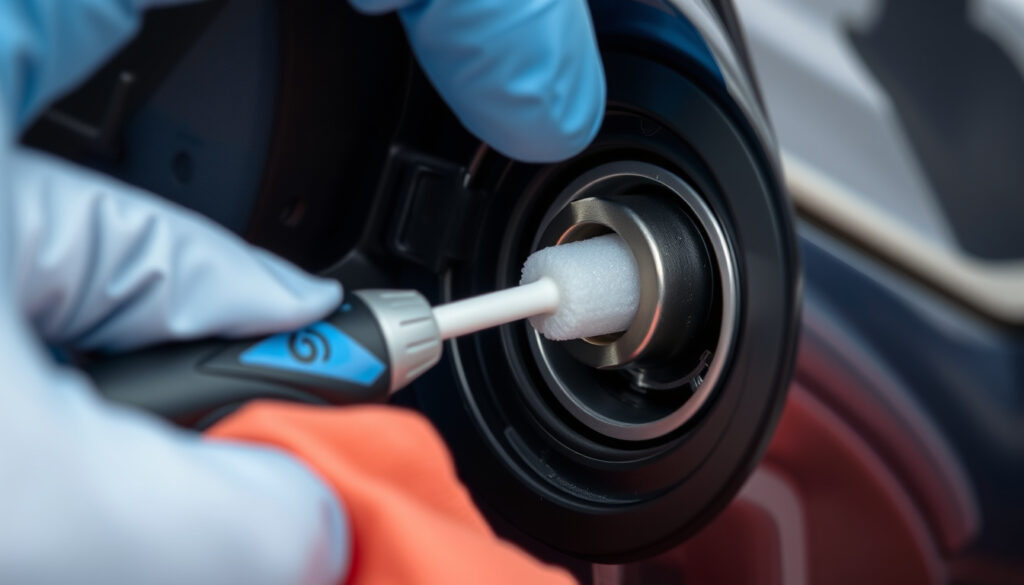
Pro Tip: Take a clear phone photo before and after cleaning. If the same corrosion returns quickly, you may have a seal, drain, connector, or storage problem that needs more than surface cleaning.
How to Dry and Protect Charging Contacts
Drying is not optional. After cleaning, leave the charge-port door open in a dry place until all cleaner or alcohol has evaporated. Use a hand air blower or gentle airflow to move liquid out of small crevices.
Check the rubber seals around the charging flap and inlet. Cracked, loose, dirty, or folded seals can let water and grit reach the contacts. Also check the drain area if your vehicle has one. A blocked drain can trap moisture near the port.
When the port is dry, close the charging flap. If you park outdoors or near dust, consider using the factory charge-port door properly and keeping the connector holster on your home EVSE clean. The DOE AFDC maintenance guidance notes that charging infrastructure should be kept clean, checked periodically, and have cables stored securely to prevent damage.
| Step | Action | Purpose |
|---|---|---|
| Dry Contacts | Use air drying and gentle airflow | Prevent trapped moisture and cleaner residue |
| Inspect Seals | Check rubber seals and drain areas | Reduce future water and dirt intrusion |
| Protect Port | Close the flap and store the connector properly | Limit dust, rain, salt, and accidental damage |
Cold Weather and Winter Charging Port Care
Winter brings two problems at once: road salt speeds up corrosion, and ice or snowmelt can jam the charge-port door shut. Handling both correctly protects the contacts and the surrounding plastic and seals.
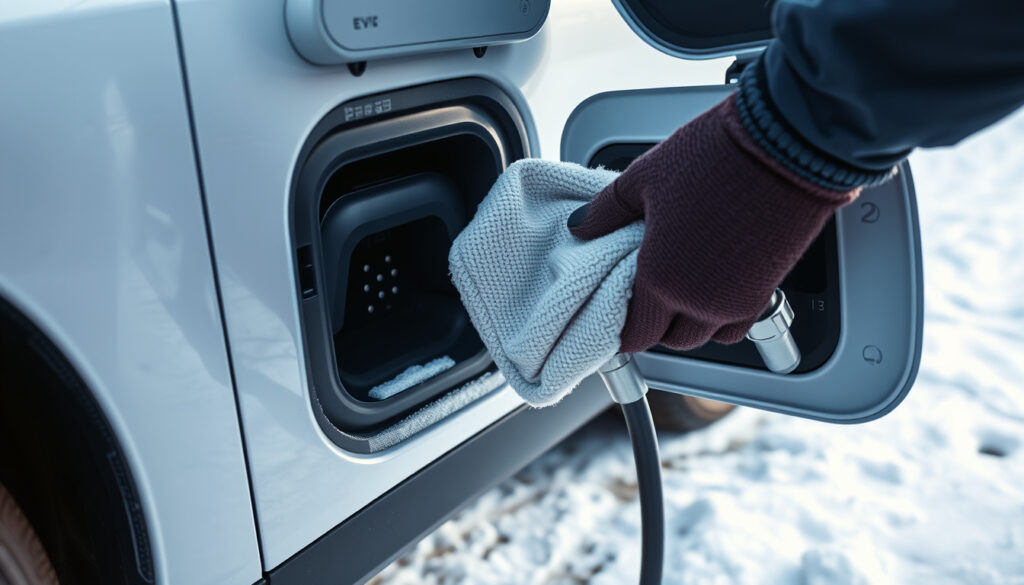
- Never pour warm or hot water on a frozen door or port. The sudden temperature change can crack plastic housing or damage seals. Let the vehicle warm gradually in a garage, or use a preconditioning feature if your EV has one.
- Don’t force a stuck or frozen door. Forcing it can bend the latch mechanism or crack the housing around the pins.
- Wipe the port area soon after driving on salted roads. Letting salt spray sit and dry on the port and surrounding trim gives it more time to work into seals and contacts.
- Increase your inspection frequency during heavy salt-road season. A monthly check is a reasonable minimum when roads are regularly salted or brined.
- Ask about an approved port cover. Some manufacturers or aftermarket suppliers offer covers designed to reduce salt spray and snowmelt intrusion during outdoor winter parking — check your owner’s manual for compatibility before adding one.
Top Mistakes to Avoid in EV Charging Port Cleaning
The biggest mistakes usually come from treating an EV charging port like a dirty household outlet or a rusty battery terminal. It is neither. Use light cleaning methods and stop before you damage the contacts.
Using the Wrong Cleaner
Do not use standard oily lubricants, penetrating oil, brake cleaner, carb cleaner, vinegar, bleach, or household degreasers inside an EV charging port. These can leave residue, attack plastic, soften rubber seals, or attract more dirt.
Also avoid the vague instruction “use WD-40.” Standard WD-40 Multi-Use Product is not the same as WD-40 Specialist Contact Cleaner. If you choose a contact cleaner, it should be clearly labeled for electrical contacts, quick-drying, residue-free, and safe for the plastics around the port.
Scraping or Sanding the Pins
Never scrape EV charging pins with a screwdriver, knife, dental pick, paper clip, sandpaper, or wire brush. Many contacts use plated surfaces. Scratching that surface can make corrosion return faster and can weaken the connection.
If a soft swab and contact cleaner do not remove the corrosion, stop. The issue is no longer a light cleaning job.
Excessive Moisture Exposure
Too much liquid can push contamination deeper into the inlet and behind the seals, so keep hoses, buckets, and drenched cloths away from the port entirely. Avoid pressure washers and direct heavy spraying of any kind.
After cleaning, wait until the port is fully dry before reconnecting. If the vehicle reports moisture, connector fault, isolation fault, or charging error, do not keep retrying the session. Inspect the port again and contact service if the warning returns.
How Often Should You Clean Your EV Charging Ports?
For most EV owners, inspect the charging port every month and clean it only when you see dirt, residue, or light oxidation. A full light cleaning once a year is a reasonable baseline if the port stays dry and protected.
Clean or inspect more often, about every 3-6 months, if you:
- Use public charging stations frequently.
- Park outdoors in rain, humidity, dust, or pollen.
- Drive on salted winter roads.
- Live near the coast where salt air is common.
- Notice charging sessions failing to start or stopping early.
- See residue on the connector after charging.
A clean charging port should look dry, seat the connector smoothly, latch without force, and charge without unusual heat, smell, or repeated errors.
Addressing Common Issues With Charging Connectors
If cleaning does not fix the problem, use symptoms to decide your next step.
- Connector will not seat: Check for debris in the inlet, a damaged latch, or a bent connector shell. Do not force it.
- Charging starts then stops: Try another charger. If the issue follows the vehicle, the port may need service.
- Connector feels hot: Stop charging. Heat can signal a poor connection or damaged contact.
- Visible corrosion returns quickly: Inspect seals, port drainage, parking exposure, and charger storage.
- One public charger fails but others work: Report the charger to the charging network. The connector may be dirty or damaged.
- Home charger connector looks corroded: Clean the connector only if it is unplugged from power and safe to handle. If damaged, replace the connector or call the EVSE manufacturer.
Do not repeatedly plug and unplug a damaged connector to “make it work.” That can worsen arcing, heat, or contact wear.
Frequently Asked Questions
How do you clean a corroded EV charging port?
Stop charging, unplug the connector, inspect the port, and clean only light surface corrosion with a residue-free electrical contact cleaner or isopropyl alcohol on a non-metallic swab. Use gentle pressure, dry the port completely, and stop if you see pitting, bent pins, melted plastic, or heavy corrosion.
Can I use WD-40 to clean an EV charging port?
Do not use standard WD-40 Multi-Use Product or oily lubricants inside an EV charging port. A dedicated WD-40 Specialist Contact Cleaner or similar residue-free electrical contact cleaner may be suitable for light cleaning if it is plastic-safe and your vehicle manual does not prohibit it.
Is isopropyl alcohol safe for EV charging contacts?
Isopropyl alcohol can be used sparingly on metal contacts with a non-metallic swab, but do not pour it into the port. Work in a ventilated area, keep it away from ignition sources, and let the port dry completely before reconnecting the charger.
Can I scrape corrosion off charging pins?
No. Do not scrape EV charging pins with metal tools, sandpaper, knives, or wire brushes. Scraping can damage the plated contact surface and make future corrosion worse. If soft cleaning does not work, have the port inspected professionally.
When should I replace or service an EV charging port instead of cleaning it?
Schedule service if the pins are bent, loose, deeply pitted, burned, discolored from heat, surrounded by melted plastic, or if the connector gets hot during charging. Also get help if charging errors continue after a light cleaning and after trying a known-good charger.
What actually causes corrosion inside an EV charging port?
Corrosion is an electrochemical reaction between the metal contacts and moisture, salt, or humidity in the air. Road salt, coastal air, condensation from temperature swings, and worn contact plating all speed up the process, especially if a door seal isn’t closing properly.
Will cleaning my EV charging port myself affect my vehicle’s warranty?
Light cleaning with a residue-free electrical contact cleaner or isopropyl alcohol is generally treated as routine owner maintenance, and it lines up with the method described in Tesla’s own service documentation for its charging connector. Still, using an unapproved cleaner, forcing a stuck door, or damaging a seal could affect coverage for that part, so check your owner’s manual or ask a dealer service department if you’re unsure.
Conclusion
Cleaning EV charging pins is a small maintenance task, but it needs a careful touch. Light dust, road film, or mild surface oxidation can usually be handled with soft tools, a residue-free electrical contact cleaner, careful drying, and a final inspection. Understanding why corrosion forms — moisture, salt, and worn plating — makes it easier to prevent it between cleanings, especially through winter. Serious corrosion, heat damage, loose parts, or repeated charging faults are not DIY cleaning jobs.
Keep the port dry, inspect it often, use the right cleaner, check your owner’s manual before using anything near the pins, and never force a connector that does not seat smoothly. A clean, undamaged charging connection helps your EV charge more reliably and reduces the chance of avoidable port or connector problems.
Sources
- U.S. Department of Energy Alternative Fuels Data Center: Electric Vehicle Charging Stations — supports EV charging connector terminology, J1772, CCS, CHAdeMO, and J3400/NACS context.
- U.S. Department of Energy Alternative Fuels Data Center: Operation and Maintenance for EV Charging Infrastructure — supports keeping charging equipment clean, checking parts periodically, and storing cables securely.
- WD-40 Specialist Contact Cleaner — supports quick-drying, residue-free electrical contact cleaner guidance and the need to follow equipment manufacturer instructions.
- CDC/NIOSH Pocket Guide: Isopropyl Alcohol — supports isopropyl alcohol safety and flammability cautions.
- Permatex Dielectric Tune-Up Grease — supports dielectric grease use for protecting electrical connections from salt, dirt, and corrosion.
- Tesla Service Manual: Cleaning – Universal Mobile Connector — supports the isopropyl alcohol and non-metallic brush cleaning method as a real manufacturer-documented procedure.

