
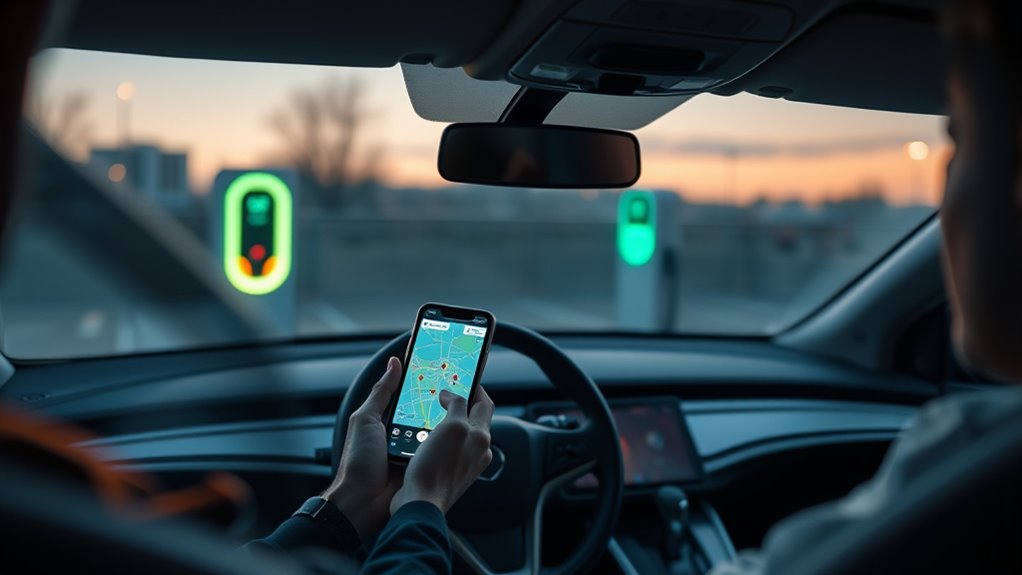
Use EV charging apps like PlugShare, Google Maps, and ChargePoint to find nearby stations, confirm your connector type, compare charging speeds, and avoid wasted detours. The best approach is simple: set your vehicle and plug filters first, check recent driver feedback, confirm access and payment details, then save a backup charger before you drive.
Quick Answer
Open PlugShare or another EV charging app, enter your vehicle or connector type, filter by Level 2 or DC fast charging, then check live availability where supported, recent check-ins, PlugScore, photos, pricing, and access notes. Save one nearby backup charger before heading out.
Key Takeaways
- Set your EV, connector, and speed filters before searching so you only see chargers your car can use.
- Check recent reviews, photos, PlugScore, access notes, and live status where available before driving to a station.
- Use route planning for road trips, but always save a backup charger within safe range.
- Confirm pricing, idle fees, payment method, parking rules, and whether the station is public before you arrive.
At a Glance
| Time Required | 2–5 minutes for a nearby charger search; 10–20 minutes to plan a longer route with backups |
| Difficulty | Easy |
| Tools Needed | PlugShare, Google Maps, ChargePoint, your EV connector type, and any needed charging-network account |
| Cost | Most apps are free; charging price, parking fees, and idle fees vary by station and network |
Why Use PlugShare?
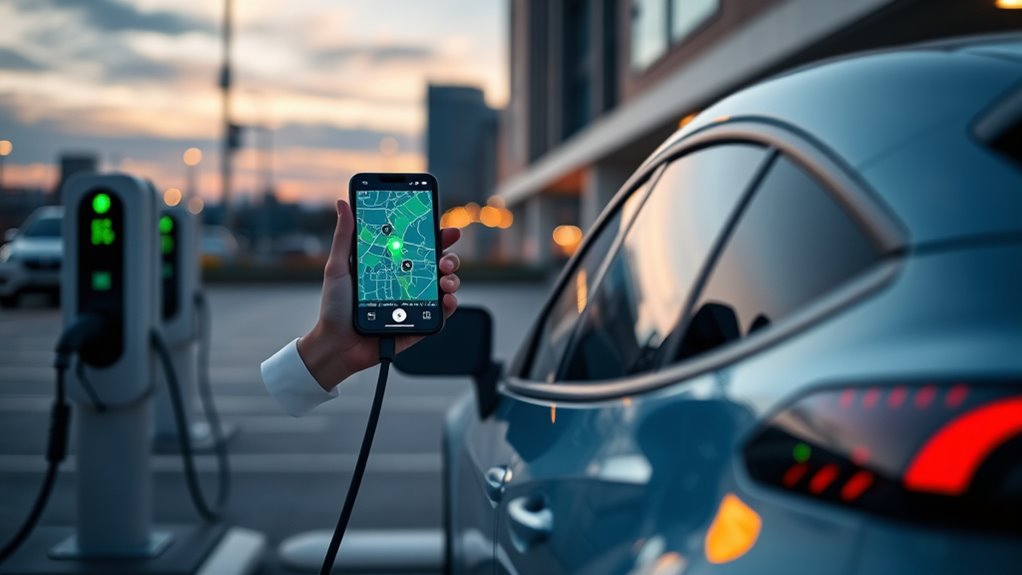
PlugShare helps you find EV charging with more confidence because it combines a station map with community reviews, photos, check-ins, PlugScore ratings, filters, and trip-planning tools. The official PlugShare app listing says drivers can filter by connector type, charging speed, provider, and amenities, then review station functionality and current availability where supported.
The best EV charging stop is not just the closest one. It is the closest compatible, accessible, reliable charger with enough speed for your schedule.
You can use PlugShare to compare charging stations by plug type, including CHAdeMO, CCS, J1772, and Tesla/NACS options where listed. You can also compare speeds, from Level 1 and Level 2 to DC fast charging. That makes your planning more exact and less dependent on guesswork.
PlugShare also includes a built-in trip planner, so you can map charging stops along your route before a longer drive. If you use Apple CarPlay, PlugShare can display nearby charging locations, bookmarked locations, and planned trips on a compatible vehicle display.
The app also covers many major networks, including ChargePoint, Tesla Destination, Electrify America, Tesla Supercharger, EVgo, FLO, Blink, Shell Recharge, and others. That wider map can help you compare options instead of opening one network app at a time.
Note: PlugShare is useful because of its broad station map and community data, but station details can still be wrong or outdated. Always check recent driver reports, access notes, and at least one backup station when your battery is low.
Set Up Your EV Charging App Before You Search
Before you search for chargers, set up the app so it shows stations that fit your car. This takes only a few minutes and prevents common mistakes like driving to a CHAdeMO charger when your EV needs CCS, or choosing a slow Level 2 stop when you need DC fast charging.
- Add your EV or connector type. Choose your vehicle model if the app supports it, or manually select your plug type.
- Allow location access. This lets the app show nearby stations and update your route more accurately.
- Pick your charging speed. Use Level 2 for errands, hotels, workplaces, and overnight stops. Use DC fast charging for road trips and quick top-ups.
- Set preferred networks. Add networks you already use, such as ChargePoint, EVgo, Electrify America, Tesla Supercharger, or local providers.
- Add payment accounts when needed. Some stations require a network account, RFID card, app wallet, credit card, or tap-to-pay option.
Google Maps can also help EV drivers search for compatible plugs, charger types, payment networks, and charging speeds in supported vehicles and regions. Google notes that some EV features depend on the vehicle manufacturer, region, and data plan, so treat those tools as helpful guidance rather than a universal guarantee. You can review those limits in Google Maps Help.
Find Nearby PlugShare Stations on the Map
Open PlugShare, and you’ll see a map of nearby EV charging stations, including stations from networks such as ChargePoint, Tesla, EVgo, Electrify America, and other public or private providers. Start by searching your current location, a city, a business name, or a destination address.
Tap a station pin to review the address, connector types, network, charging speed, PlugScore, price notes, recent check-ins, and photos. This station detail page is where you decide whether the stop is worth driving to.
Look for these details before you choose a station:
- Connector match: Confirm the plug fits your EV or adapter.
- Charging speed: Check whether it is Level 1, Level 2, or DC fast charging.
- Station status: Look for available, busy, offline, under repair, or coming-soon labels where shown.
- Access notes: Confirm whether the charger is public, gated, inside a garage, at a hotel, or limited to customers.
- Recent check-ins: Favor stations with recent successful charging reports.
- Photos: Check stall layout, signage, lighting, parking access, and connector condition.
This is how you avoid detours to chargers that are blocked, mislabeled, damaged, or inaccessible after hours.
Filter Chargers by Plug and Speed
To narrow your options fast, filter EV chargers by plug type and charging speed so you only see stations your vehicle is likely to use. In North America, the most common filters include J1772 for Level 1 and Level 2 AC charging, CCS for many non-Tesla DC fast charging sessions, CHAdeMO for some older EVs, and Tesla/NACS or J3400 for compatible vehicles and stations.
The U.S. Department of Energy’s Alternative Fuels Data Center explains that charging equipment is commonly grouped into Level 1, Level 2, and DC fast charging. It also identifies CCS, CHAdeMO, and J3400 as DC fast-charging systems, while J1772 is common for AC charging.
| Filter | Options to Check | Why It Matters |
|---|---|---|
| Plug type | J1772, CCS, CHAdeMO, Tesla/NACS/J3400 | Helps match the charger to your EV or adapter |
| Charging speed | Level 1, Level 2, DC fast charging | Matches your stop length and battery need |
| Network | ChargePoint, EVgo, Electrify America, Tesla, FLO, Blink, and others | Shows stations where you already have access or payment set up |
| Amenities | Food, restrooms, lighting, covered parking, garage, hotel | Makes longer charging stops easier and safer |
| Status | Available, busy, offline, under repair, coming soon | Reduces the chance of arriving at a bad stop |
Do not rely on connector filters alone. Open the station details, read the latest check-ins, and look at photos to confirm the plug and parking layout.
Warning: A filter does not guarantee a charger will work when you arrive. A station can be occupied, offline, blocked, restricted, or mislabeled. Keep enough battery to reach a backup charger.
Check Reviews, Photos, and Availability
Once you’ve narrowed chargers by plug and speed, check user reviews, photos, and live availability where supported to verify that a station is practical for your vehicle and your trip.
Community reports can tell you whether the charging plug is accessible, whether the payment system works, whether the location is public, and whether EV drivers recently completed a session. Recent successful check-ins are more useful than old ratings because charger status can change quickly.
Photos help you spot damaged equipment, blocked stalls, awkward cable reach, poor lighting, garage height limits, confusing entrances, or a mislabeled connector before you roll in.
Use the availability view to see if a port appears open, busy, offline, or under repair. Then compare that status with recent check-ins. If live status says available but the latest reviews mention failures, choose a backup.
Many apps also surface a reliability score, such as PlugShare’s PlugScore rating. Treat it as a quick signal, not a promise. A high score is helpful, but the latest check-ins, repair notes, and photos usually tell the real story.
Check Price, Payment, and Access Before You Drive
A charger can be technically compatible and still be a bad stop if the price, payment method, or parking rules do not work for you. Before leaving, open the station details and check the cost, payment method, parking fees, idle fees, and access notes.
ChargePoint says its app can help drivers use filters, review station details, see pricing information, get navigation, manage charging, and track charging activity. You can review those app features on the official ChargePoint mobile app page.
Before you commit to a station, confirm:
- Payment: App account, RFID card, credit card, tap-to-pay, wallet payment, or network roaming.
- Pricing: Per kWh, per minute, session fee, parking fee, or free charging.
- Idle fees: Extra fees after charging completes or after a grace period.
- Access: Public, customer-only, employee-only, hotel guest-only, garage-only, or after-hours restricted.
- Hours: 24/7 access or limited business hours.
If a station is listed as free, still check recent reviews. Free chargers are often slower, busier, or limited to customers, residents, hotel guests, or certain parking areas.
Use PlugShare Trip Planning for Road Trips
PlugShare’s trip planning tools let you map charging stops along your route so you can build a practical road trip plan before you leave. This is helpful when you are driving through unfamiliar areas, crossing rural stretches, or using a vehicle with limited charging-network coverage.
You can filter stations by plug type and charging speed to match your EV’s requirements and cut down on unnecessary stops. Live status where supported, station details, reviews, and photos help you avoid delays on the road.
Trip Planning Tools
When you’re planning a long EV road trip, use the trip planner to locate charging stations that match your route, vehicle range, connector, and charging speed. Start with your destination, then add charging stops at safe intervals instead of waiting until your battery is low.
For each stop, check:
- Battery buffer: Do not plan to arrive nearly empty. Weather, speed, hills, cargo, and detours can reduce range.
- Charging speed: Choose DC fast charging for short road-trip stops when your EV supports it.
- Station count: A site with several working stalls is safer than a single-plug station.
- Nearby amenities: Food, restrooms, and safe parking make charging time easier.
- Backup options: Save another charger before and after each planned stop.
Google Maps built into some EVs can also add charging stops when the car may not reach the destination without charging. Google says charging time can be included in trip duration, and drivers can add a charging station by choosing “Add stop” and selecting a station.
Route and Stop Filters
With PlugShare’s trip planner, you can enter your route, then narrow the results with filters for charging speed and plug type so the app only shows stations that fit your EV’s needs. Use route management to add stops, protect range, and keep the drive predictable.
| Filter | What You Set | Why It Helps |
|---|---|---|
| Speed | Level 1, Level 2, DC fast charging | Matches your stop length and charging need |
| Plug | J1772, CCS, CHAdeMO, Tesla/NACS/J3400 | Improves connector match for your EV or adapter |
| Stops | Multiple waypoints | Keeps chargers aligned with your range and route |
| Reliability | PlugScore, recent check-ins, photos, repair notes | Helps you avoid broken, blocked, or unreliable stops |
Pro Tip: On road trips, save one primary charger and one backup charger for each planned stop. Pick backups that are close enough to reach even if the first station is full or offline.
Save Favorites and Set Charger Alerts
Saving your favorite charging stations in apps like PlugShare and ChargePoint lets you pull up reliable options quickly when you are on the road. This is useful for regular commutes, shopping trips, workplace charging, and routes you drive often.
In most EV charging apps, you can save favorites or bookmarks to build a personal map of trusted charging stations. Then you can filter by plug type, speed, network, and amenities so each stop fits your needs.
Some apps also support alerts, notifications, widgets, charging-session updates, or reminders depending on the station, network, vehicle, and app settings. Use those tools to know when a nearby charger is added, when a session changes, or when a preferred location is worth checking again.
PlugShare’s community reviews and photos help you judge access, reliability, and safety before you arrive. ChargePoint’s app can help with finding stations, navigating to chargers, managing charging, and reviewing session activity. Google Maps can help with route context and compatible charging searches in supported EV setups.
Which EV Charging App Should You Use?
No single app is perfect for every driver. The best choice depends on whether you need the broadest station map, network-specific control, or turn-by-turn navigation.
| App | Best For | Main Check Before Driving |
|---|---|---|
| PlugShare | Broad charger search, reviews, photos, PlugScore, road-trip planning | Recent check-ins and access notes |
| Google Maps | Navigation, route context, nearby charging search, compatible plugs in supported setups | Feature availability for your vehicle and region |
| ChargePoint | ChargePoint stations, payments, session management, pricing details, station filters | Network account, price, and station status |
For everyday driving, PlugShare plus your main charging-network app is often enough. For road trips, use PlugShare for station research, your vehicle navigation or Google Maps for routing, and the charging-network app for payment and session control.
Frequently Asked Questions
What is the best way to find EV charging stations?
The best way is to use an EV charging app such as PlugShare, Google Maps, or ChargePoint. Set your vehicle or connector type first, then filter by charging speed, network, availability where supported, and recent driver feedback.
What is the app to find free EV charging stations?
PlugShare is useful for finding free EV charging because station listings and community notes often show pricing, access limits, and recent user reports. Still, confirm the station details before you drive because free chargers may be slower, busy, restricted, or located in customer-only parking areas.
How do you find charging stations on your route?
Use a route planner in PlugShare, Google Maps, your vehicle navigation system, or a charging-network app. Add your destination, filter by connector and speed, choose stations near your route, then save backup chargers before and after each planned stop.
Can Google Maps show EV charging stations on route?
Yes, Google Maps can show EV charging stations and, in supported vehicle setups, help drivers find compatible plugs, charger types, payment networks, and charging speeds. Some built-in EV features depend on the vehicle, region, and data plan, so verify the station details before relying on them.
Does PlugShare show Tesla or NACS chargers?
PlugShare includes Tesla Destination and Supercharger listings in many areas, along with other networks. Whether your EV can use a Tesla/NACS/J3400 charger depends on your vehicle, adapter, network access, station type, and current charging agreements.
Can you trust real-time charger availability?
Use real-time availability as a helpful signal, not a guarantee. Availability data may be delayed, missing, or unavailable for some stations. Always compare live status with recent check-ins, photos, repair notes, and a backup charger.
Conclusion
Using EV charging apps like PlugShare keeps charging less stressful because you can search nearby chargers, filter by plug and speed, check recent driver reports, and plan stops before you leave. The key is to avoid choosing a station from the map alone. Open the details, confirm the connector, review photos, check live status where supported, and save a backup.
That extra minute can save a long detour. When you combine PlugShare for charger research, Google Maps or your vehicle navigation for routing, and network apps like ChargePoint for payment and session control, charging becomes a planned checkpoint instead of a gamble.
Sources
- PlugShare App Store listing — supports PlugShare filters, PlugScore, trip planner, CarPlay support, reviews, photos, and network coverage.
- Google Maps Help: EV features — supports Google Maps charging assistance, compatible plug search, charger types, payment networks, charging speeds, and feature-availability caveats.
- U.S. Department of Energy Alternative Fuels Data Center: Electric Vehicle Charging Stations — supports Level 1, Level 2, DC fast charging, J1772, CCS, CHAdeMO, and J3400/NACS connector guidance.
- ChargePoint Mobile App — supports station filters, pricing details, navigation, charging management, charging activity, and home charging app features.

