
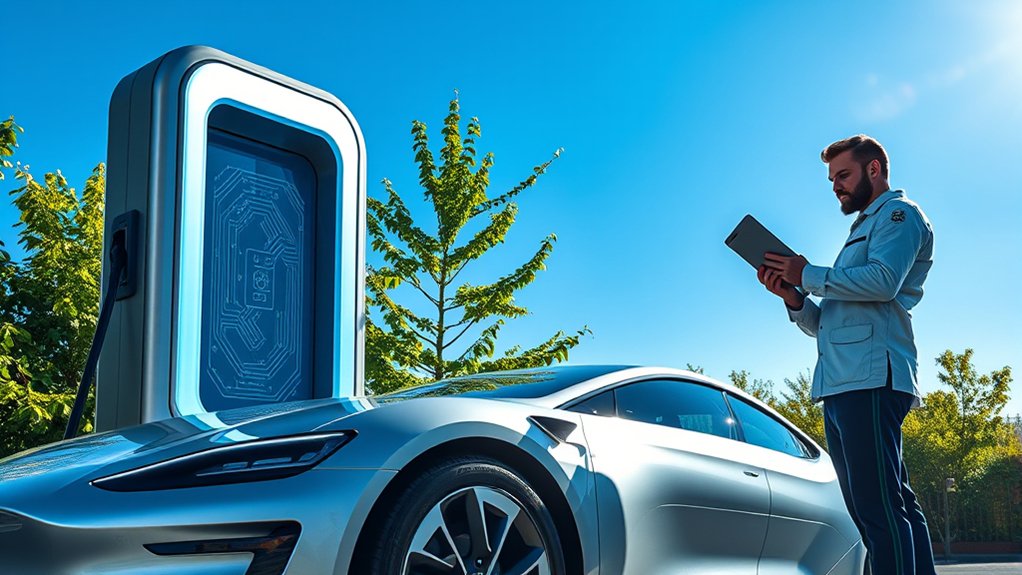
EV charger software updates help your charger stay safe, secure, compatible, and reliable as EV technology changes. For smart home chargers and public charging stations, firmware updates can improve app control, power scheduling, load management, error handling, and communication with charging networks. They cannot fix bad wiring or damaged hardware, but they do help a connected charger keep up with newer vehicles, standards, and security needs.
Quick Answer
EV charger software updates matter because they can patch security flaws, improve charging-session reliability, support newer charging standards, refine smart charging features, and help manufacturers diagnose problems remotely. Keep updates enabled when possible, but call a qualified electrician or the manufacturer if you see overheating, breaker trips, or repeated hardware faults.
Key Takeaways
- Firmware updates help smart EV chargers improve security, app control, scheduling, diagnostics, and charging-session stability.
- Updates can support newer communication standards such as OCPP, ISO 15118 features, and connector transitions such as NACS/J3400.
- Software can improve how a charger manages power, but it cannot make your vehicle accept more power than the vehicle, circuit, connector, or charger safely allows.
- For safety, never open the charger or modify wiring to solve an update problem. Use the app, manufacturer support, or a qualified electrician.
Why EV Charger Software Updates Matter
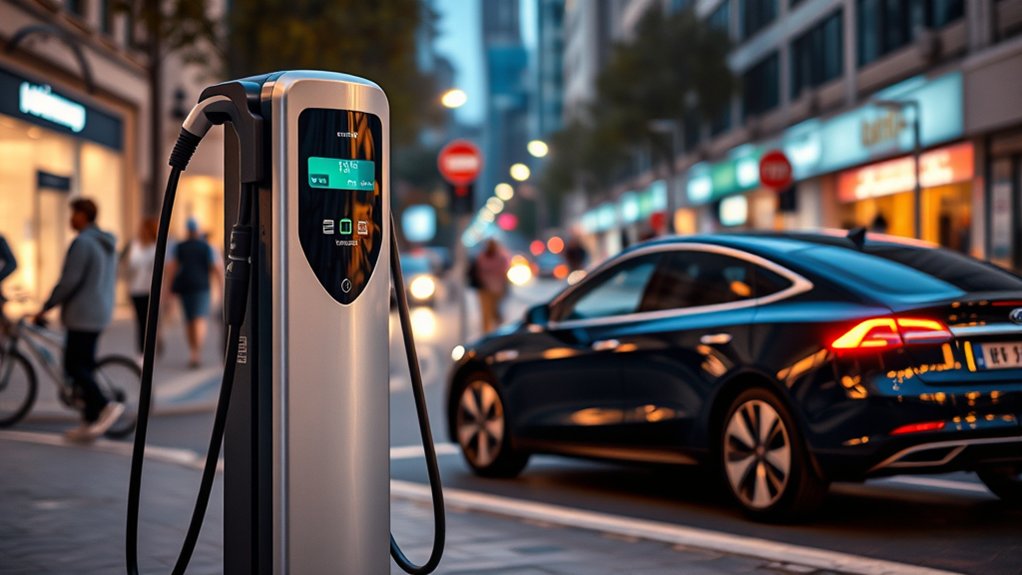
Modern EV chargers are no longer simple power outlets. Many Level 2 home chargers and public chargers are connected devices with apps, Wi-Fi, cellular service, payment systems, diagnostics, and load-management features. That means their software needs the same kind of ongoing care as other connected equipment.
Updates can improve how the charger starts a session, reports an error, talks to your vehicle, connects to an app, and responds to utility pricing or demand-response signals. The U.S. NEVI standards in 23 CFR Part 680 also list configuration, vulnerability, and software update management as cybersecurity topics for federally funded EV charging infrastructure.
For you, the benefit is simple: an updated charger is more likely to work smoothly with newer vehicles, newer charging networks, and newer security requirements. It also gives the manufacturer a better path to fix software bugs without sending a technician for every issue.
Warning: Do not open an EV charger, modify wiring, or reset breakers repeatedly to force an update through. If the charger overheats, smells burnt, trips a breaker, shows ground-fault warnings, or has visible damage, stop using it and contact the manufacturer or a qualified electrician.
What EV Charger Firmware Updates Can Improve
Firmware is the built-in software that controls the charger’s basic behavior. Depending on your charger model, updates may improve convenience, safety checks, connectivity, and communication with your vehicle or charging network.
| Update Area | What It Can Do | What It Cannot Do |
|---|---|---|
| Security | Patch known software vulnerabilities, improve authentication, and strengthen data handling. | Fix a weak home Wi-Fi password or unsafe electrical installation. |
| Reliability | Reduce failed starts, improve error reporting, and restore app or network features. | Repair a damaged cable, plug, relay, screen, or connector. |
| Smart charging | Improve charging schedules, utility demand-response features, and load management. | Override your circuit size, panel capacity, or vehicle charging limit. |
| Compatibility | Improve communication with vehicles, apps, networks, and newer charging standards. | Change the physical connector on the charger. |
How Software Updates Protect Against Security Threats
Connected EV chargers exchange data with vehicles, apps, payment systems, utilities, or charging networks. That makes cybersecurity important. A software update can close known vulnerabilities, improve login controls, strengthen encrypted communication, and reduce the chance of unauthorized access.
Security updates are especially important for chargers with remote access, RFID cards, app-based control, Plug and Charge features, or payment functions. Federal EV charging rules also point to cybersecurity topics such as identity and access management, cryptographic agility, monitoring and detection, incident handling, vulnerability management, and software update management.
You can support those protections by keeping the charger app updated, using a strong Wi-Fi password, enabling two-factor authentication when available, and removing access for old users if you sell the home, move, or transfer the charger to someone else.
How Updates Can Improve Charging Efficiency and Load Management
Software updates do not magically make every EV charge faster. Your charging speed is still limited by the vehicle, charger output, circuit size, battery temperature, and state of charge. However, updates can improve how a smart charger manages the power it is allowed to deliver.
For home Level 2 charging, updated software may improve scheduled charging, off-peak charging, and load sharing between multiple chargers. ENERGY STAR notes that some connected EV chargers allow remote power monitoring and control, and some smart-grid-ready models may qualify owners for local utility savings programs.
For public or commercial charging, software can also support automated load management. Under 23 CFR Part 680, power sharing means dynamically limiting output from individual charging ports so the total station output stays below a maximum threshold. That type of control helps stations serve multiple vehicles while staying within electrical limits.
Pro Tip: After a charger update, check your app schedule, amperage limit, utility program settings, and notifications. Some updates preserve your settings, but others may reset schedules or change the way charging sessions are reported.
Charger Updates vs. Vehicle Software Updates
It helps to know which device controls which part of charging. Your EV charger supplies power and manages the session. Your vehicle controls how much power it accepts and how it protects the battery. Both may receive software updates, but they do different jobs.
- Charger firmware updates can affect app control, Wi-Fi or cellular connection, scheduling, load management, error codes, and network communication.
- Charging-network updates can affect payment, roaming, station maps, uptime reporting, authorization, and remote diagnostics.
- Vehicle software updates can affect battery preconditioning, charge-curve behavior, range estimates, thermal management, and dashboard alerts.
If your vehicle charges slowly in cold weather, the issue may be the car’s battery temperature or preconditioning settings rather than the wall charger. If the charger fails to start sessions with more than one vehicle, the charger software or hardware is more likely to be involved.
Future-Proofing Your EV Charger With Continuous Updates
EV charging standards are changing quickly. Updates help a charger stay useful as the industry moves toward newer communication protocols, payment systems, grid programs, and connector options.
The Open Charge Alliance says OCPP 2.0.1 added device management, added security, smart charging functionality, and ISO 15118 support compared with OCPP 1.6. OCPP 2.1, released in 2025, adds support for ISO 15118-20, bidirectional charging, distributed energy resource control, improved smart charging, and newer payment options.
Connector standards are also changing. The Joint Office of Energy and Transportation explains that SAE J3400 is the standardized version of the North American Charging Standard connector, and many vehicle manufacturers planned to incorporate it beginning in 2025. A software update will not change your physical plug, but it may help a charger, network, or app stay compatible with newer authorization and communication requirements.
How to Check and Install EV Charger Software Updates
Most smart EV charger updates are handled through the manufacturer app, web dashboard, or charging-network account. The exact steps vary by brand, but the basic process is similar.
- Open the charger app or dashboard. Look for settings such as “Firmware,” “Device Info,” “Software Update,” or “Charger Updates.”
- Check your current firmware version. Compare it with the version shown in the app, manufacturer support page, or release notes.
- Make sure the charger has a stable connection. Use strong Wi-Fi or cellular signal before starting the update.
- Avoid starting an update during an urgent charge. Some chargers may pause charging, reboot, or stay offline briefly during installation.
- Do not unplug power unless the manufacturer tells you to. Interrupting an update can leave the charger stuck or offline.
- Review settings after the update. Confirm amperage limits, scheduled charging, notifications, user permissions, and utility-program settings.
Note: Some chargers update automatically overnight. If your charger is enrolled in a utility program or commercial network, the network operator may control when updates are pushed.
What to Do if an Update Fails
If your charger update fails, start with simple software and connection checks before assuming the charger is broken.
- Check internet connection: Confirm the charger is still connected to Wi-Fi, Ethernet, or cellular service.
- Restart through the app: Use the app restart option if your manufacturer provides one.
- Power-cycle only as instructed: If the manual allows it, turn the charger off at the breaker, wait the recommended time, and turn it back on.
- Look for error codes: Save screenshots of app errors, charger lights, or fault codes before contacting support.
- Try a different time: Manufacturer servers or network services may be busy during large update rollouts.
- Contact support: If the charger remains offline, do not open the unit. Contact the manufacturer or network operator.
If the update failure comes with heat, buzzing, melted plastic, water intrusion, frequent breaker trips, or a ground-fault warning, stop using the charger and get professional help.
Essential Features to Look for in EV Charger Software
If you are buying a smart EV charger, the software matters almost as much as the cable and amperage rating. Look for features that make updates safer and ownership easier.
- Automatic firmware updates: Lets the charger receive security and reliability fixes without manual downloads.
- Clear release notes: Shows what changed, such as bug fixes, app improvements, or compatibility updates.
- Remote monitoring: Lets you check charging status, energy use, and faults from the app.
- Adjustable amperage: Helps match charging output to your circuit and vehicle needs.
- Scheduling: Lets you charge during lower-cost utility periods when available.
- Load management: Helps prevent overload when multiple chargers or large home loads are present.
- Strong account security: Supports secure login, user permissions, and privacy controls.
- Safety certification: Choose equipment tested by a nationally recognized testing laboratory. ENERGY STAR notes that certified EV chargers are safety tested, and AFDC recommends safety-certified equipment and qualified electrical installation.
What Users May Notice After an Update
After a successful update, you may notice a smoother app connection, fewer failed charging starts, clearer error messages, better scheduling behavior, or improved reporting of energy use. Some updates may also add new settings or change where features appear in the app.
You may also notice temporary changes right after installation. The charger may reboot, reconnect to Wi-Fi, reload its schedule, or show a new firmware version. If the charger is part of a public network, the update may improve station availability, payment handling, or remote diagnostics.
The best EV charger update is one you barely notice: charging starts normally, the app works, the schedule runs, and the charger quietly stays secure in the background.
Frequently Asked Questions
Does a software update affect EV charging?
Yes, it can. A charger software update may improve charging-session reliability, app control, scheduling, load management, error reporting, and security. It will not make your EV accept more power than the vehicle, circuit, and charger are rated to handle.
Why are EV charger software updates so important?
They keep a connected charger current. Updates can patch security issues, improve communication with apps and charging networks, support newer standards, fix bugs, and help the charger work more reliably with different vehicles.
Is a car software update the same as a charger update?
No. A car software update affects the vehicle, including battery management, range estimates, preconditioning, infotainment, and driver alerts. A charger update affects the EVSE, including app control, scheduling, network communication, diagnostics, and charger security.
What is the advantage of updating EV charger firmware?
The main advantage is reliability and protection. Updated firmware can fix bugs, improve smart charging features, patch vulnerabilities, improve error messages, and help the charger stay compatible with newer vehicles, apps, and charging networks.
Should I leave automatic charger updates turned on?
In most cases, yes. Automatic updates help your charger receive security and reliability fixes promptly. If you depend on the charger at a specific time every day, check whether the app lets you schedule updates for overnight or low-use hours.
Can a software update fix a charger that keeps tripping the breaker?
Usually not. A repeated breaker trip can point to circuit capacity, wiring, installation, ground-fault, or hardware problems. Stop using the charger until the issue is checked by the manufacturer or a qualified electrician.
Conclusion
EV charger software updates are small maintenance steps with big practical value. They help your charger stay secure, improve app and network performance, support smarter energy use, and keep pace with changing EV standards. Just remember the limit: software can improve how a charger behaves, but it cannot fix unsafe wiring, damaged hardware, or an undersized circuit. Keep updates enabled, review your settings after major changes, and get professional help when a charging problem looks electrical rather than software-related.
Sources
- eCFR — 23 CFR Part 680, National Electric Vehicle Infrastructure Standards and Requirements — supports cybersecurity, software update management, power sharing, secure payment, and certification claims.
- Open Charge Alliance — Open Charge Point Protocol — supports OCPP 1.6, OCPP 2.0.1, OCPP 2.1, smart charging, security, and ISO 15118 compatibility context.
- Joint Office of Energy and Transportation — SAE J3400 Charging Connector — supports J3400/NACS connector standardization and compatibility context.
- ENERGY STAR — Electric Vehicle Chargers — supports connected charger features, standby efficiency, safety testing, and utility savings program context.
- Alternative Fuels Data Center — Charging Electric Vehicles at Home — supports home charging, Level 2 installation, safety-certified equipment, and qualified electrical work guidance.
- NIST Cybersecurity Framework — supports general cybersecurity risk-management best practices for connected systems.

